Disclosure: some links in this guide are partner links. If you sign up through them, I may earn a commission at no extra cost to you.
Envato Elements is easy to describe: one subscription, unlimited downloads from a catalog of more than 30 million stock videos, photos, templates, fonts, music and graphics, plus a set of AI generation tools. For a freelancer who builds websites, edits videos or designs social content for clients, that sounds like the end of buying assets one by one.
The part that matters more for client work is how the license is counted. Envato Elements is “unlimited downloads”, but it is not unlimited use. Each license covers one project, and the rules around clients, cancellation and fonts are specific enough that a freelancer can get them wrong without noticing. This guide is not a catalog review. It covers how Envato Elements licensing works for freelancers, what it costs today, and a simple habit for tracking which asset belongs to which client.
What Envato Elements includes
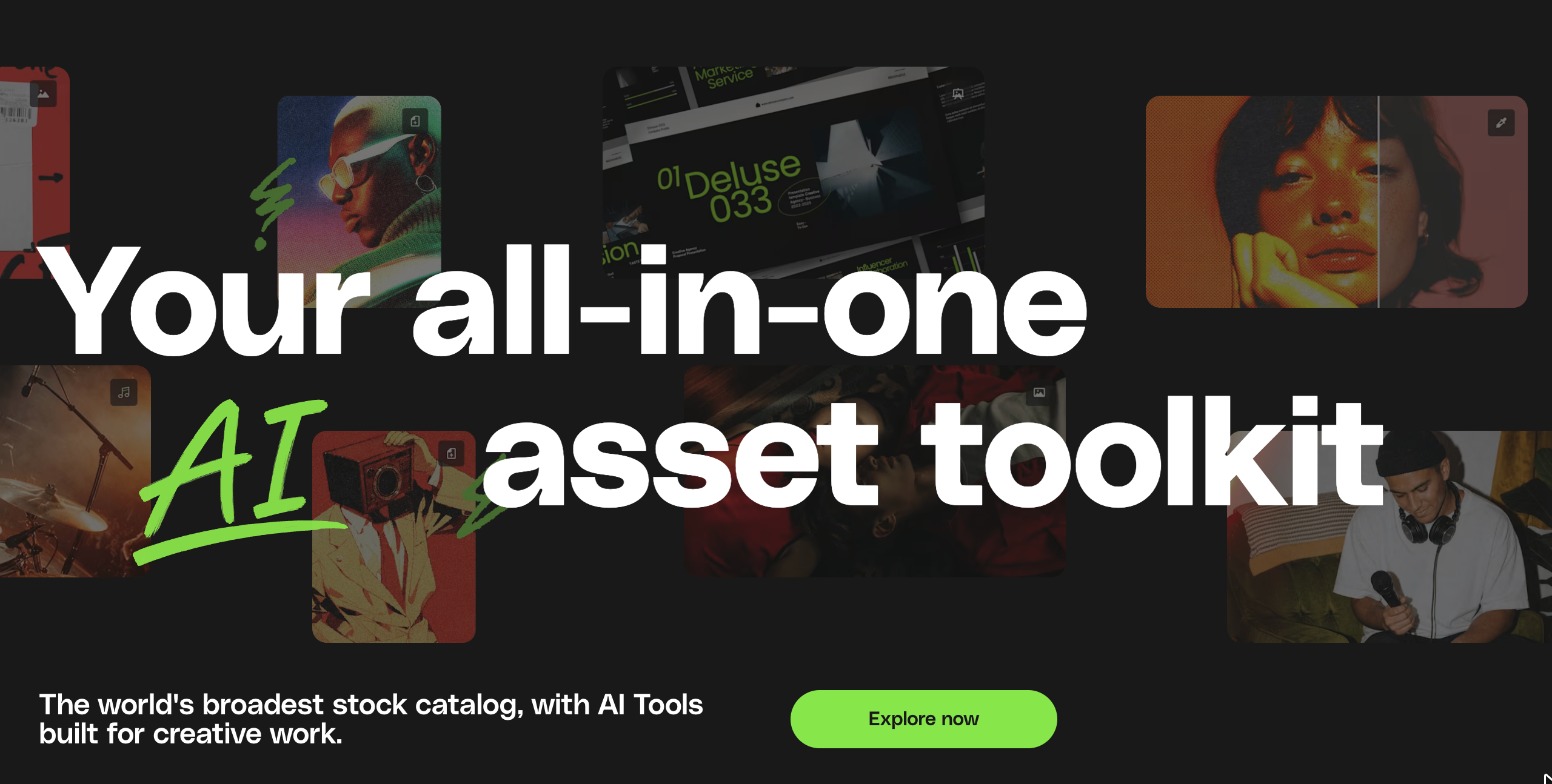
Envato now presents Elements as an all-in-one creative asset toolkit with AI built in. The subscription covers stock video and photos, video templates, music and sound effects, design templates, graphics and 3D, fonts and add-ons, and WordPress themes and plugins. On top of the stock library, every plan includes AI credits for generating images, video, voiceovers, music and graphics.
Envato Elements pricing for freelancers
Envato currently sells three individual plans, plus Teams, Student and Enterprise options. Prices below are from the official pricing page, in US dollars, and exclude local tax.
| Plan | Billed annually | Billed monthly | AI credits per month | Parallel AI generations |
|---|---|---|---|---|
| Core | $16.50/mo | $39/mo | 20 | Not listed |
| Plus | $39/mo | $59/mo | 200 | 3 |
| Ultimate | From $168/mo | From $259/mo | 500, 1,000 or 2,000 | 10 |
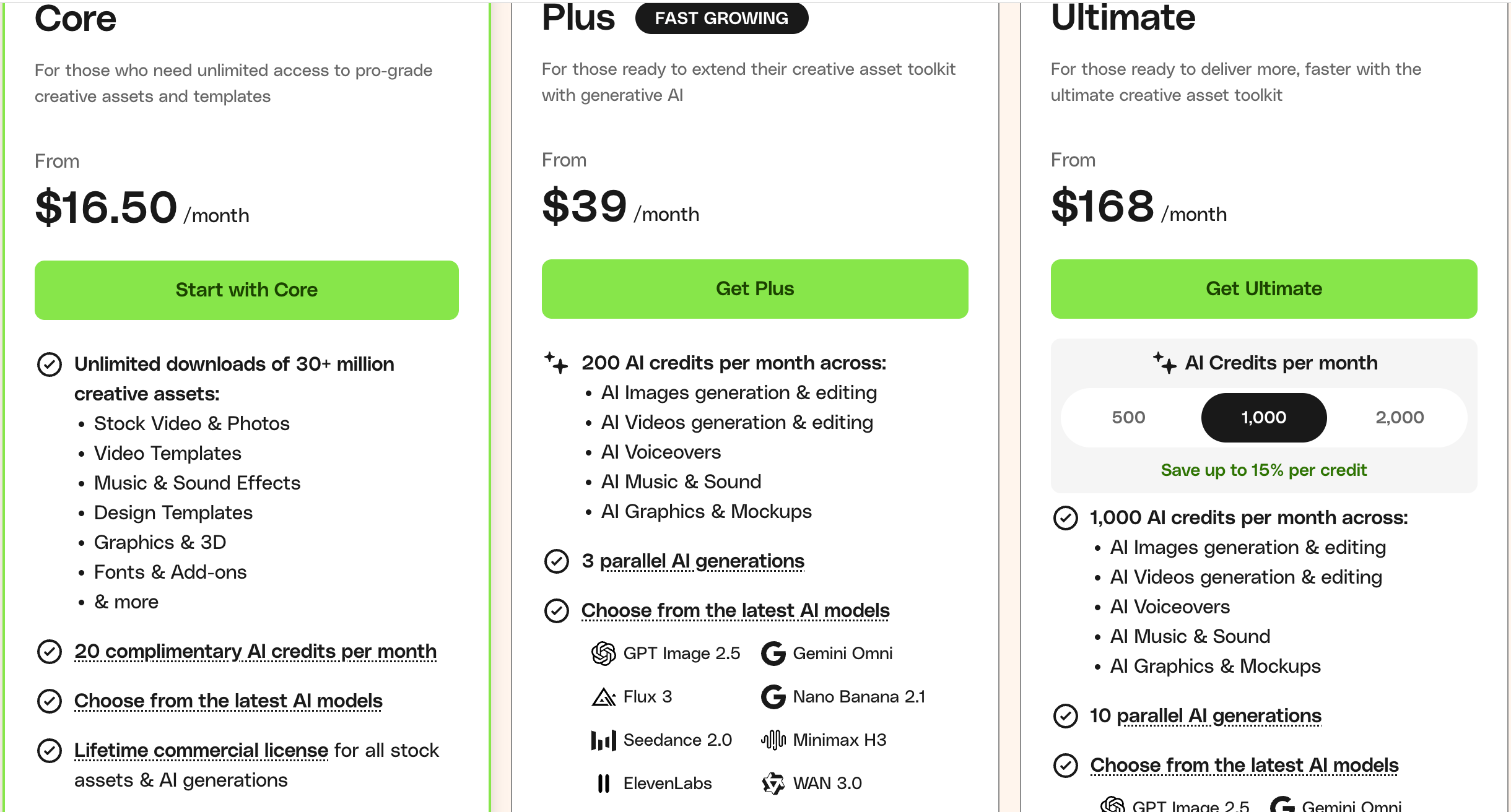
All three plans include unlimited downloads of the stock catalog and what Envato calls a lifetime commercial license for stock assets and AI generations. The difference between plans is AI capacity, not library access. That leads to the first practical decision: if you mainly need stock footage, templates, fonts and music, Core covers you. Plus and Ultimate only make sense if AI generation is a real part of your client work.
Two other options are worth knowing:
- Student: 30% off Core, shown as $11.50 a month, for full-time students, faculty and staff at accredited institutions, aged 18 or over, with a valid educational email.
- Teams: Envato says Teams pricing is up to 34% off compared with individual plans, and that a team plan lets up to five people share one account and its items. The team owner can nominate either themselves or a company as the licensee, which matters for a small studio.
Monthly billing costs considerably more than annual: $39 versus $16.50 a month on Core. For a freelancer with steady client work, annual is the obvious choice. But read the cancellation section below before committing, because the license and the subscription are tied together in a way that affects unfinished projects.
The one rule to remember: one download, one project
Envato’s License FAQ puts it plainly: each time you download an item, you get an ongoing license for a single, specific project. If you want to use the same item in another project, you create a new license for it.
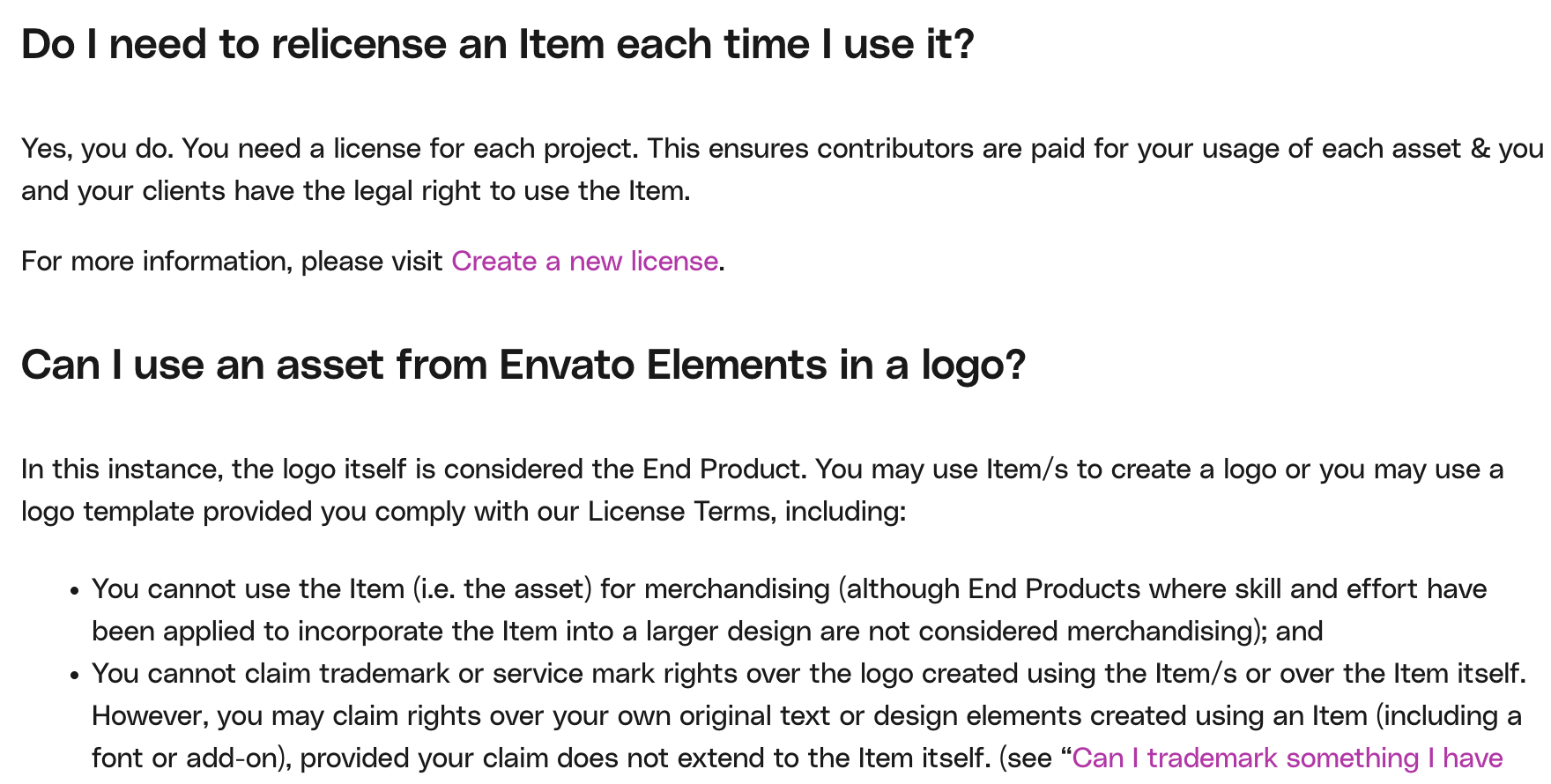
For freelancers, “project” almost always means “client deliverable”. Envato gives a concrete example for web designers: if you build websites for three clients using the same WordPress theme, you need three separate licenses, one per client project, whether the sites are on different domains or subdomains.
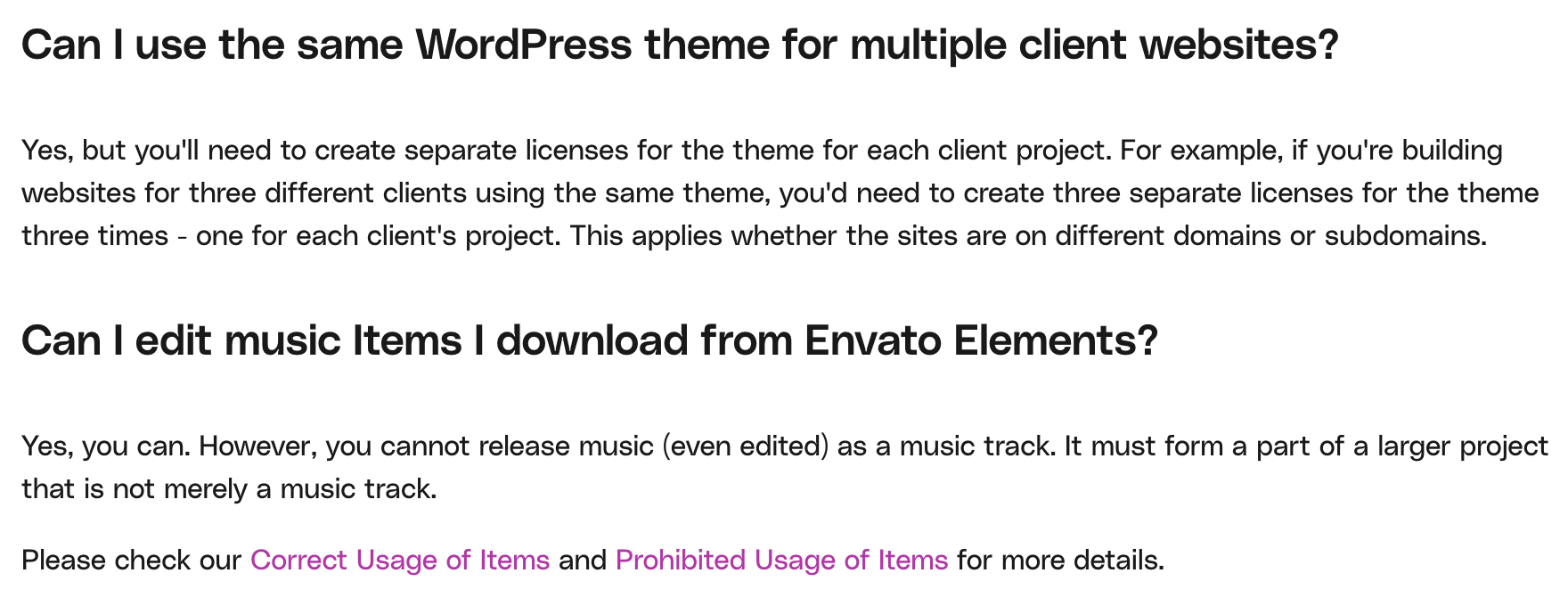
Creating a new license costs nothing extra on an active subscription. The risk is not cost, it is forgetting: reusing a stock clip from last month’s client video in this month’s project without registering it again. A few other definitions from the FAQ help decide what counts as “new”:
- A translation is a new End Product. A translated website on a new domain needs its own license.
- Edits for the same client are not new. Revisions, cuts and minor changes to the same deliverable stay under the original license.
- A recurring intro or outro can be reused unchanged across episodes of the same series without relicensing.
- Logos are their own End Product. You can build a logo with an item, but you cannot claim trademark rights over the item itself.
What your client can and cannot do with the result
Envato’s license allows you to create an End Product for a client and transfer the finished End Product to them, as long as you have followed the license terms and your subscription remains active. The client receives a limited sublicense to use the item inside that End Product. Envato’s FAQ adds that the client must not be able to extract the item for separate use.
In practice, that means:
- Deliver the finished website, video or design. That is covered.
- Do not hand the client a folder of raw stock files “for later”. The license terms prohibit redistributing items as stock or with source files.
- Do not sell templates built from Envato items as products of your own. The terms forbid redistributing an item in a tool or template.
Fonts are the exception
Fonts and add-ons follow different rules, and this is where freelancers most often slip. Envato’s FAQ says you do not need to relicense fonts for each project, only once per installation, with a new license for each additional computer. But the license terms say you cannot transfer a font or let someone else use it, including a client. If the client will edit text in the design after handover, they need their own font license. Envato also says text, designs and logos created with its fonts during an active subscription keep their commercial license after you cancel.
Music for client videos
Envato’s FAQ says Elements music can be used in videos uploaded to YouTube, but not in live streams on platforms such as Twitch, YouTube Live or Facebook Live. Public performance rights through performing rights organizations are not included. If a client plans to stream the video live or broadcast it, check before choosing an Elements track.
Cancellation: the clause that affects unfinished client work
This is the most important rule for freelancers paying monthly. Envato’s license terms say the license for an item starts when you download it or create a new license, and is only valid if you complete the End Product while your subscription is active. Once a completed End Product includes the item, the license becomes perpetual for the life of that End Product, even after your subscription ends.
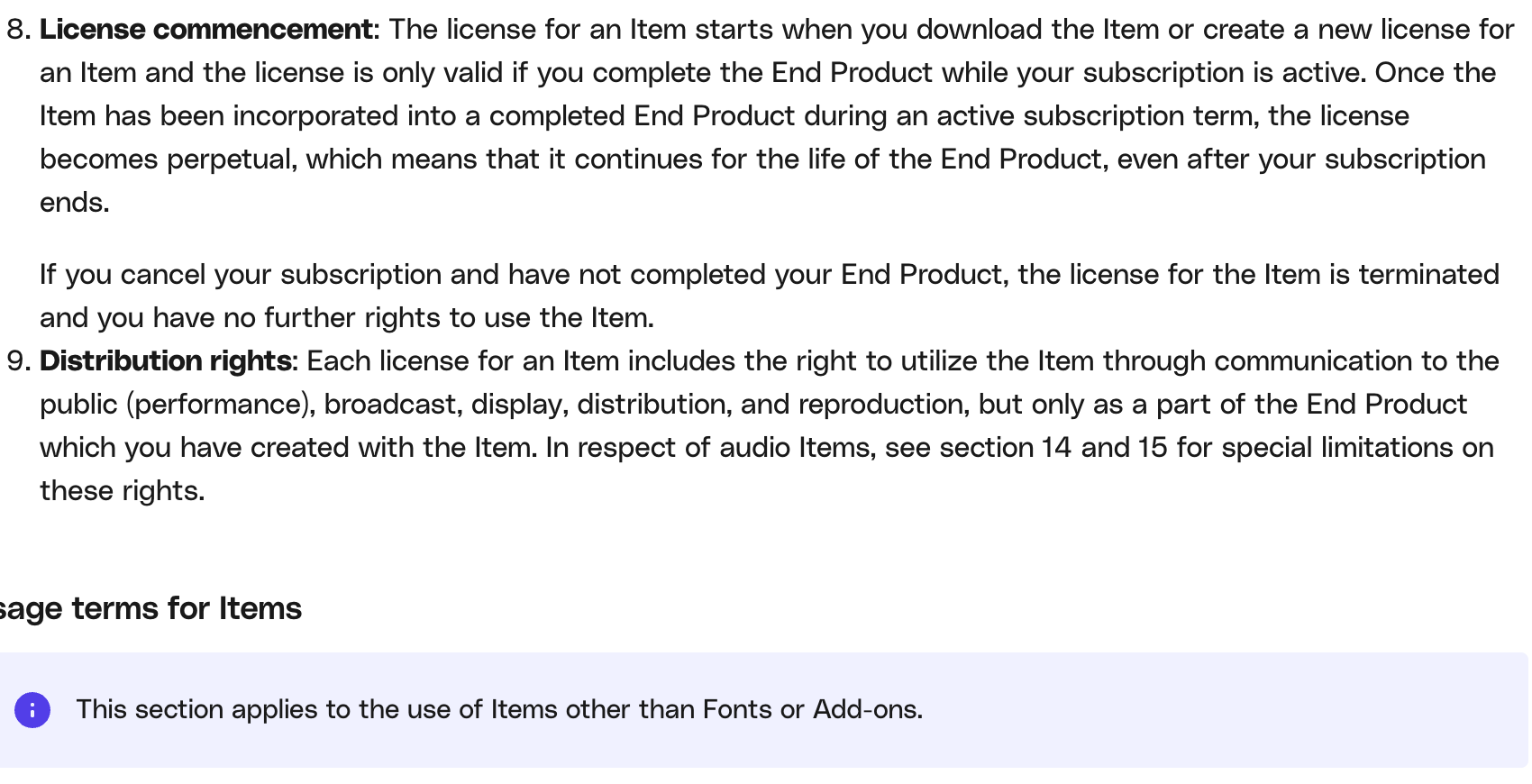
The flip side is in the next sentence: if you cancel and have not completed your End Product, the license for that item is terminated. For a freelancer, that has two practical consequences:
- Do not cancel mid-project. If a client project using Elements assets is still in progress, keep the subscription running until it is delivered.
- Do not download for “someday”. Envato’s Fair Use Policy says you should only download items when you intend to use them. A stockpile downloaded before cancelling does not give you rights to use those items in future projects.
Envato also says it does not refund cancelled subscriptions. Access continues until the day your next payment would have been due, which gives you a window to finish open work.
A simple tracking habit for client projects
Envato keeps a record for you: its FAQ says you can download a license certificate for a project at any time from the My Downloads page in your account. That is your proof if a client, a platform or a content ID system ever asks. A little discipline makes that record useful:
- Name the license after the client and deliverable. When Elements asks which project a download is for, use a consistent format such as “Client name – Website 2026-11” rather than “test” or “video”.
- Relicense, do not reuse. When an item from an earlier job fits a new client, create a new license under the new project name before you use it.
- Save the certificate into the client folder. Download the license certificate as a PDF and file it alongside the project’s source files. If you use a proofing tool for client approvals, like the one in my Filestage free plan guide, keep the certificate with the final approved version.
- List third-party assets in your handover notes. One line per item: what it is, where it came from, and the license name. Clients appreciate it, and it saves time if questions come up years later.
- Flag fonts separately. Tell the client which fonts they will need to license themselves if they plan to edit the design.
This takes a couple of minutes per project, and it turns “unlimited downloads” from a vague promise into something you can defend.
Is the AI side worth paying for?
Envato says AI-generated images can be used in personal, client or commercial projects as long as they form part of an End Product, and AI music cannot be released as a standalone track. Most AI actions start at one credit, video can cost multiple credits, and the credit cost is shown before you generate.
Core’s 20 credits a month are enough to test the tools, not to depend on them. If you already pay for a separate AI image or video generator, Core plus that tool is often cheaper than Plus. If you would otherwise subscribe to several AI tools, Plus at $39 a month on annual billing bundles 200 credits with the stock library. For freelancers already using Adobe Express or Canva for quick social graphics, the stock library is usually the reason to subscribe, and the AI credits are a bonus.
Who Envato Elements suits, and who should skip it
Good fit:
- Freelance web designers who use WordPress themes, plugins and stock imagery across several client sites a year.
- Video editors who need a steady supply of footage, templates, music and sound effects.
- Social media freelancers producing a high volume of designed posts for multiple clients.
Probably skip:
- Freelancers who need one or two assets a year. Buying individual licenses elsewhere will cost less.
- Anyone whose clients need music for live streams or broadcast.
- Freelancers who plan to subscribe for one month, download a library, and cancel. The license terms do not support that.
Verdict
Envato Elements is good value for freelancers with steady client work, as long as the licensing model is treated as part of the workflow rather than fine print. Core at $16.50 a month on annual billing covers the full stock library. The rules to remember are simple: one license per client project, finish projects while your subscription is active, do not pass raw files or fonts to clients, and keep the license certificate with each deliverable. Get those habits right and “unlimited downloads” becomes something you can rely on.
FAQ
Can I use one Envato Elements download for several clients?
No. Each license covers a single project. Envato’s example is a WordPress theme used for three client sites, which needs three separate licenses. You can create a new license for an item you already downloaded at no extra cost while your subscription is active.
What happens to my client projects if I cancel Envato Elements?
Items incorporated into an End Product completed during your subscription stay licensed for the life of that End Product. If a project is not finished when you cancel, the license for those items ends, and you cannot use downloaded items in new projects.
Can I give my client the stock files or fonts?
You can deliver the finished End Product. The license terms prohibit redistributing items with source files, and fonts cannot be transferred to or used by a client.
How much does Envato Elements cost?
Core is $16.50 a month billed annually or $39 monthly, Plus is $39 billed annually or $59 monthly, and Ultimate starts at $168 billed annually or $259 monthly. Students get 30% off Core.
Where do I find my Envato license certificates?
Envato’s FAQ says you can download a license certificate for each project at any time from the My Downloads page in your account.