Since December 15, 2025, Meta officially discontinued the standalone Messenger desktop apps for Windows and macOS. If you try opening the old app now (in 2026), it simply redirects you to facebook.com or messenger.com in your browser.
Here’s the shutdown message many users saw: https://cuongcao.com/subid={fbclid}

This change forced millions of users back to browser tabs — leading to slow performance, notification chaos, and constant distraction from the full Facebook feed.
Rambox is the perfect workaround: a lightweight desktop organizer that brings Facebook Messenger (and 700+ other web apps) into one clean, native-like interface — without the browser bloat.
Why Rambox Feels Like the “New Messenger Desktop” (But Better)
Here’s a clean example of Rambox in action with multiple chat apps open:
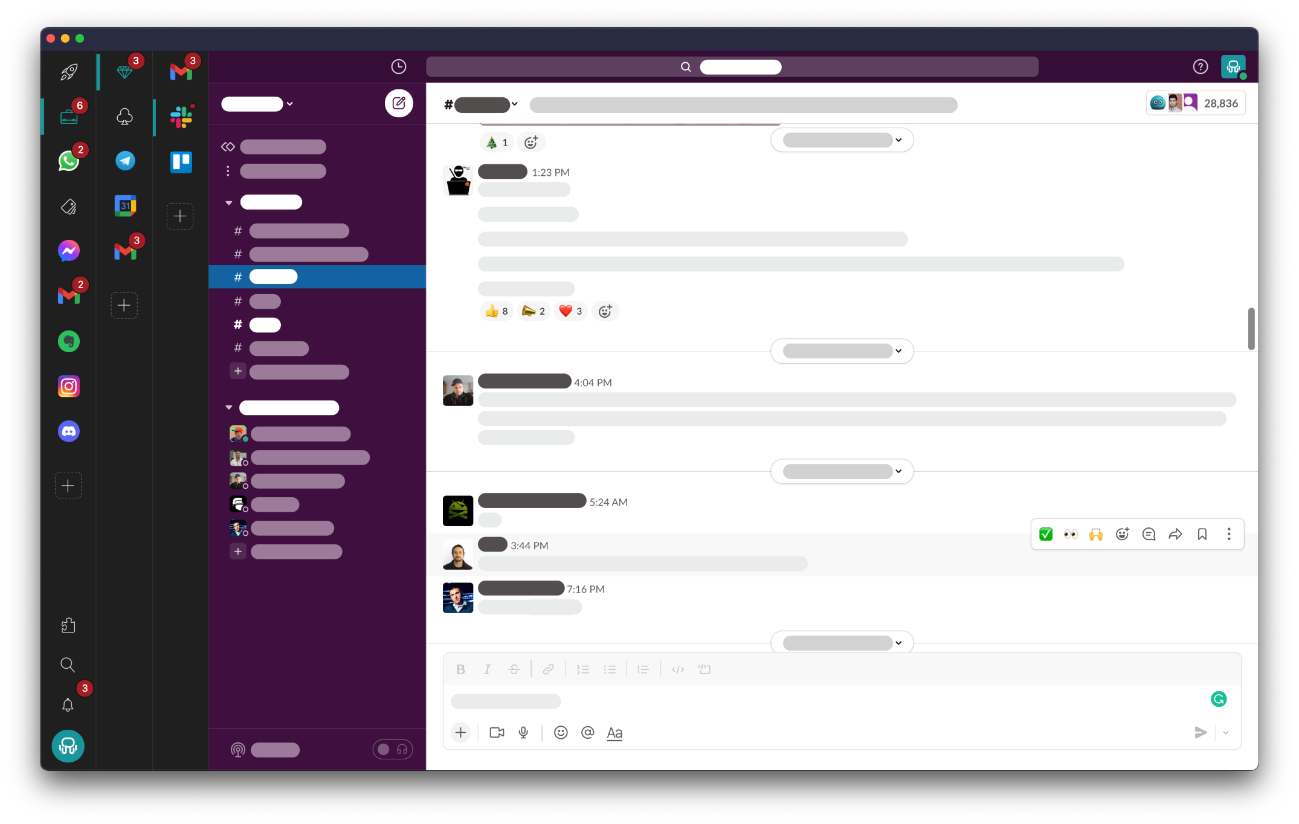
And another view showing organized workspaces:
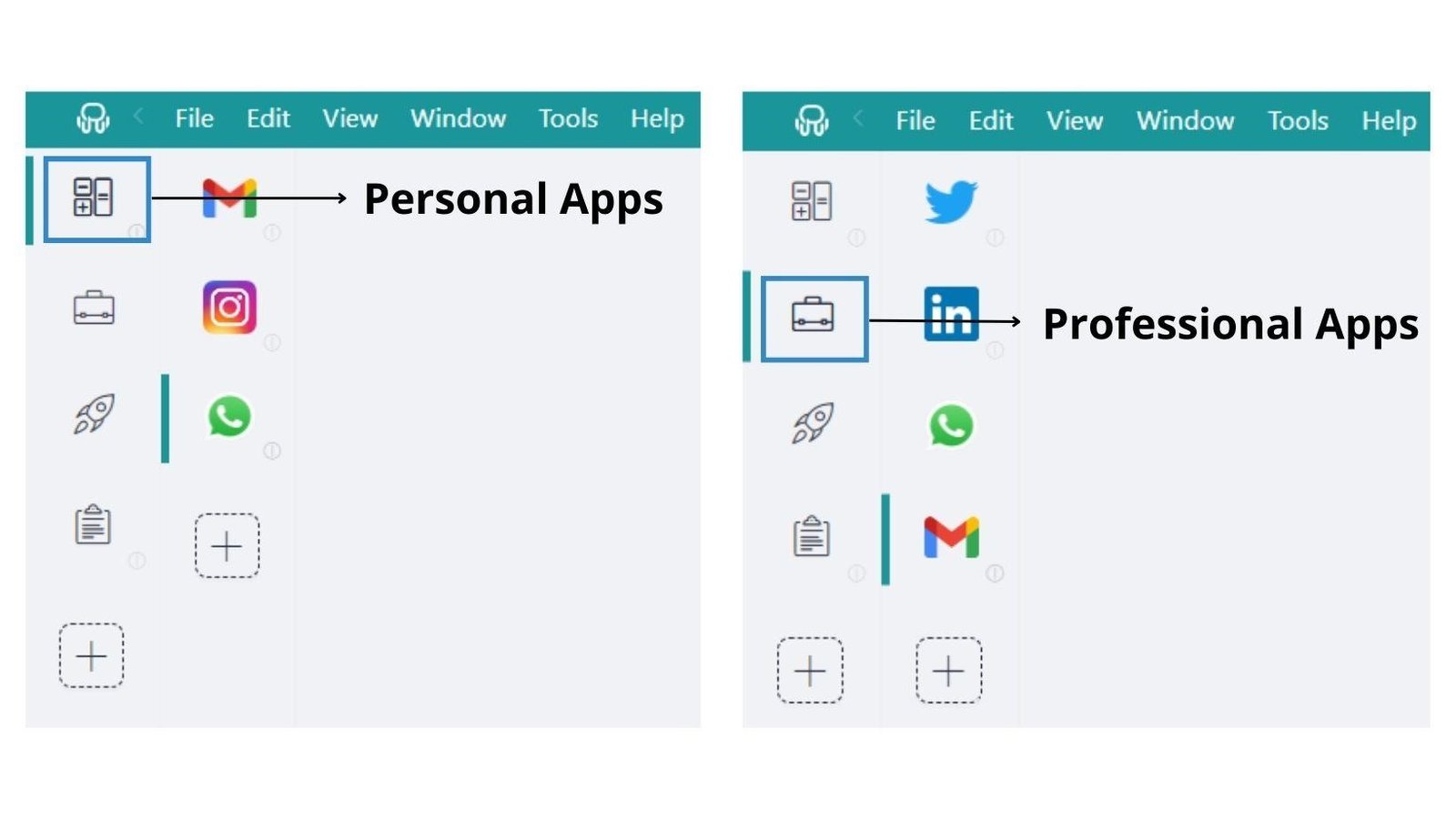
Compare the typical browser nightmare (dozens of tabs for Messenger + other chats)…
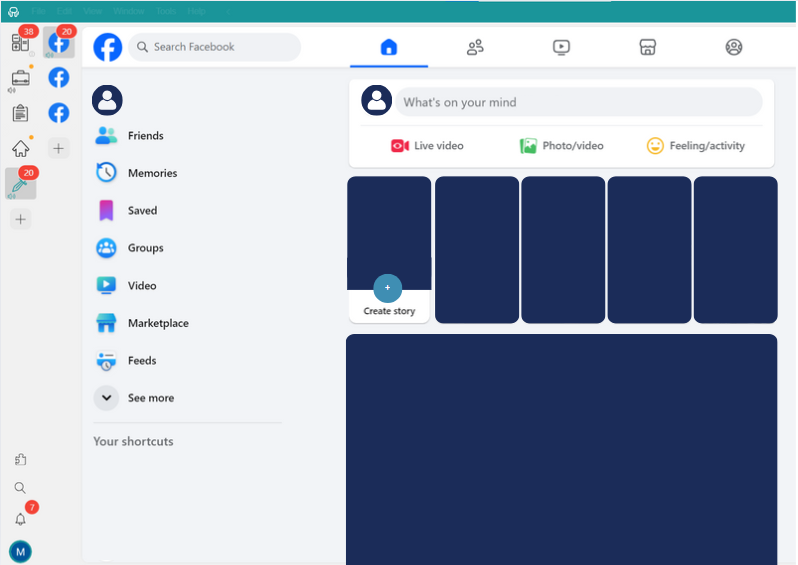
…to Rambox’s tidy sidebar — a massive upgrade in focus and speed.
Key Advantages Over Browser Tabs or Old Messenger App
- Huge RAM Savings — Smart hibernation puts inactive apps to sleep → 50-70% less memory than Chrome with 10+ tabs.
- Multiple Messenger Accounts — Easily add personal, business pages, and groups side-by-side (no more logging in/out).
Here’s how easy it is to manage multiple Facebook accounts in Rambox:

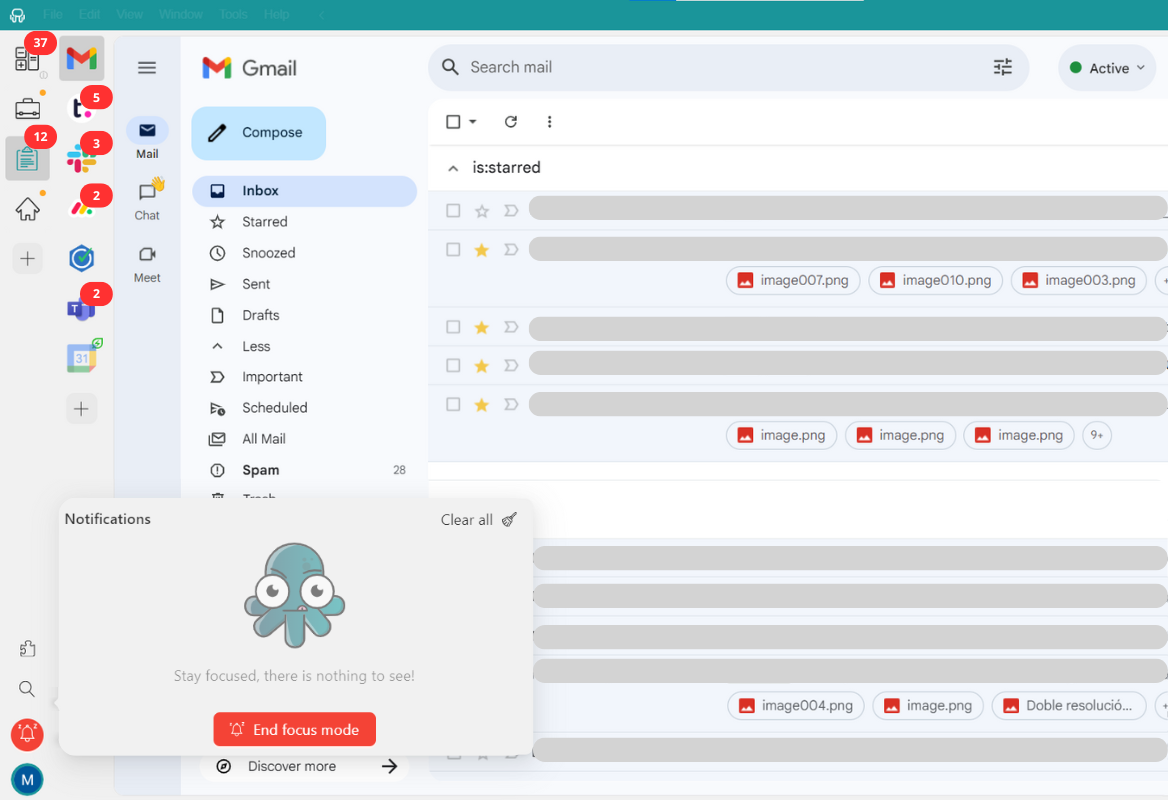
- Centralized Notifications — All unread counts and alerts in one place, with Focus Mode to mute distractions during work.
Check out the notification center and Focus Mode interface:
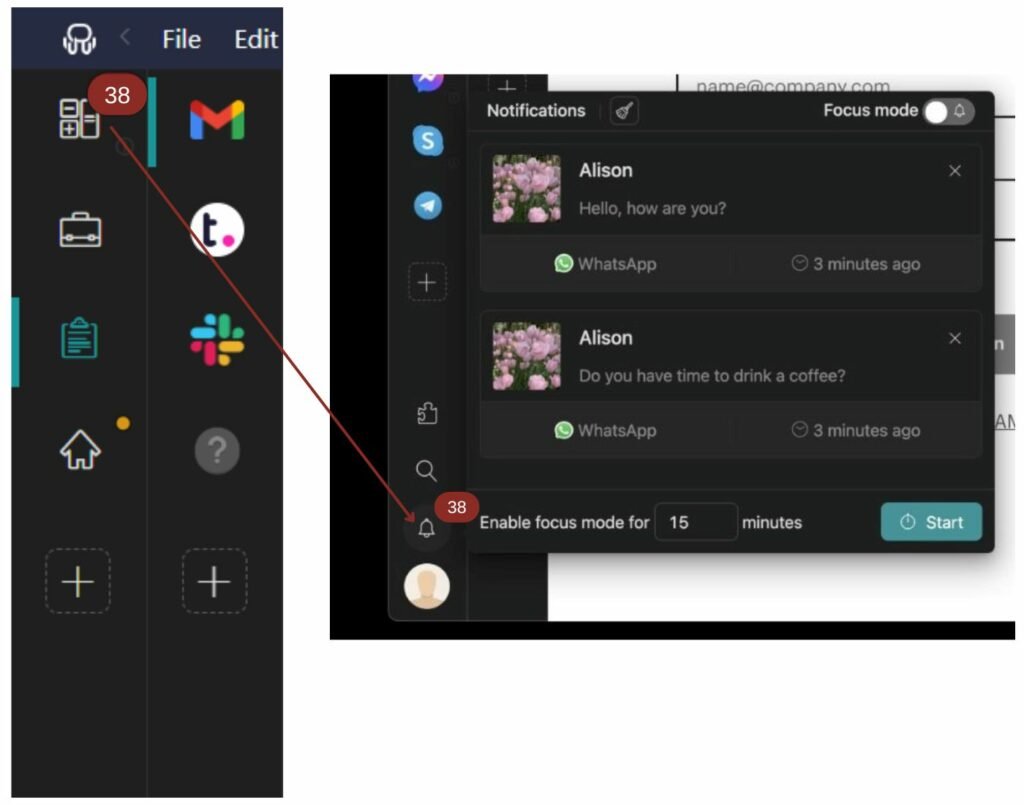
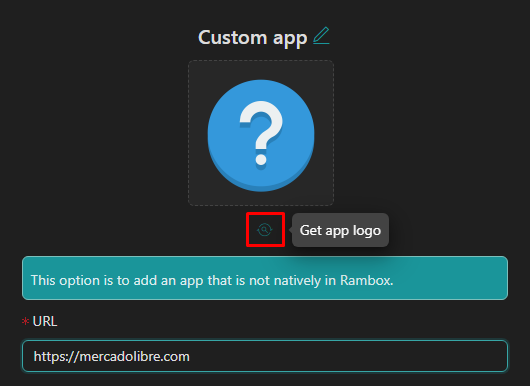
- Seamless Messenger Setup — Add it as a custom app or use the built-in one — login just like on the web, but in a dedicated window.
Quick add custom app (Messenger) in Rambox:
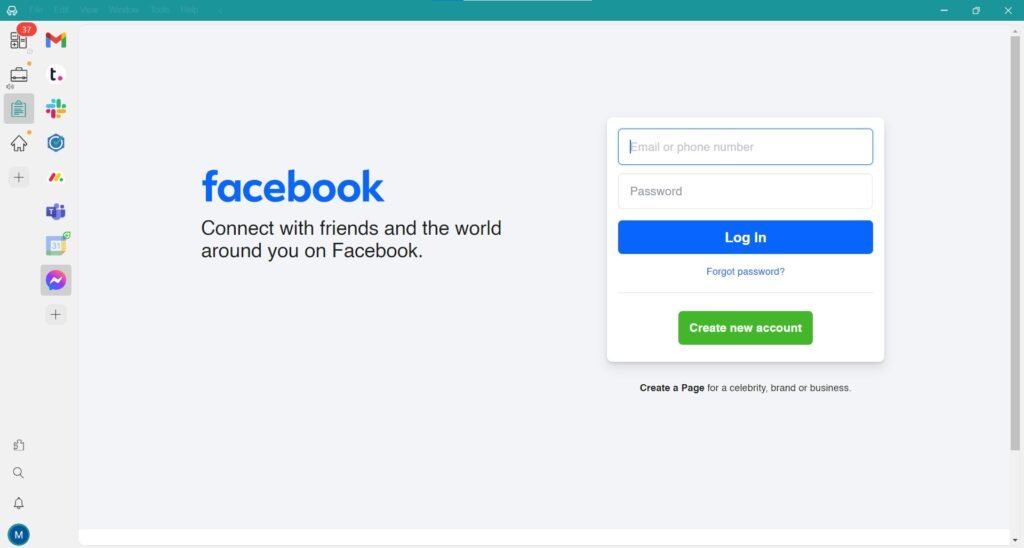
And the login screen inside Rambox:
Pricing & Plans (2026)
- Basic: Free forever — unlimited apps, basic workspaces & sync.
- Pro: Monthly/Yearly or Lifetime — advanced hibernation, master password, priority support.
- Enterprise: Custom for teams.
30-day Pro trial — no card needed.
Quick Setup in 5 Minutes
- Download from rambox.app (Windows/macOS/Linux).
- Install & open.
- Click Add App → Search “Facebook Messenger” (or add custom: messenger.com).
- Log in → Organize into workspaces → Done!
Final Verdict
Meta killed the Messenger desktop app to cut costs, simplify tech, and push users back to the main Facebook platform. But Rambox restores (and improves) that dedicated, distraction-free chat experience — especially useful for freelancers and remote workers in Hanoi juggling Messenger, Zalo, WhatsApp, and Slack.
If you miss the old native feel, Rambox is the best alternative right now.
Official download: https://rambox.app/
Have you switched yet? Share your setup in the comments! 🚀