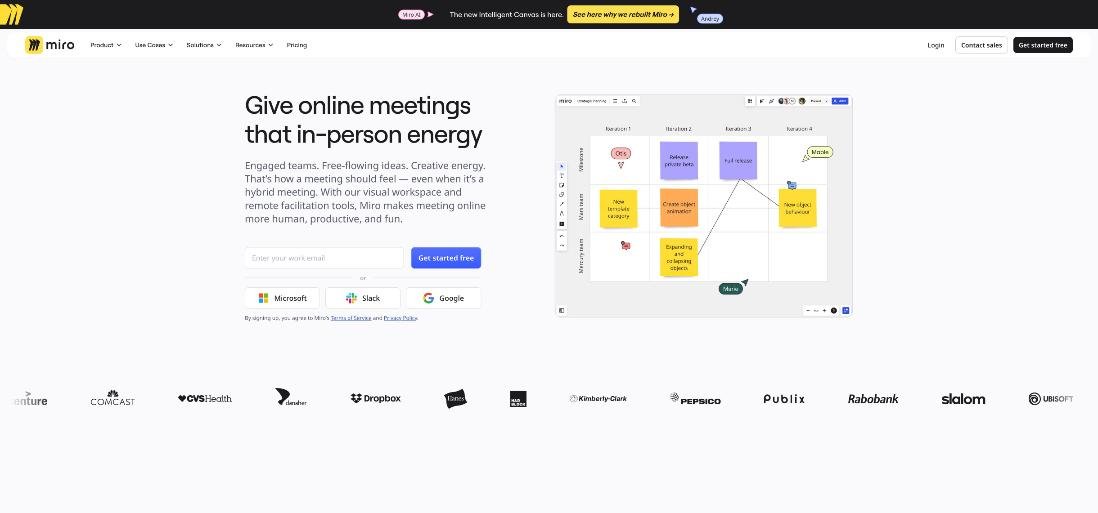
The first meeting with a new client usually decides how the rest of the project goes. If you leave with a vague list of wishes, you write a vague proposal, and the scope creeps from week two. If you leave with priorities the client has agreed to, written down where they can see them, the proposal almost writes itself. That is why more freelancers now run the first call as a short discovery workshop instead of an open conversation, and why Miro for freelancers keeps coming up as the place to run it.
This article is not a tour of Miro’s features. It follows one specific job: running a 60-minute discovery workshop with a client on a Miro board, then turning what is on that board into a scope you can price and get signed. Along the way I will cover which Miro plan the job needs, what the client needs (often nothing), and where Miro’s pricing can surprise a solo freelancer.
Why a board beats a call recording for discovery
Recording the call and summarising it afterwards is better than nothing. I have written before about doing exactly that with Granola on discovery calls. But a recording captures what was said, not what was agreed. The client mentions twelve things they would like, and you are left guessing which three actually matter.
A shared board changes the dynamic. The client writes their own sticky notes, groups them, and votes on what matters most. You end up with their priorities in their words, and they have seen the trade-offs with their own eyes. When the proposal later says “Phase 1 covers the five items you ranked highest”, there is very little to argue about.
What Miro costs a freelancer
Miro’s pricing page lists four plans. Prices below are what I saw when I checked, per member per month.
| Plan | Billed yearly | Billed monthly | What matters for client workshops |
|---|---|---|---|
| Free | $0 | $0 | 3 editable boards, templates, Docs, Tables, Slides and Kanban formats |
| Starter | $8 | $10 | Unlimited and private boards, visitor editing without sign-in, high-res exports, timer and voting, 25 AI credits per member per month |
| Business | $20 | $25 | Unlimited workspaces, unlimited signed-in guests, Engage activities such as polls and a 2×2 matrix, 50 AI credits per member per month |
| Enterprise | Custom | Custom | Custom pricing from 30 members, security and admin controls |
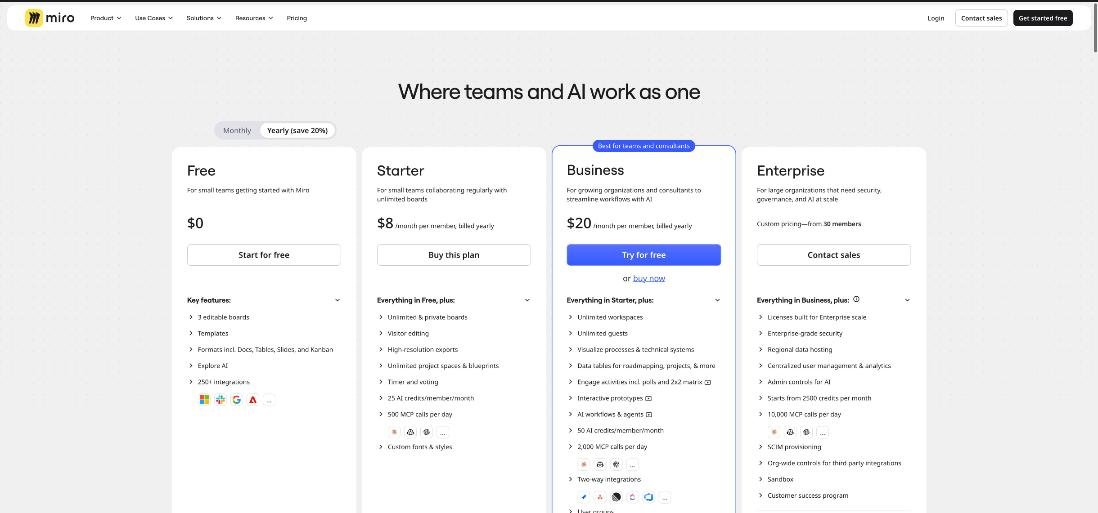
Because Miro charges per member, a solo freelancer pays for one seat. Your client does not need a seat to take part, and that is the most important detail for this workflow.
The free plan’s real limit
On Free, you can create and share unlimited boards, but only the three most recent remain editable. For a freelancer who runs a workshop with every new client, that runs out quickly. The fourth client’s board pushes the first client’s board into read-only, which is fine for an archive but frustrating if a project comes back for a second phase. Free also lacks the timer and voting tools, which are the two features that make a workshop feel structured rather than chatty.
Why Starter is the freelancer plan
Starter adds three things this workflow depends on. Visitor editing lets you share a board publicly so others can edit it with no sign-in required. That means a client can click a link and start adding notes without creating a Miro account. Timer and voting, together with private mode and notes, give you the facilitation tools for the workshop itself. Unlimited private boards remove the three-board ceiling, so every client keeps an editable board.
When Business makes sense
Business is worth considering if your clients’ security policies do not allow public links, or if you want each client in a separate workspace. It adds unlimited signed-in guests, so the client logs in with their own account and gets access only to what you share. Business also adds Engage activities (polls, a 2×2 matrix and scales) that are mobile-friendly, which some freelancers like for larger stakeholder groups. For most solo work with one or two client contacts, Starter covers it.
Setting up the discovery board
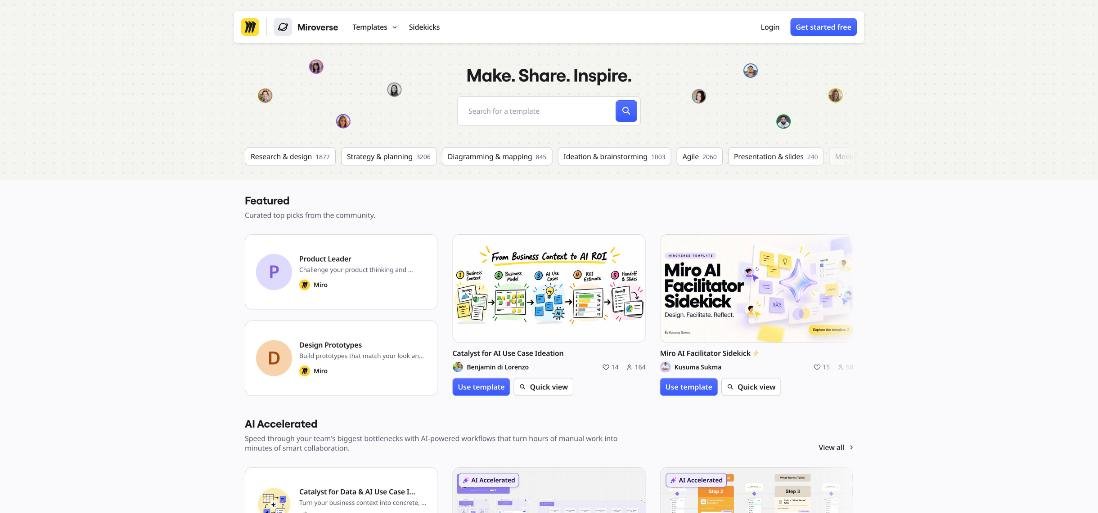
I build one template board and duplicate it for every new client. Miro’s template library (Miroverse) lists more than 7,000 community and Miro-made templates, so you can start from a brainstorming or workshop template rather than a blank canvas. Mine has five frames, laid out left to right in the order of the session:
- Welcome. The agenda, the session length, and a single sentence describing the outcome: “By the end, we will agree on what Phase 1 includes.”
- Goals. Empty space for sticky notes answering one question: “What would make this project a success six months from now?”
- Wish list. Everything the client wants, without filtering.
- Priorities. A grid with “high value / low effort” in one corner and “low value / high effort” in the other.
- Agreed scope. An empty frame you fill together at the end.
Give the client a colour. If they write in yellow and you write in blue, there is never any doubt later about who suggested what.
Running the 60-minute workshop
Minutes 0 to 10: goals
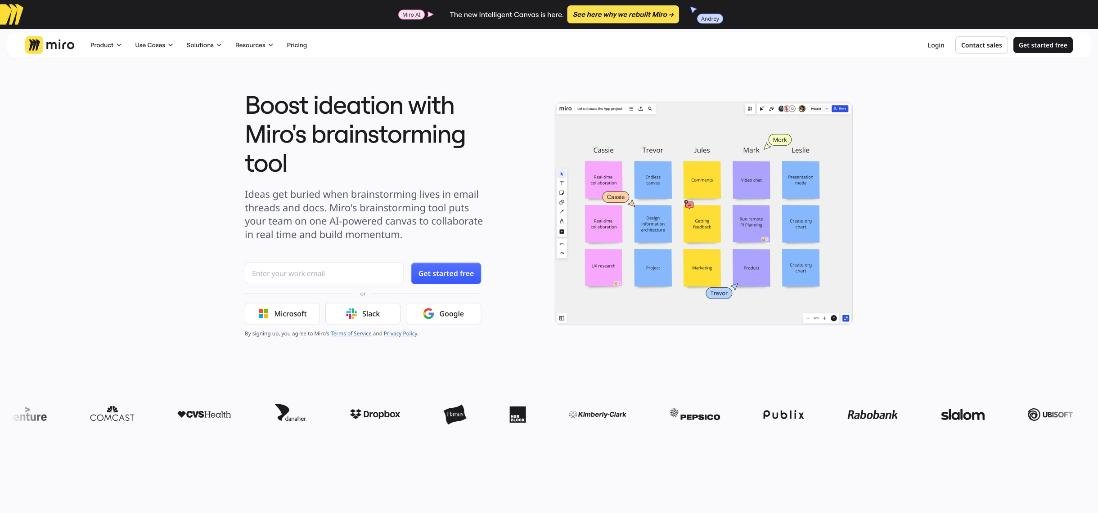
Share your screen briefly to show the board, then send the link so the client can work on it themselves. Set the timer for five minutes and ask everyone to write goals as sticky notes, one idea per note. Private mode helps here, because it hides other people’s notes until time is up, so the most senior person in the room does not anchor everyone else.
Minutes 10 to 30: the wish list
Same structure: timer on, notes in. Then group similar notes together and give each cluster a short label. This is where you will spot the two or three areas the client keeps returning to. Ask clarifying questions out loud and write the answers as notes next to the cluster, so the context stays on the board.
Minutes 30 to 45: voting and the priority grid
Start a vote and give the client a fixed number of votes, typically three to five, to spend on the clusters. Then move the winning clusters onto the value/effort grid together. You bring the effort estimate, they bring the value. The items that land in “high value, low effort” become your Phase 1 candidates. Items in “high value, high effort” become Phase 2 or a separate quote.
Minutes 45 to 60: agree the scope on the board
Drag the Phase 1 items into the Agreed scope frame and read them back one by one. Ask the client to say yes to each item out loud. Then add one more note: “Not in Phase 1”, listing what was discussed but deliberately left out. That last note prevents more scope arguments than any contract clause.
From board to signed scope
After the call, the board becomes your source document:
- Export the agreed-scope frame. On Starter, you can download frames in high resolution as JPG or PDF. Attach the PDF to your proposal or paste the image into its scope section.
- Write the scope from the frame. Each sticky note becomes a deliverable line. The “Not in Phase 1” note becomes an exclusions list.
- Use AI for the first draft of the summary. Starter includes 25 AI credits per member per month, which Miro estimates at about 12 document summaries. Turning the board into a summary is a reasonable use, but read and edit it before it goes to the client.
- Price it and send it for signature. If you use a proposal tool, the agreed-scope frame translates directly into line items. I worked out the break-even maths for one such tool in Proposify for freelancers, priced against a single won project.
Keep the board after the project starts. When the client asks for something new in week three, open the board, point to the “Not in Phase 1” note, and offer a change order. It is a much easier conversation when the evidence is in the client’s own handwriting, so to speak.
Things that can go wrong
- Public links travel. Visitor editing means anyone with the link can edit. Do not put confidential client data on a publicly shared board, and turn off public access once the workshop is over.
- Some companies block public boards. Larger clients may have IT rules against tools their staff are not signed in to. In that case, either the client invites you to their own Miro workspace, or you need Business for signed-in guests.
- Too many tools at once. A client who has never used a whiteboard can freeze when faced with a toolbar. Show them only two things: how to add a sticky note and how to move it. Everything else you do for them.
- AI credits are monthly and per member. Heavy use of AI diagram or summary features can use up 25 credits quickly. Treat them as a convenience rather than part of the workflow.
Is Miro worth it for freelancers?
For freelancers who sell projects with a real scoping phase (designers, developers, consultants, marketers), yes, and Starter is the plan to choose. Eight dollars a month on yearly billing, or ten on monthly, buys unlimited editable boards, sign-in-free client access and the facilitation tools that turn a call into a workshop. If one workshop prevents one round of unpaid scope creep, the annual cost is covered.
If your work is small, repeatable tasks with no discovery phase (a logo refresh, a single landing page, a monthly retainer with fixed deliverables), Miro’s free plan or no whiteboard at all is fine. And if most of your clients are large companies with strict IT policies, budget for Business or plan to work inside their workspace.
FAQ
Does my client need a Miro account to join a workshop?
Not on Starter or higher. Visitor editing lets you share a board publicly so others can edit it without signing in. On Business, you can also invite clients as signed-in guests.
How much does Miro cost for a freelancer?
When I checked, Starter was $8 per member per month billed yearly or $10 billed monthly, and Business was $20 billed yearly or $25 billed monthly. A solo freelancer needs one seat.
Is the Miro free plan enough for client work?
Only for a handful of clients. The free plan keeps just the three most recent boards editable, and it does not include the timer and voting tools.
Which Miro plan includes timer and voting?
Timer and voting, along with private mode and notes, are listed as Starter features, so they are also included in Business.
Can I export a Miro board as a PDF for a proposal?
Yes. Starter adds high-resolution exports, letting you download frames as JPG or PDF.
How long should a client discovery workshop be?
Sixty minutes works well for most freelance projects: about ten minutes on goals, twenty on the wish list, fifteen on voting and prioritising, and fifteen on agreeing the scope.