Most Grammarly reviews are written by native speakers testing whether it catches typos. That’s not the question for non-native English speakers. If English is your second language, your mistakes follow patterns: missing articles, the wrong preposition, phrases translated word for word from your first language. You also need more than a corrected sentence. You need to understand why it was wrong, so you stop making the same mistake.
This guide looks at Grammarly from that angle. It covers what the free plan already catches for multilingual writers, what Pro adds that matters for fluency, and how to set it up so it builds your English instead of replacing it. Plan details come from Grammarly’s official plans page and product pages, checked today.
Why non-native English speakers need a different checklist
A native speaker mostly makes slips: a typo, a missing word, a sentence that runs on. A second-language writer usually writes correct words in a slightly unnatural order, or uses a grammar rule from their first language. Vietnamese, for example, has no articles and doesn’t mark verbs for tense, so “a”, “the” and past tenses are classic trouble spots for Vietnamese speakers writing English.
So when judging a writing assistant, I ask three questions:
- Does it catch the pattern errors second-language writers make?
- Does it explain the fix, or just apply it?
- Does it help the text sound natural, not just correct?
What Grammarly Free already does for multilingual writers
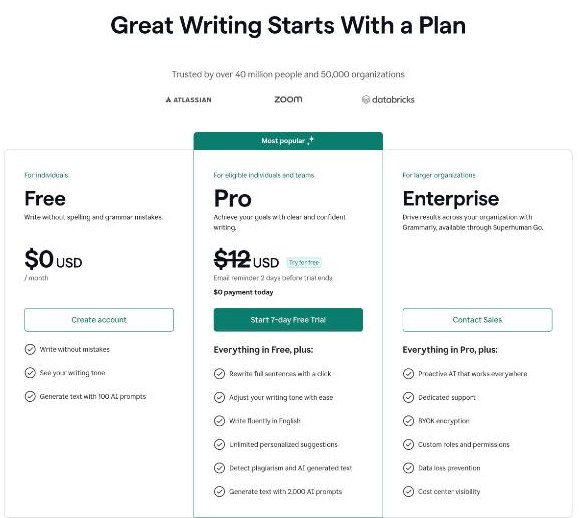
The free plan is more useful for second-language writers than people expect. According to Grammarly’s plans page, Free includes:
- Spelling and grammar correction (“write without mistakes”)
- Tone detection, so you can see how your writing comes across
- 100 AI prompts a month for generating text
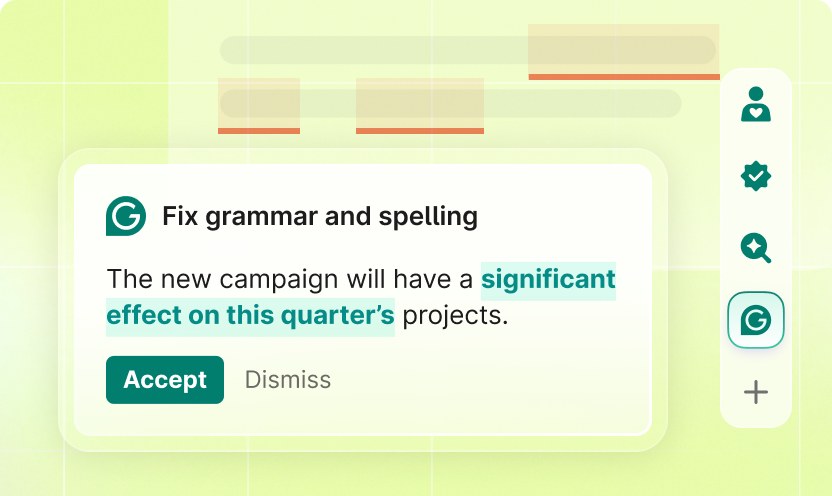
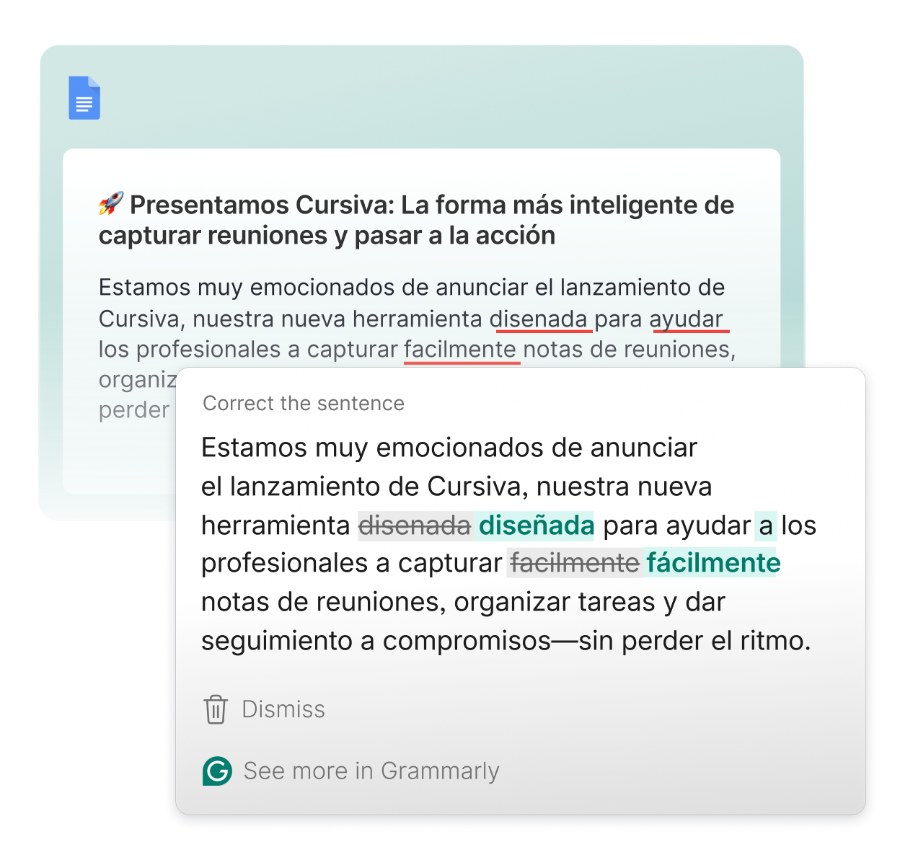
Grammarly has also written about how its grammar suggestions flag the common errors multilingual speakers make, such as dropped articles and misused prepositions (“on” instead of “in”). It groups them under a label aimed at multilingual speakers in the spelling and grammar category. For many people, these two error types are a large share of the problem, and they’re covered without paying.
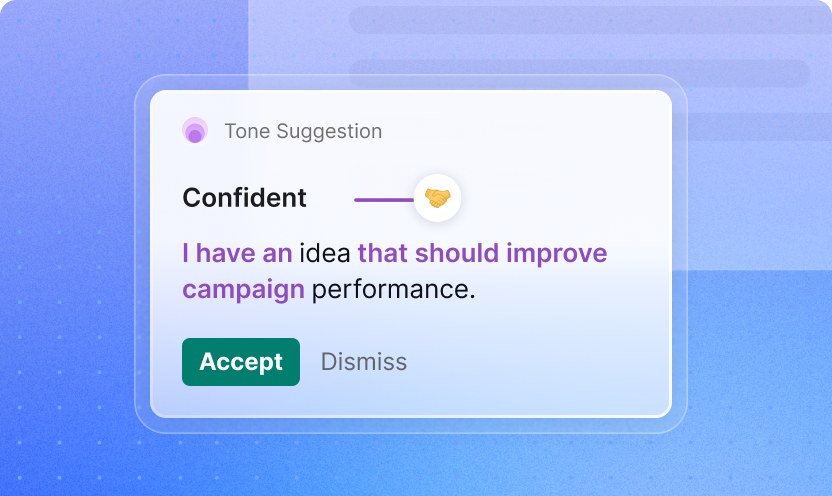
Tone detection is underrated for second-language writers. A message can be grammatically perfect and still sound blunt, because directness rules differ between cultures. Seeing a tone read-out before you send a client email is a useful check.
What Pro adds that matters for fluency
Grammarly Pro is listed from $12 USD per month on the plans page, with a 7-day free trial. The page notes you get an email reminder two days before the trial ends. Here is what Pro adds over Free, taken from the plans page, and how much each one matters if English isn’t your first language:
| Pro feature | Value for non-native writers |
|---|---|
| Write fluently in English | High: aimed at wording that is correct but sounds unnatural |
| Rewrite full sentences with a click | High, but use with care (see the setup section below) |
| Adjust your writing tone | Medium to high for client and workplace email |
| Unlimited personalized suggestions | Medium |
| Detect plagiarism and AI-generated text | Medium for students and freelance writers |
| 2,000 AI prompts per month (vs 100 on Free) | Low to medium, depending on how much you draft with AI |
The fluency feature is the main reason a second-language writer would pay. Grammarly describes these suggestions as targeting text that is technically correct but doesn’t read naturally to a native speaker. That’s the gap Free can’t close.
Tailored suggestions by first language: check yours
Grammarly has written that its premium tier gives speakers of French, German, Hindi, Mandarin and Spanish suggestions tailored to their first language. These include flagging “false friends”, words that look similar in both languages but mean different things. If your first language isn’t on that list (Vietnamese isn’t, for example), don’t expect that specific help. You still get the general fluency and multilingual-error suggestions.
Multilingual support beyond English
Grammarly now checks writing in more than 20 languages, not only English. Its languages page lists Vietnamese among them, along with Chinese, Korean, Indonesian, Tagalog, Hindi and most major European languages. Paragraph-level rewrites in other languages are currently limited to Spanish, French, Portuguese, German and Italian. Built-in translation covers 19 languages.
For a bilingual worker, this means one tool can check both your English client emails and your messages in your first language. Translation helps when you think in one language and write in another, but don’t use it to replace English writing practice.
How to set up Grammarly so it teaches, not just fixes
The biggest risk for a second-language writer isn’t that Grammarly misses something. It’s that you accept every suggestion and never learn the pattern. Here’s the setup I’d recommend.
1. Set your English dialect on day one
Choose American or British English (or another variant) in your settings and keep it consistent. Many “errors” second-language writers see are spelling differences between variants, such as color and colour. Fixing the dialect removes that noise.
2. Read the explanation before you click accept
Every grammar card has a short explanation. For the first few weeks, read it every time an article or preposition is corrected. You’ll quickly see that most of your corrections fall into a handful of patterns.
3. Keep a personal error log
Once a week, write down the three corrections that came up most often, with your wrong version and the right one. This takes five minutes and is the fastest way to stop needing the correction at all.
4. Don’t use one-click rewrites on your first draft
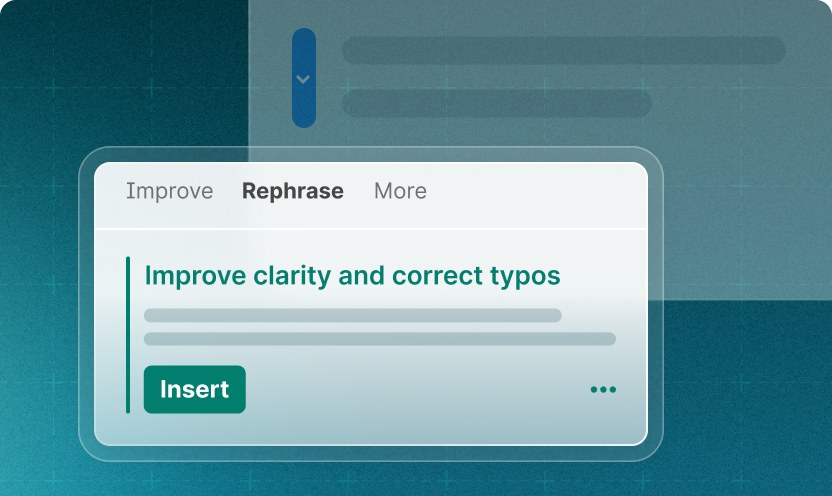
Full-sentence rewrites are useful, but if you rewrite everything, your writing stops sounding like you. Write the draft yourself, fix grammar first, and then rewrite only the one or two sentences that still feel clumsy.
5. Check tone last, and only for important messages
Before sending something to a client, a manager or a stranger, look at the tone read-out. If it reads as “direct” or “confident” and you meant “friendly”, soften one line. Don’t let it turn every email into the same polite template.
6. Write in the tools you already use
Grammarly works in browsers, desktop apps for Windows and Mac, Microsoft Office, Google Docs and mobile keyboards. Install it where you actually write: your email client, Slack or chat tool, and documents. Checking a final draft in a separate editor catches far less than checking as you write.
A 10-minute routine for important English emails
Settings help, but habits matter more. Here’s a routine I’d use for any email that could affect a deal, a job or a client relationship:
- Write the message in full first. Don’t stop for every underline. Getting your ideas down in your own words matters more than perfect grammar at this stage.
- Clear the red underlines. These are spelling and grammar issues. Read the explanation for any article, preposition or tense fix, and note it in your log if it’s a repeat.
- Review clarity and fluency suggestions. On Pro, look at suggestions that make wording sound more natural. Accept the ones that keep your meaning, and reject the ones that change it.
- Read the email out loud once. This catches what software misses: a sentence that’s too long, or a word you’d never actually say.
- Check tone, then send. Make sure the tone read-out matches your intent, especially for complaints, refunds and follow-ups.
If the routine works, the number of grammar cards per email should go down over the following weeks, because the repeated patterns get fixed at the source. That’s the real sign the tool is working for you.
Free or Pro? A simple decision rule
Stay on Free if: you mostly write short internal messages, your main errors are articles, prepositions and spelling, and you’re willing to learn from the explanations. Free catches these, and the 100 monthly AI prompts are enough for occasional drafting.
Try Pro if: you write client-facing English every day (proposals, sales emails, reports, ad copy), people understand you but your writing “doesn’t sound native”, or your first language is one Grammarly tailors suggestions for. Use the 7-day trial on a week of real work, not test sentences. Then compare how many fluency and rewrite suggestions you actually used.
Skip it, or use it lightly, if: you’re a student whose school has rules about AI help. Check what’s allowed, because the rewrite and generation features may cross the line even when grammar checking doesn’t.
Where Grammarly falls short for second-language writers
- It can’t fix unclear thinking. If the idea is muddled in your first language, it will be muddled in English too. Outline before you write.
- It can over-correct style. Not every suggestion is better, especially for technical or industry terms. Ignore suggestions that change your meaning.
- Tailored first-language help covers only a few languages. Most Asian languages, including Vietnamese, aren’t in that list.
- It isn’t a teacher. Explanations are short. For tense and article rules, a grammar course or a tutor still goes deeper.
For async work where tone and clarity matter even more, I’ve also written about using Loom for small teams. Sometimes a two-minute video is clearer than a long email in your second language.
FAQ
Is Grammarly good for non-native English speakers?
Yes, especially for article and preposition errors, which its suggestions specifically flag for multilingual speakers. Pro adds fluency suggestions for text that is correct but sounds unnatural.
How much does Grammarly Pro cost?
The official plans page lists Pro from $12 USD per month, with a 7-day free trial. Check the final price and billing period at checkout, as it can vary by billing cycle and region.
Does Grammarly support Vietnamese?
Grammarly lists Vietnamese among the 20+ languages it checks. Tailored English suggestions based on your first language are only described for French, German, Hindi, Mandarin and Spanish speakers.
Will using Grammarly stop me from improving my English?
Only if you accept everything without reading it. Read the explanations, keep a short log of repeated errors, and avoid one-click rewrites on first drafts.
How many AI prompts do I get on Grammarly Free?
100 prompts per month on Free, and 2,000 per member per month on Pro, according to the plans page.