
Disclosure: this article may contain affiliate links. If you buy through them, I may earn a commission at no extra cost to you.
Most people who start a podcast do not quit because they run out of things to say. They quit because editing a forty-minute recording in a traditional audio editor feels like learning a second job. Descript takes a different approach: it turns your recording into a transcript and lets you edit the audio by editing the words. This guide looks at Descript for podcasters who are starting from zero: what text-based editing really changes, where each plan runs out, and a checklist for getting a first episode out the door.
Everything about plans and limits below comes from Descript’s own pricing and product pages at the time of writing. Check the official pricing page before you pay, because allowances change.
What Descript Actually Is
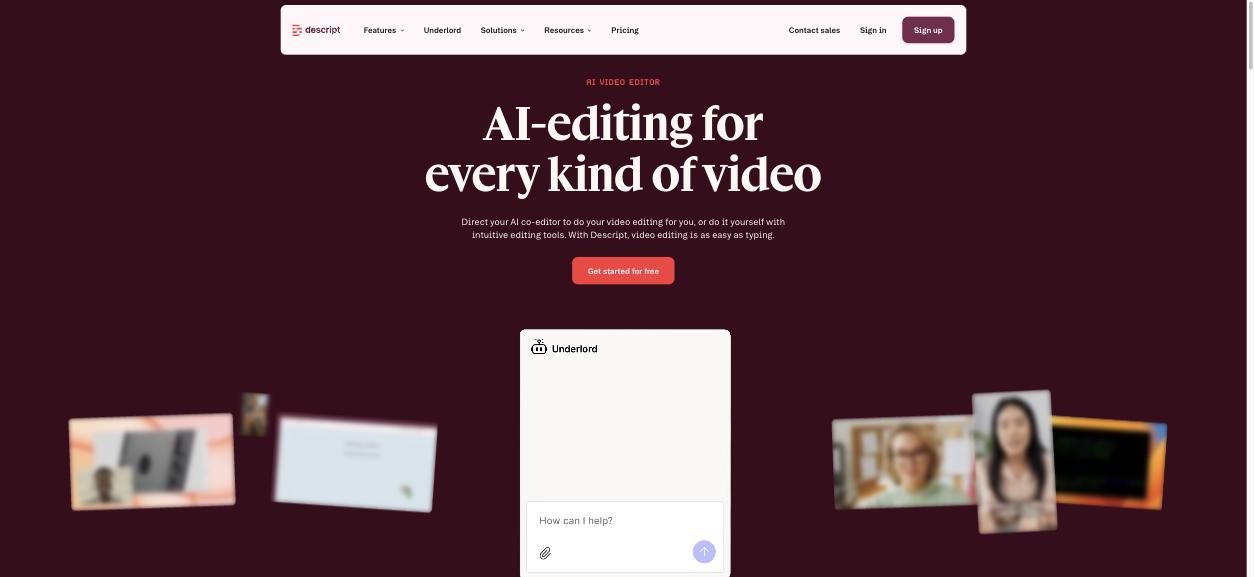
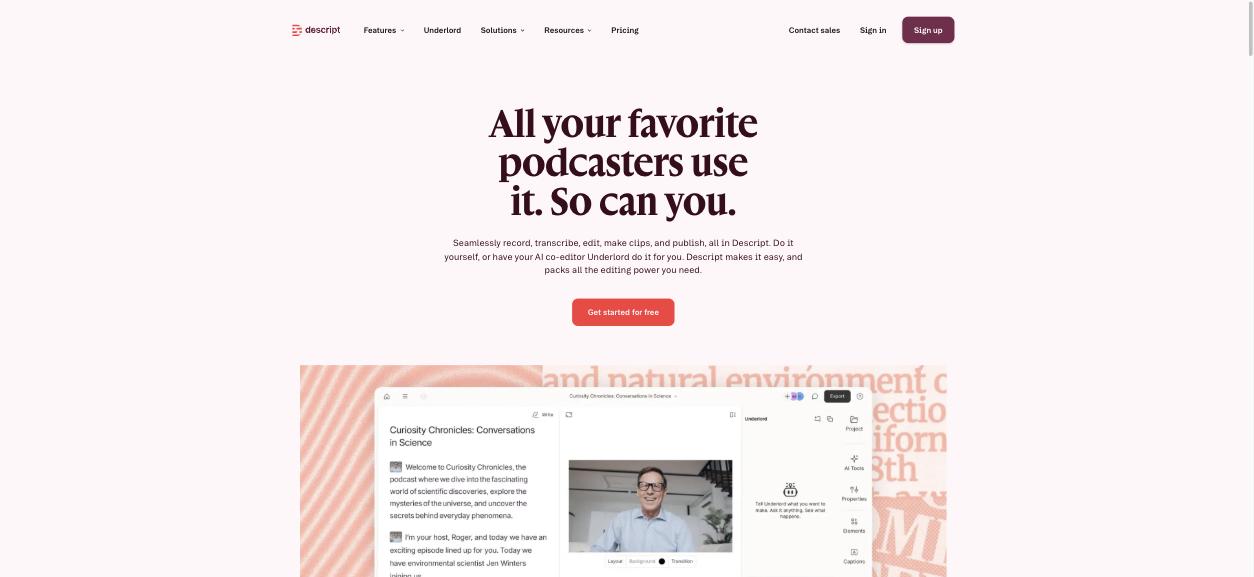
Descript describes itself as an AI video editor, and its homepage leads with video. Do not let that put you off if you only make audio. The podcasting page sums up the pitch for audio creators: record, transcribe, edit, make clips and publish in one app, either by hand or with help from Underlord, Descript’s AI co-editor.
The core idea is simple. You import or record audio, Descript transcribes it, and the transcript becomes your editing surface. Delete a sentence in the text and the matching audio is removed. Cut and paste a paragraph and that section of the recording moves with it.
Why Descript for Podcasters Is Different From a Waveform Editor
In a traditional editor you look at a waveform, which is a picture of loudness. To find the moment your guest started rambling, you scrub back and forth and listen. In Descript you read. That one change has three practical effects for a beginner.
You can find things with your eyes
Reading is faster than listening. Skimming a transcript for a tangent, a repeated answer or a false start takes seconds. You can also search for a word, which is something a waveform will never let you do.
Structural edits stop being scary
Moving a segment in a waveform editor means careful selecting, cutting and realigning. In a transcript it is cut and paste. Beginners tend to avoid structural edits and publish episodes in the order they were recorded. Text editing removes most of that hesitation.
You get a transcript whether you wanted one or not
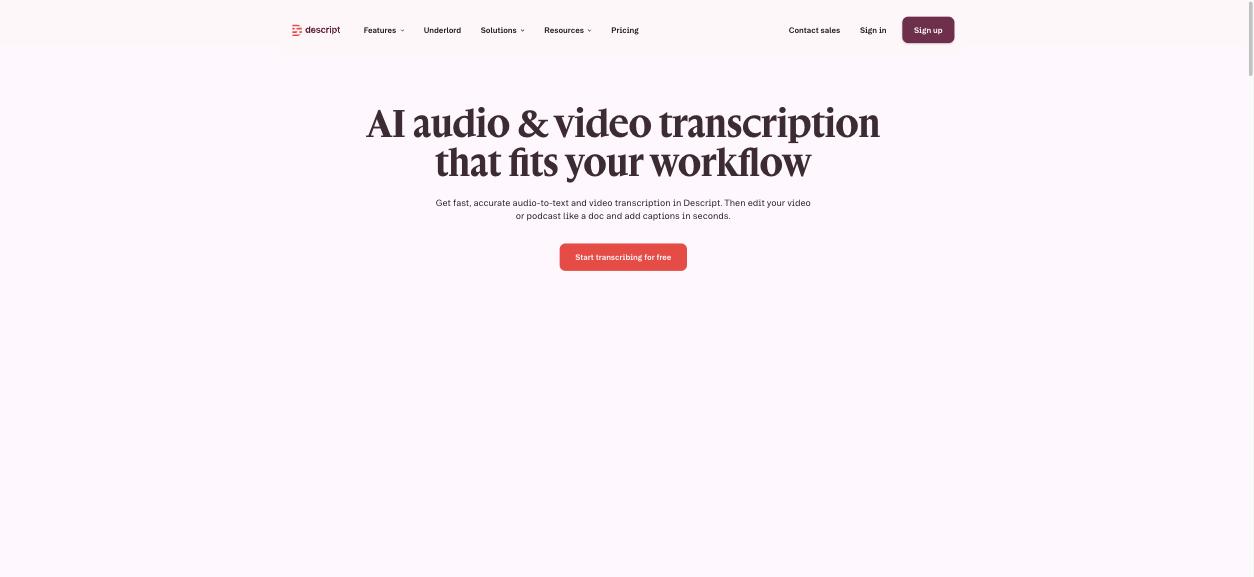
Because the transcript is the editor, you finish with text you can turn into show notes, a blog post or captions. Descript’s transcription page makes the same point: transcribe, then edit your video or podcast like a doc.
The Features a New Podcaster Will Actually Use
Descript has a long feature list. For a first show, four things matter.
- Transcription and text-based editing. The foundation described above.
- Remove Filler Words. Descript says it can strip “ums”, “uhs”, “you knows” and about a dozen other fillers in a click. Use it with restraint. Removing every filler can make a relaxed conversation sound clipped.
- Studio Sound. Descript’s one-click background-noise removal and voice enhancement. It is aimed squarely at people recording in spare rooms rather than studios.
- Create Clips. Short excerpts for social media, listed among the AI tools on paid plans.
There is more on offer, including AI Speech with custom voice clones and, on the Business plan, translation and dubbing into more than 30 languages. Those are useful later. They are not what gets episode one published.
Plans and Limits: Where Each Tier Runs Out
Descript meters two things: media hours, which cover the recordings you bring in for transcription, and AI credits, which are spent on AI features. A podcaster needs to think about media hours first.
| Plan | Listed price | Media and AI allowance | Export |
|---|---|---|---|
| Free | $0 | 60 media minutes per month, 100 AI credits one time | 720p with watermark |
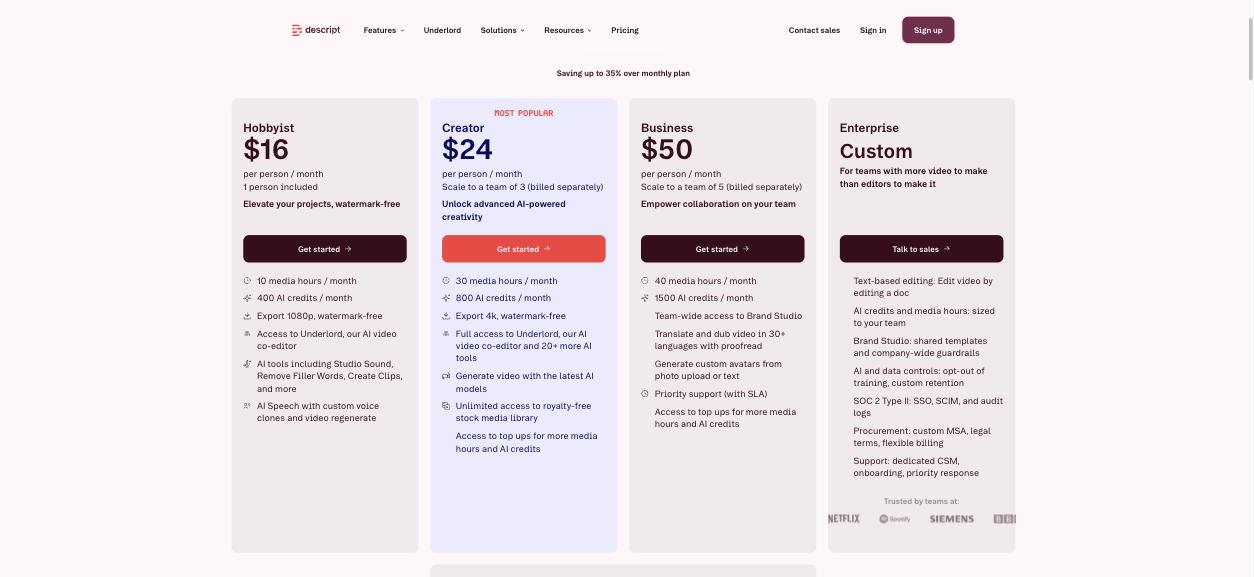
| Hobbyist | $16 per person/mo billed annually, $24 monthly | 10 media hours and 400 AI credits per month | 1080p, watermark-free |
| Creator | $24 per person/mo billed annually, $35 monthly | 30 media hours and 800 AI credits per month | 4K, watermark-free |
| Business | $50 per person/mo billed annually, $65 monthly | 40 media hours and 1,500 AI credits per month | 4K, watermark-free |
Do the media-hour maths before choosing
The useful question is how many hours of raw recording you create each month, not how long your finished episodes are.
- Free: 60 minutes a month covers roughly one short episode, or one test recording. It is a trial, not a publishing plan for a weekly show.
- Hobbyist: 10 hours a month comfortably covers a weekly show with episodes of up to about an hour, with room for retakes.
- Creator: 30 hours suits several shows, long interviews, or a small team, since it can scale to three people with seats billed separately.
One detail catches people out. If you record each speaker on a separate track, check how your files count toward your allowance before you settle on a plan. Upload one real session during your trial and look at what it used.
AI credits are the second meter
AI credits are separate from media hours and are consumed by AI features. The Free plan lists 100 credits as a one-time grant, not a monthly refill, so do not burn them on experiments you do not need. Descript lists access to top-ups for more media hours and credits on the Creator and Business plans.
A First-Episode Checklist
- Record a five-minute test in the room and on the microphone you will really use. Import it on the Free plan.
- Read the transcript and correct names and jargon. Note how accurate it was with your voice and accent.
- Make structural cuts first. Delete tangents and false starts in the text before polishing anything.
- Apply Studio Sound and listen on headphones. Decide whether it improves your recording or over-processes it.
- Run filler-word removal lightly, then listen to a full minute to check that the conversation still sounds natural.
- Export and listen on a phone speaker, which is how many listeners will hear you.
- Check your usage. Multiply by your planned schedule and only then pick a paid plan.
Who Should Look Elsewhere
- Music-heavy or sound-designed shows. If your podcast depends on detailed mixing, layered music and precise fades, a dedicated audio workstation gives you more control.
- People who publish rarely. A subscription makes little sense for two episodes a year.
- Anyone on a strict zero budget. The Free plan’s 60 monthly media minutes will not sustain a regular show, so a free traditional editor may suit you better even though it is harder to learn.
- Creators who mainly want generated video. If your goal is AI-generated footage rather than editing recordings, see my Higgsfield AI review instead.
Frequently Asked Questions
Is Descript good for beginner podcasters?
Yes. Editing by deleting words from a transcript is far easier to learn than waveform editing, and tools such as Studio Sound and filler-word removal handle jobs that normally take practice.
Is Descript free for podcasting?
There is a Free plan, listed with 60 media minutes per month and 100 one-time AI credits. That is enough to test the workflow, but not to run a regular show.
How much does Descript cost?
Descript lists Hobbyist at $16 per person per month and Creator at $24 per person per month on annual billing, with higher month-to-month prices. Business is listed at $50 per person per month on annual billing.
Which Descript plan is best for a weekly podcast?
For one weekly show with episodes around an hour, Hobbyist’s 10 media hours per month is usually sufficient. Move to Creator if you record long interviews, run more than one show or work with a co-host who also edits.
Does Descript work for audio-only podcasts?
Yes. Although the product is marketed as a video editor, the transcript-based editor, Studio Sound and filler-word removal all apply to audio-only recordings.
The Bottom Line
Descript for podcasters comes down to one trade. You give up some of the fine control of a traditional audio editor and get an editing method you can learn in an afternoon. For a first-time podcaster that is usually the right trade, because the show you actually publish beats the perfectly mixed one you never finish.
Start on the Free plan with a short test recording, measure how many media hours your real workflow uses, and choose between Hobbyist and Creator on that number rather than on the feature list.