
Disclosure: some links on this page may be affiliate links. If you sign up through them, I may earn a commission at no extra cost to you.
The Dubsado free trial is generous on paper: 21 days, every Premier feature, no credit card. What most trial guides skip is the part that can actually hurt a freelancer, which is what happens to your clients on day 22 if you have not subscribed. I read Dubsado’s help center line by line, and the answer is more dramatic than I expected: invoices cannot be paid, contracts cannot be signed and every automated email stops. This guide walks through exactly what stops, why it matters if you test with real clients, and how to plan the 21 days so the trial ends with a decision instead of a broken booking.
What the Dubsado free trial includes
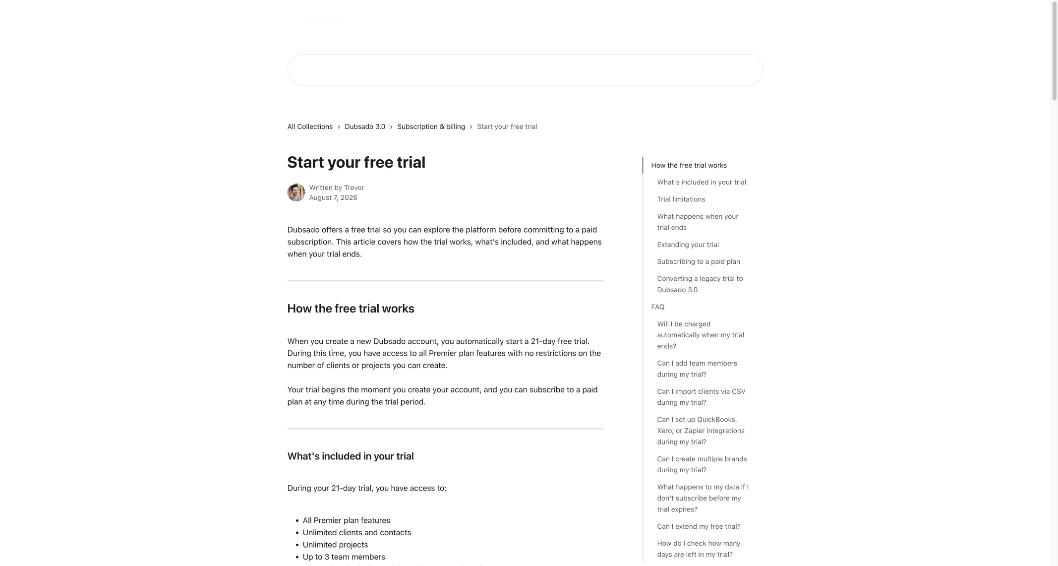
According to Dubsado’s help article on the trial, a new account automatically starts a 21-day free trial the moment you create it. During those 21 days you get:
- all Premier plan features,
- unlimited clients, contacts and projects,
- up to 3 team members,
- integrations including QuickBooks, Xero and Zapier,
- CSV client import,
- full access to flows, schedulers, invoicing, forms and the other tools.
The pricing page adds that no credit card is required. The one structural limit is brands: you can only have one active trial brand at a time, and additional brands require a paid plan.
Two details are easy to miss. First, Dubsado does not charge you automatically when the trial ends; you have to actively subscribe. Second, the clock starts at sign-up, not when you first send something to a client. If you create the account on a busy week and come back ten days later, you have eleven days left.
What stops working when the trial ends
This is the section to read before you invite a single real client into a trial account. If you do not subscribe within 21 days, Dubsado’s help center lists these restrictions.
For your clients
- Clients cannot pay invoices.
- Clients cannot submit forms.
- Clients cannot sign contracts.
- Clients cannot book appointments.
- Clients cannot access the client portal.
For communication and automation
- Emails are not sent to clients, manual or automatic.
- All flows pause.
- All time trackers pause.
- Recurring invoices are turned off.
- Autopay is turned off.
For your account
- You cannot add new clients or create new projects.
- You cannot edit templates or project and client documents.
- Bookkeeping integrations (QuickBooks, Xero) are disconnected.
Your data is not deleted. You can still log in and export projects, clients, transactions and invoices, and payment processors plus email and calendar integrations stay connected for 30 days after expiration.
Why this matters more than it sounds
Picture a freelance designer who uses the trial to send a real proposal on day 15. The client accepts, signs and pays the deposit. On day 19 the designer sets up a payment plan for the remaining balance, with the second payment due on day 30. The trial lapses on day 22 while the designer is busy delivering the work. On day 30 the client clicks the invoice link and cannot pay, and the automatic reminder never goes out. Nothing is lost, but the freelancer now looks disorganized at exactly the moment money is due.
None of this is unfair; it is simply how a lapsed account behaves. But it changes how I would use the trial: either commit to subscribing if you put real clients in, or keep the trial to test data until you have decided.
Starter vs Premier: what you are really choosing
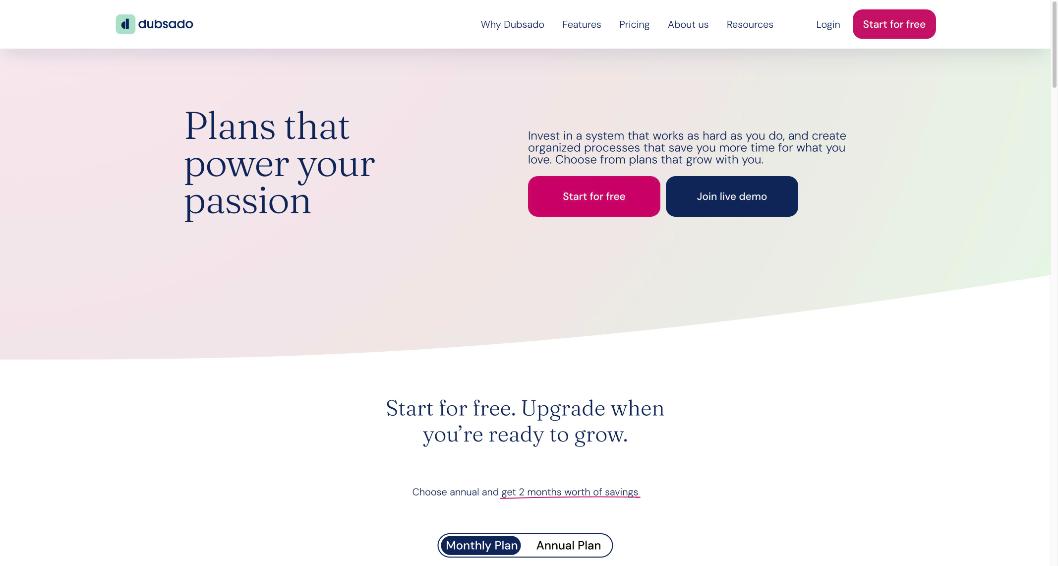
The trial gives you Premier, so the real risk is falling in love with a Premier feature and then subscribing to Starter. Here is how the two plans compare on Dubsado’s pricing page today (prices in USD).
| Feature | Starter | Premier |
|---|---|---|
| Monthly price | $35 | $55 |
| Annual price | $335/yr | $525/yr |
| Unlimited projects and clients | Yes | Yes |
| Invoicing and payment plans | Yes | Yes |
| Client portals | Yes | Yes |
| Active lead capture forms | 1 | Unlimited |
| Scheduling | No | Yes |
| Automated workflows | No | Yes |
| Public proposals | No | Yes |
| Zapier integration | No | Yes |
| Bookkeeping integration | No | Yes |
The pricing page also lists add-ons: extra brands at $10 a month each, 3 additional users free, and paid user tiers beyond that.
The important point for trial planning: flows, the scheduler, public proposals, Zapier and QuickBooks or Xero are all Premier-only. If your trial process depends on any of them, Starter will not reproduce it. So decide early which plan you are testing for.
A 21-day plan that ends with a decision
Here is how I would split the trial. It assumes a solo freelancer with a few services and a mix of one-off and retainer clients.
Days 1–3: Brand and templates
Set up the one trial brand: logo, colors, the email account connection and your calendar connection. Then build templates for the documents you send most: one proposal, one contract, one invoice. Do not build everything. Three good templates tell you more than ten rushed ones.
Days 4–7: Test the client side with yourself
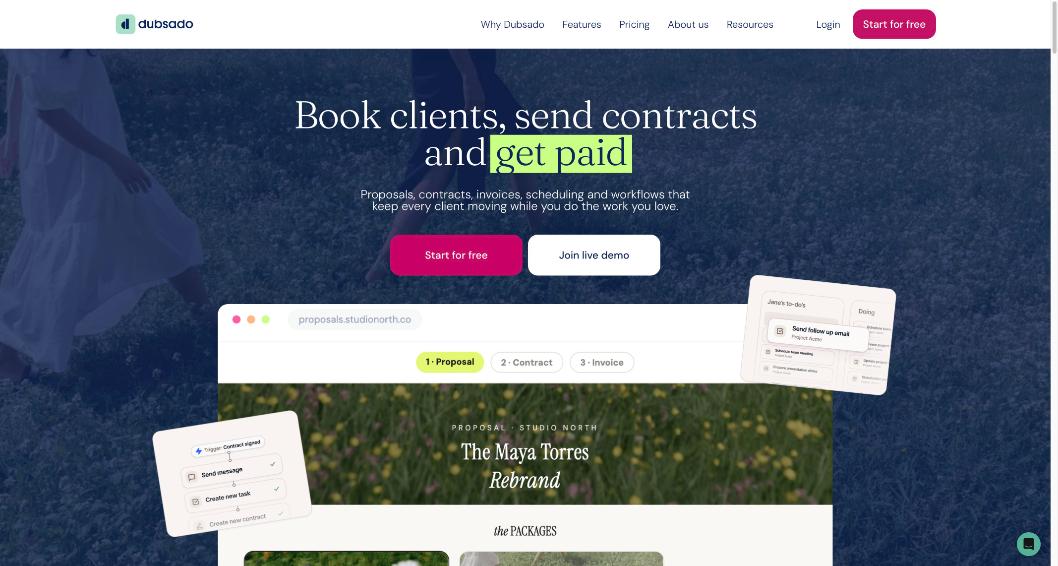
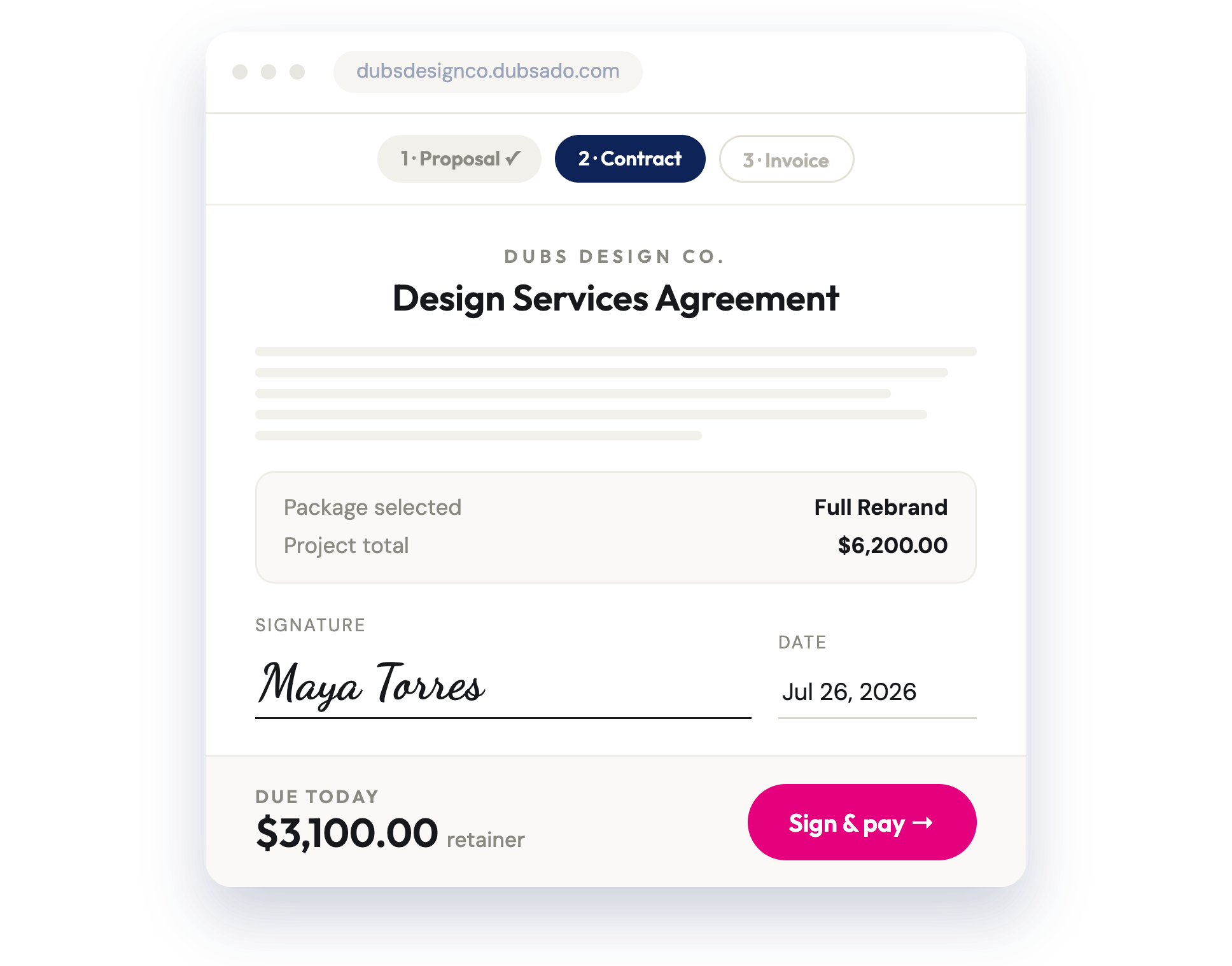
Create a test client using a second email address you own. Send the proposal, accept it, sign the contract and open the invoice. Look at everything from the client’s side, including the portal. This is the part freelancers skip, and it is the part clients judge you on. I did a similar exercise for another tool in my look at Bonsai from the client’s side, and it remains the most revealing test of any client management app.
Days 8–12: Build one flow
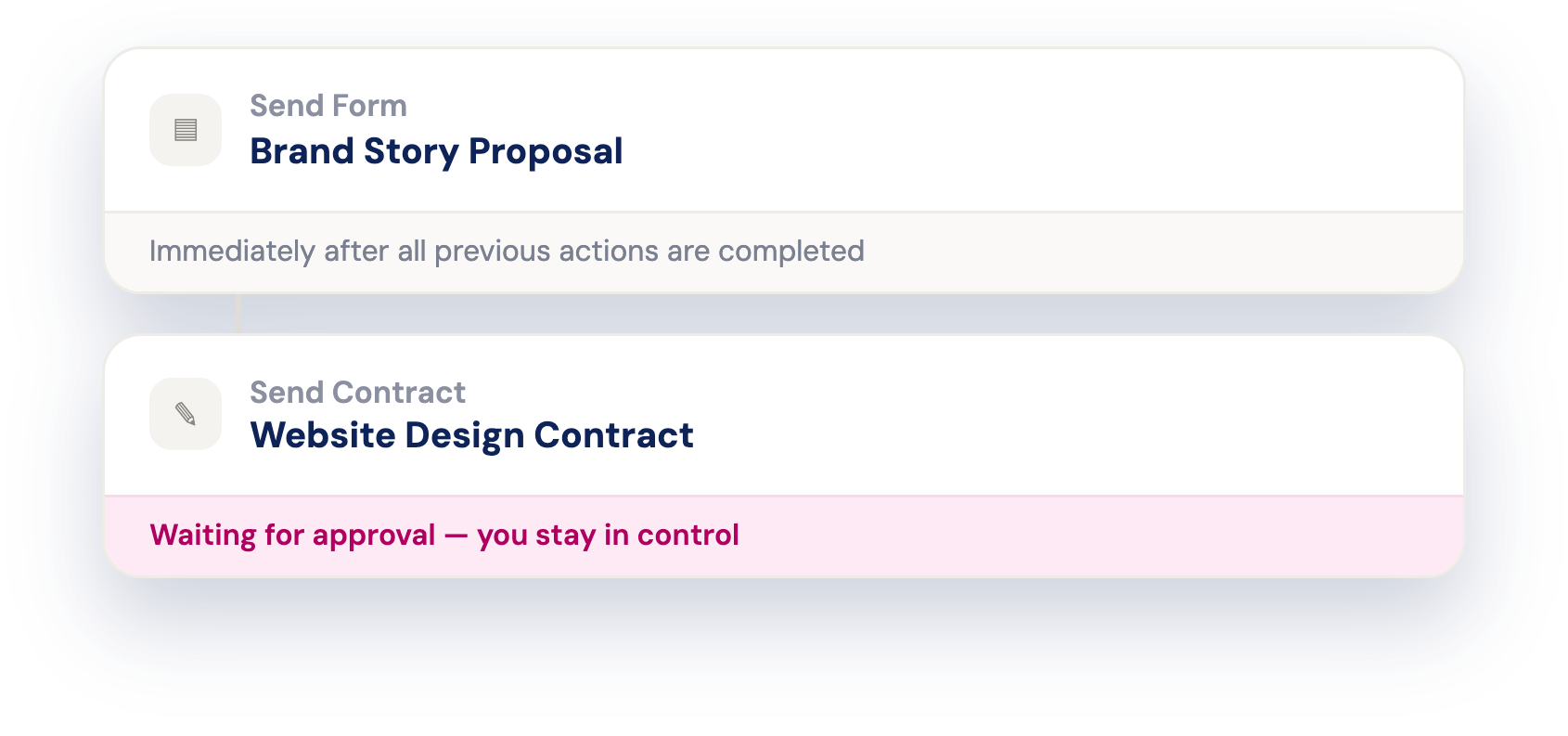
Flows (Dubsado’s automations) are Premier-only, so this is where you find out whether you need Premier. Dubsado’s help center groups flow setup around actions and triggers, including triggers based on client progress and project dates, with relative or fixed dates. Build one flow for your most common project: for example, a thank-you email after the contract is signed, a reminder before the first payment, and a follow-up questionnaire near the end.
Days 13–16: Scheduler and lead capture
If you book calls, set up a scheduler with your intervals and buffers and embed a lead capture form on your site. Starter allows only one active lead capture form and no scheduler, so note honestly whether you used them.
Days 17–19: Import, integrations, money
CSV client import and the QuickBooks, Xero and Zapier integrations are all available during the trial. If you will import an existing client list, test it now with a small file. Connect your payment setup and run a test payment if your setup allows it.
Days 20–21: Decide and subscribe, or export
Make a short list: which Premier features did you actually use? If the list is empty, Starter is the cheaper choice. If flows or the scheduler were the highlight, Premier is the plan. Subscribe from Settings, then Billing, then Subscribe for the brand. If Dubsado is not for you, export your data before you walk away.
If you run out of time
Dubsado offers a one-time, self-serve 7-day extension per workspace: log in, open the inactive workspace and click “Request 7-day extension” in the trial-ended window. After that, the help center says to contact Customer Care for more time.
Real clients during the trial: my rule
I would only send real client documents during the trial if I had already decided to subscribe. The lapse behavior covers exactly the documents freelancers care about most: payable invoices, signable contracts, bookable calendars. If you are still evaluating, use test clients and your own second email address.
If you are comparing Dubsado with HoneyBook, the trial approach is the same: test the full client journey, not just the dashboard. I broke down HoneyBook’s costs against the tools it replaces in HoneyBook pricing, weighed against the tool stack.
Legacy trial accounts
If you created a Dubsado account before November 17, 2025, you may have a legacy trial that was limited to 3 clients rather than a set number of days. When you open that brand in Dubsado 3.0, you are prompted to convert it to a time-based trial of 45 days, which removes the 3-client limit and unlocks Premier features. Your existing data is kept. Once converted, it cannot go back to a client-based trial.
Pros and cons of the Dubsado free trial
Pros
- 21 days of full Premier access with no credit card.
- No automatic charge at the end.
- Integrations, CSV import and up to 3 team members included.
- A self-serve 7-day extension if you run short.
- Data stays available for export after expiry.
Cons
- Clients lose the ability to pay, sign, book and use the portal when it lapses.
- All emails and flows stop, including reminders.
- Only one trial brand at a time.
- The trial shows Premier, which can make Starter feel limited later.
My verdict
The Dubsado free trial is one of the more complete trials in the freelancer CRM space, and the no-card, no-auto-charge setup is friendly. The catch is not hidden, but it is easy to overlook: a lapsed trial stops your client-facing features cold. Treat the 21 days as a structured test, keep real clients out until you have decided, and finish with a clear answer on whether you need Premier’s flows and scheduler or whether Starter’s invoices, contracts and portal are enough.
FAQ
How long is the Dubsado free trial?
21 days for new accounts, starting when you create the account. Converted legacy trials get 45 days.
Do I need a credit card for the Dubsado free trial?
No. Dubsado’s pricing page says no credit card information is required, and you are not charged automatically when the trial ends.
Which plan does the trial include?
All Premier plan features, with unlimited clients and projects and up to 3 team members.
What happens to my clients when my trial expires?
They cannot pay invoices, submit forms, sign contracts, book appointments or use the client portal, and emails to them stop.
Can I extend the Dubsado trial?
Yes, once, for 7 days, from the trial-ended window. After that you can ask Customer Care.
Is my data deleted if I don’t subscribe?
No. You can log in and export projects, clients, transactions and invoices.