Disclosure: some links on this page may be affiliate links. If you sign up through them, I may earn a commission at no extra cost to you.
A good freelance proposal has a familiar shape: a cover, a short read-back of the client’s problem, the scope, a timeline, the price, the terms, and a place to say yes. PandaDoc can build every one of those sections. The catch is that it doesn’t build all of them on every plan, and the plan lines fall in places most freelancers don’t expect. The pricing table and payment collection, for example, are not on Starter.
So instead of another feature tour, this guide walks through a PandaDoc proposal section by section, names the block or feature behind each part, and marks which plan you need for it. By the end you should know whether your proposals fit the Free plan, Starter, or only Business. Everything below comes from PandaDoc’s current pricing page, its plan comparison table and its help center.
The three PandaDoc plans a freelancer will look at
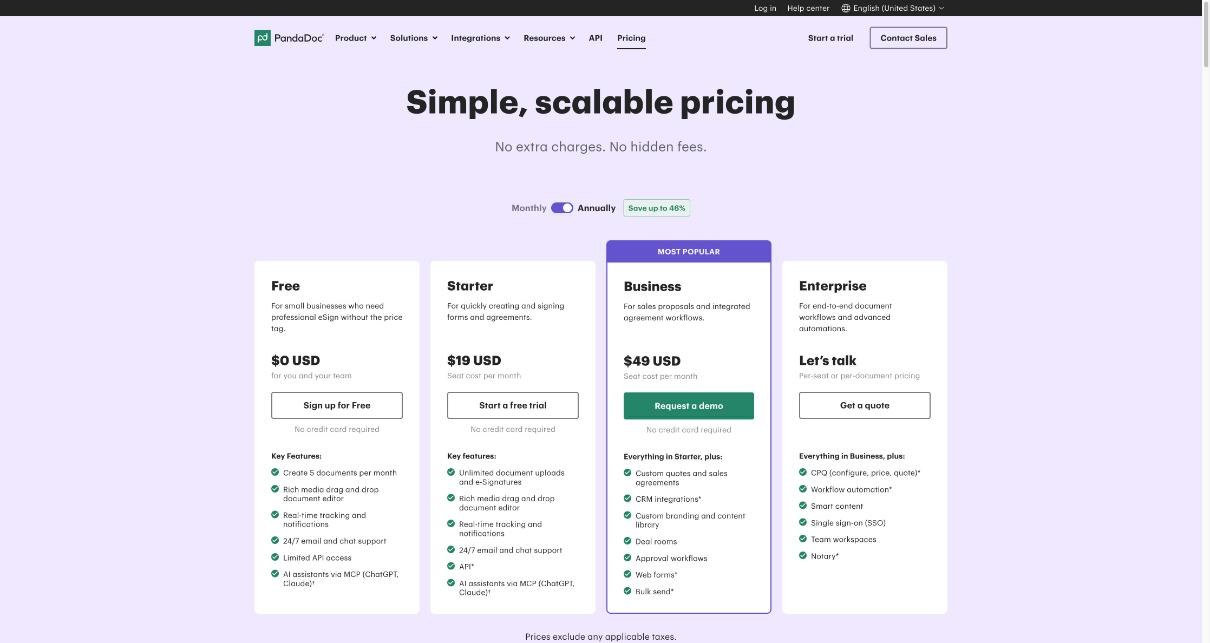
PandaDoc’s pricing page lists four plans. Enterprise is priced on request and built for larger teams, so for a solo freelancer the choice is between these three:
| Plan | Price per seat | Headline limits for proposals |
|---|---|---|
| Free | $0 | 5 documents per month created in the PandaDoc UI, up to 5 templates |
| Starter | $19/month billed annually, $35/month billed monthly | Unlimited document uploads and eSignatures, up to 5 templates |
| Business | $49/month billed annually, $65/month billed monthly | Unlimited templates, plus quotes, pricing tables, payments, content library, custom branding |
PandaDoc advertises savings of “up to 46%” on annual billing, and its proposal software page offers a free 14-day trial with no credit card required. Prices exclude applicable taxes.
Section 1: The cover page
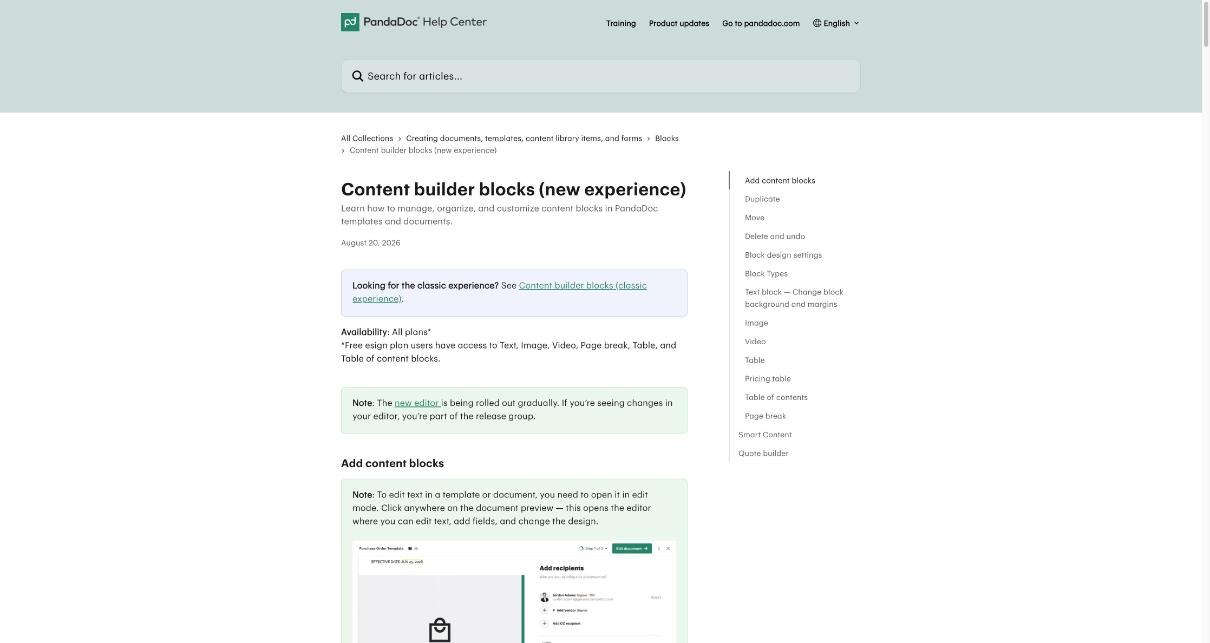
The cover sets the tone: your name or studio, the client, the project title and a date. In PandaDoc this is ordinary content built from Text and Image blocks, which the help center lists as available even on the Free eSign plan. You can make a clean cover on any plan.
The plan difference shows up in polish. Themes are marked as Starter and up in the comparison table, and custom branding is a Business feature. If your proposals need to carry your exact brand colors and fonts every time without manual fiddling, that points to Business. If a tidy layout with your logo is enough, Free or Starter will do.
Section 2: “Here’s what I heard” (the problem read-back)
This is the most persuasive part of a freelance proposal, and it’s pure writing: two or three short paragraphs restating the client’s situation in their words. PandaDoc can’t write it for you in a way that matters, but it does let you add something many proposals lack: a short video. The help center lists a Video block for Free eSign users, and the comparison table marks embedded videos as available on all plans.
A 60-second recorded walkthrough of how you understood the brief works well here. If you already record quick client videos, I wrote about using Loom for async video with small teams, and the same clip can live in this section.
Section 3: Scope and deliverables
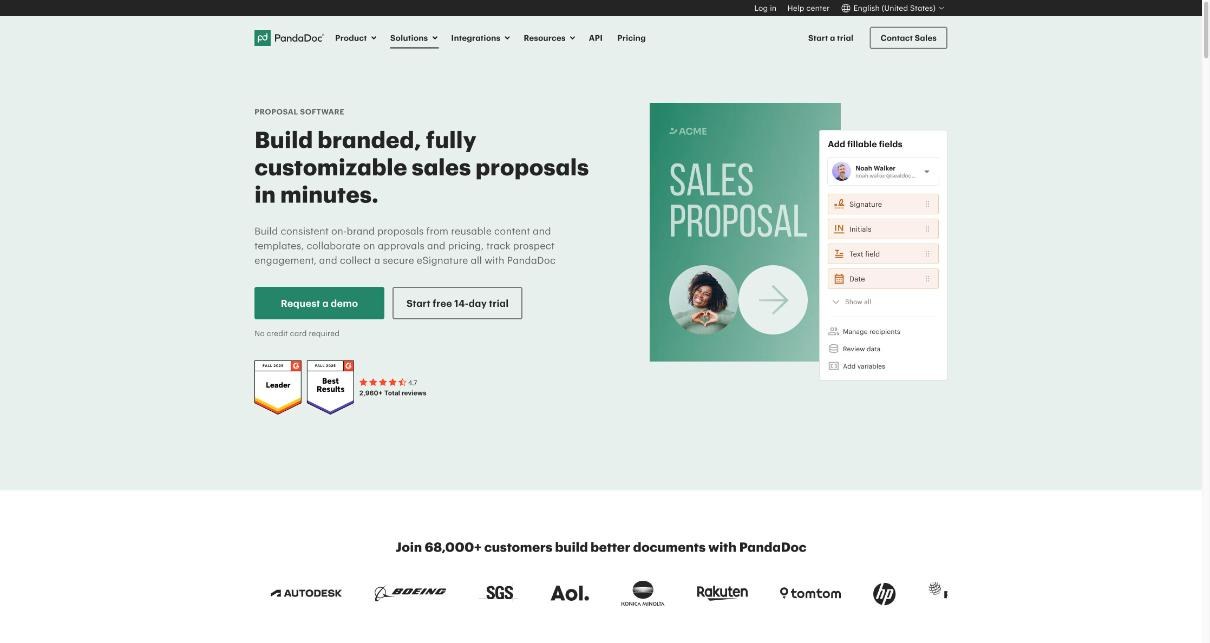
Scope is where disputes start, so this section should be specific: what you’ll deliver, how many rounds of revisions, and what is explicitly out of scope. A Table block (available on the Free eSign plan, according to the help center) handles a deliverables list neatly, with columns for item, description and included revisions.
The reuse problem, and why it points to Business
Most freelancers reuse the same scope paragraphs, revision policy and “what’s not included” list in every proposal. PandaDoc’s answer is the content library, a store of reusable blocks you drop into any document. The comparison table marks it as Business only.
On Free and Starter, the workaround is templates, but both plans are capped at up to 5 templates. That’s enough for five service packages. It’s not enough if you mix and match many modules per client. If your scope changes shape for every project, the content library is the feature you’d be paying Business for.
Section 4: Timeline
A simple milestone table (kickoff, first draft, revisions, delivery) is enough for most projects, and again the Table block covers it on any plan. My advice is to tie each milestone to a client responsibility, such as “feedback within 3 business days”, so the timeline protects you as much as it informs them.
One related feature sits on Business: auto expirations. Setting a proposal to expire is a quiet way to stop old quotes from being accepted months later at old rates. On Free and Starter, you’d have to state an expiry date in the text and enforce it yourself.
Section 5: The price (where the plan line really falls)
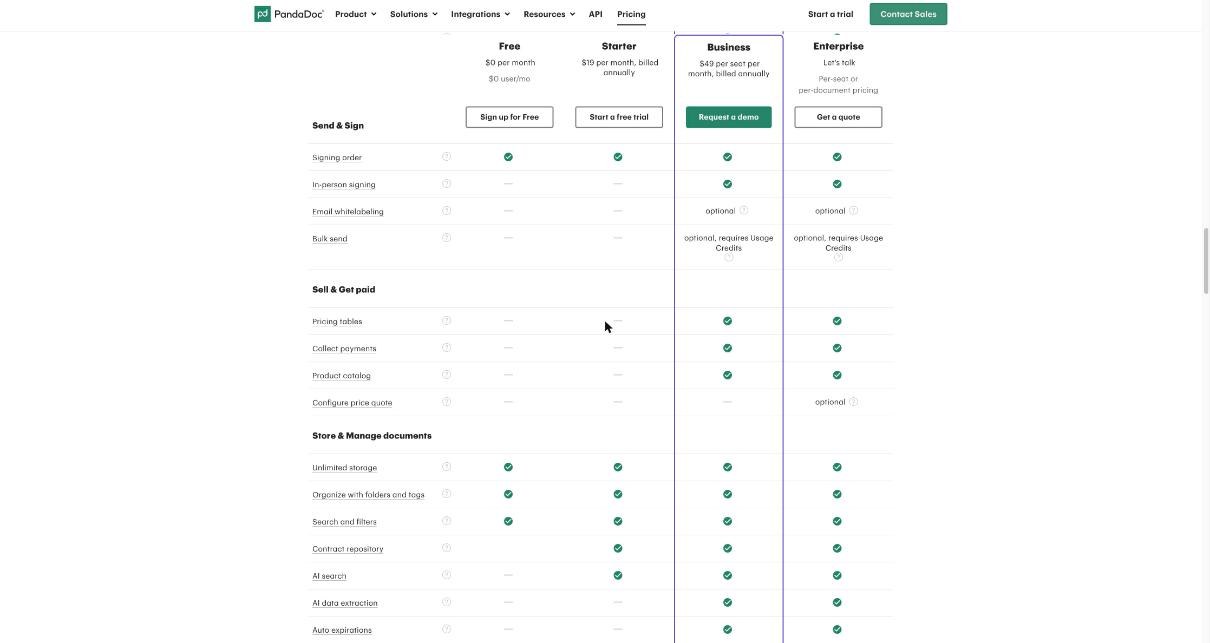
This is the section that decides most freelancers’ plan. PandaDoc’s help center lists a Pricing table block and a quote builder, and the comparison table marks pricing tables, product catalog and custom quotes as Business features. They are not on Free or Starter.
What does that mean in practice?
- On Free or Starter, you can still show your price. You’d lay it out with a regular Table block or plain text: line items, a subtotal, a total. It works, but totals don’t calculate for you, and optional add-ons are just text.
- On Business, a pricing table can handle line items and totals inside the document, and the product catalog lets you store your standard services and rates to pull into each proposal.
If you sell fixed packages with one price, the manual table is fine. If you regularly offer tiers or optional extras and want the client to see accurate totals, that’s a real reason to be on Business.
Section 6: Terms
Payment schedule, deposit, ownership of work, cancellation and late fees. This is mostly text, and it belongs in a template so you don’t retype it. A few PandaDoc features touch this section:
- Edit in Microsoft Word is marked Starter and up, handy if your terms started life as a Word contract.
- Suggest edits, where a client can propose changes to wording, is Business only. Inline comments are available on all plans.
- Approval workflows are Business, but for a solo freelancer with no one to approve, they rarely matter.
For a freelancer, inline comments usually cover the back-and-forth. If clients often redline your terms, suggest edits will save some email.
Section 7: Sign and pay
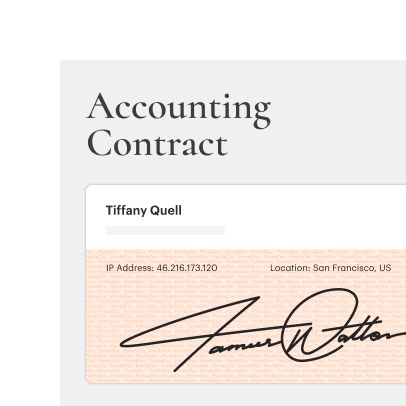
This is the moment the proposal becomes a contract. eSignatures are the core of PandaDoc: the Free plan is described as professional eSign for small businesses, and Starter lists unlimited document uploads and eSignatures. Signing order is available on all plans, which helps when both a client and their manager need to sign.
What’s not on Free or Starter, according to the comparison table:
- Collect payments, so a client can pay a deposit right after signing. Business only.
- Auto reminders to nudge clients who haven’t signed. Business only.
- Recipient’s analytics, the detailed view of how a client engaged with the document. Business only. Real-time tracking and notifications are listed on all plans.
- In-person signing. Business only.
So on Starter, you’d sign in PandaDoc and send the deposit invoice from your invoicing tool. That’s two steps instead of one, but plenty of freelancers already work this way.
Putting it together: which plan your proposal needs
| Your proposals look like this | Plan that fits |
|---|---|
| A handful of proposals a month, simple layout, one fixed price, sign only | Free (5 documents per month) |
| Regular proposals, up to five service templates, price shown as a simple table, deposit invoiced separately | Starter |
| Modular scopes, tiered or optional pricing, deposits paid on signing, automatic reminders and expirations | Business |
The honest summary: Starter is an eSignature-and-documents plan. Business is the proposal plan. If the price section and payment step matter most to you, it’s worth pricing Business against an all-in-one freelance tool before deciding. I compared how one such tool handles this from the other side in my look at Bonsai from the client’s point of view, and weighed HoneyBook’s pricing against the tools it replaces.
A quick setup routine for your first PandaDoc proposal template
- Write the seven sections above in a plain document first, with your strongest scope and terms wording.
- Build one template in PandaDoc using Text, Image, Table and Video blocks, so it works on any plan.
- Add signature fields for every signer and set the signing order.
- Send it to yourself and sign it from your phone to check the client experience.
- During the 14-day trial, test the Business-only pricing table and payment collection on a real proposal before deciding whether they’re worth the upgrade.
FAQ
Can I make a PandaDoc proposal on the Free plan?
Yes. The Free plan lets you create 5 documents per month and keep up to 5 templates. The help center says Free eSign users can use Text, Image, Video, Page break, Table and Table of contents blocks.
Does PandaDoc Starter include pricing tables?
No. PandaDoc’s comparison table marks pricing tables, product catalog and payment collection as Business features.
How much is PandaDoc for a freelancer?
Starter is $19 per seat per month billed annually or $35 billed monthly. Business is $49 per seat per month billed annually or $65 billed monthly.
Can clients pay a deposit inside a PandaDoc proposal?
Payment collection is listed as a Business feature, so it’s not available on Free or Starter.
Is there a PandaDoc free trial?
Yes. PandaDoc’s proposal software page offers a free 14-day trial with no credit card required.