Most Obsidian guides are written for students and personal knowledge management fans: daily notes, backlinks, a graph view full of ideas. Freelancers have a more practical problem. You keep notes for several clients at once, some of them under NDA, and you need those notes on your laptop, your phone and maybe a second machine. The first decision is not which plugins to install. It is how to split your vaults, because that choice decides what you pay for Sync, what you can share with a client, and how cleanly you can hand back or delete a client’s material when a project ends. This guide looks at Obsidian for freelancers through that one decision, using the plan details Obsidian publishes on its own site.
Download Obsidian on the official site
Obsidian in Two Minutes
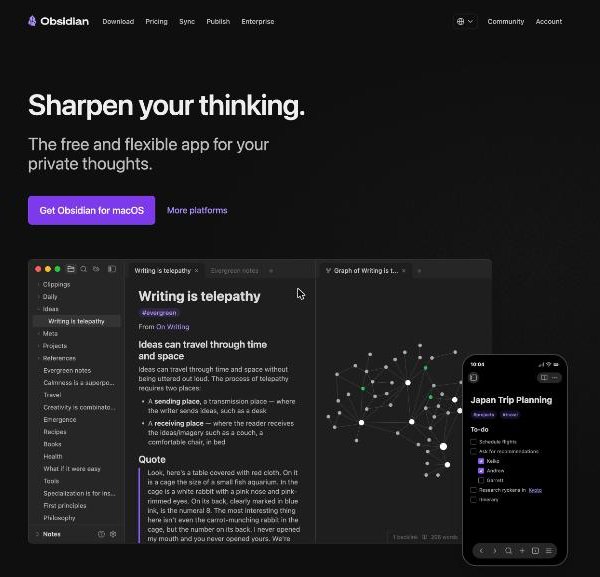
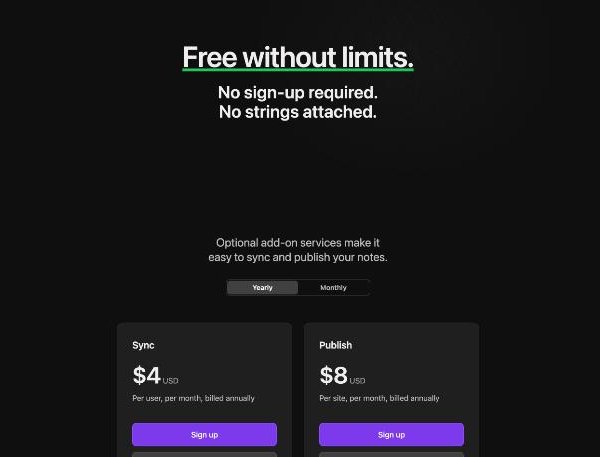
Obsidian is a note-taking app that stores your notes as plain Markdown files in a folder on your own device. That folder is called a vault. The app runs on Mac, Windows, Linux, iOS and Android. Obsidian’s pricing page puts it plainly: the app is “free without limits,” with no sign-up required. According to the same page, your data is stored locally, the apps do not collect telemetry, and the company does not sell user data.
Money only comes in through optional services: Sync, to keep vaults in step across devices, and Publish, to put notes on the web. There are also two optional licenses, which I cover below.
Do Freelancers Need to Pay to Use Obsidian for Work?
No. Obsidian’s pricing FAQ says you are not required to buy a commercial license. It encourages organizations that use Obsidian for work to buy one, at $50 per user per year, to support development. For a one-person business, that makes the commercial license a choice rather than a cost you must budget for. There is also a Catalyst license, a $25 one-time payment that gives early access to beta versions and community badges.
The real cost question for a freelancer is Sync, and that comes down to vaults.
The Sync Plan Detail That Decides Your Vault Structure
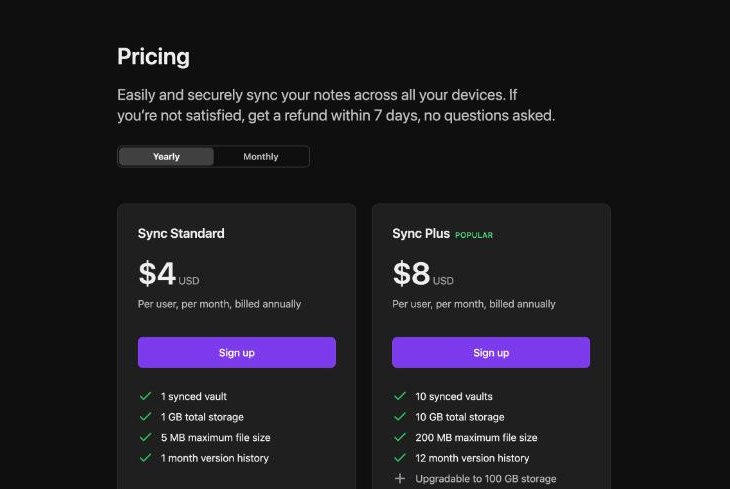
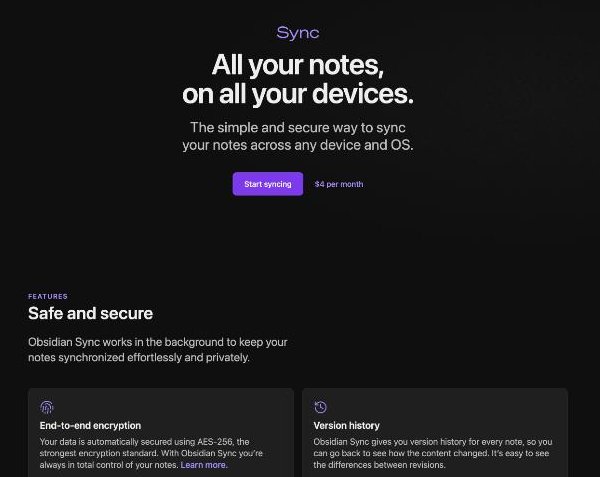
Obsidian Sync has two tiers, listed on the Sync page as follows:
| Sync Standard | Sync Plus | |
|---|---|---|
| Price (billed annually) | $4 per user per month | $8 per user per month |
| Synced vaults | 1 | 10 |
| Total storage | 1 GB | 10 GB, upgradable to 100 GB |
| Maximum file size | 5 MB | 200 MB |
| Version history | 1 month | 12 months |
On monthly billing, Obsidian’s pricing page shows Sync from $5 per user per month. Both tiers use AES-256 end-to-end encryption, and Obsidian offers a full refund within 7 days for Sync and Publish.
The line that matters most for freelancers is “synced vaults.” Standard syncs one vault. Plus syncs up to ten. So the question “one vault per client or one for everything?” is also the question “Standard or Plus?”
Setup 1: One Work Vault With a Folder per Client
This is the cheapest setup that still syncs everywhere. You keep one vault, call it “Work,” with a top-level folder for each client, plus shared folders for your own templates, rates, processes and admin.
Why it works
- It fits Sync Standard, the cheaper tier, because there is only one synced vault.
- Your templates, checklists and snippets live in one place and work for every client.
- Search and links work across everything, so a fix you found for one client is easy to find for the next.
Where it struggles
- Storage and file size. Standard’s 1 GB total and 5 MB per-file limit fill up fast if you drop client PDFs, screenshots or design files into the vault. Sync lets you exclude folders and turn off syncing for images, audio, video and PDFs, which helps, but it means those files will not follow you to your phone.
- Clean exits. When an engagement ends and the contract says to return or destroy materials, you have to remove one client’s folder from a vault that also holds everyone else’s work. It is doable, but easy to do incompletely, especially when notes link to each other across clients.
- Sharing. You cannot invite a client into part of a vault. Sharing happens at the vault level.
This setup suits freelancers with a few long-term clients whose work is mostly text: writers, consultants, developers who keep technical notes.
Setup 2: One Vault per Client
Here each client gets a separate vault, and you keep one more vault for your own business.
Why it works
- Clean boundaries. Everything about a client lives in one folder on disk. Archiving or deleting it at the end of a project is a single, complete action.
- Room for files. Sync Plus raises the per-file limit to 200 MB and total storage to 10 GB, which handles most client documents and assets.
- Longer history. Twelve months of version history on Plus means you can see how a client document changed over a full engagement, not just the last month.
- Shareable by design. If a client wants to collaborate, Obsidian Sync supports shared vaults: you can invite people to a remote vault and changes update across their devices. Sharing a client-specific vault never exposes another client’s notes.
Where it struggles
- Cost. Plus is $8 per user per month on annual billing, double Standard.
- The ten-vault ceiling. Ten synced vaults covers most solo practices, but a freelancer with many small, short projects will hit it. You would need to archive finished clients to free up slots.
- Duplicated setup. Templates, plugins and settings have to be copied into each vault. Obsidian’s help documentation covers transferring settings to another vault, and Sync can sync settings, themes, plugins and hotkeys, but it is still more upkeep than one vault.
This setup suits designers, agencies of one, and anyone whose contracts are strict about data handling.
Setup 3: The Hybrid Most Freelancers End Up With
The setup I would recommend to most freelancers combines the two:
- A synced “Business” vault for your own material: services, pricing notes, proposal templates, process checklists, ideas and a light client index with contact details and project dates.
- Separate vaults for clients whose work needs boundaries, such as those under NDA, those you collaborate with directly, or those with heavy files.
- Local-only vaults for short projects that only need to live on your main computer.
On Standard, only the Business vault syncs. On Plus, the Business vault and up to nine client vaults sync. Either way, the client index note in your Business vault is the map that tells you where everything lives.
A Client Vault Template You Can Copy
Whatever setup you choose, giving every client space the same structure saves time and makes offboarding predictable. Here is a simple layout:
- 00 Brief: scope, goals, contacts, contract dates, and the data-handling terms from the contract in your own words.
- 01 Meetings: one note per call, named by date.
- 02 Work: drafts, research notes and technical notes.
- 03 Decisions: a running log of what the client approved and when. This note settles a lot of “I thought we agreed” conversations.
- 04 Handoff: what you will deliver at the end, and the offboarding checklist.
Because notes are plain Markdown files, you can hand a client the Handoff folder as files, without them needing Obsidian.
Publishing Client Documentation With Obsidian Publish
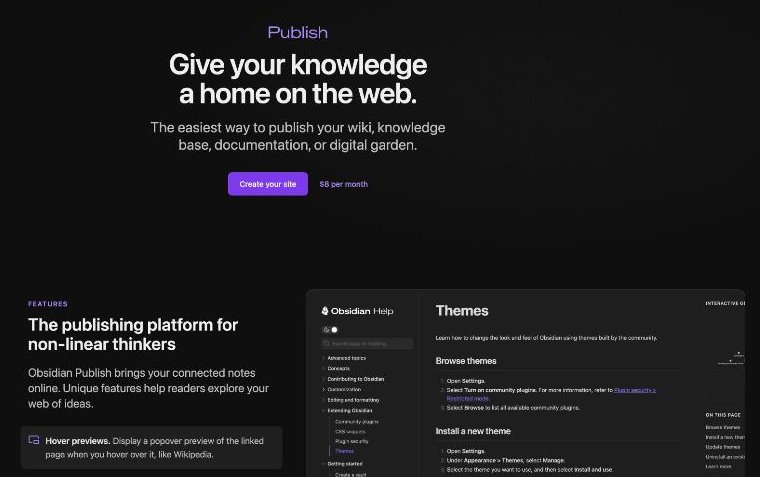
Some freelancers deliver documentation as part of the job: a style guide, an operations manual, a technical wiki. Obsidian Publish turns notes into a website, and the Publish page pitches it for wikis, knowledge bases and documentation. Pricing is per site: $8 per month billed annually, or $10 per month billed monthly.
For client work, the per-site pricing is the thing to plan around. If the client will own the documentation long term, it is usually cleaner for the client to hold the Publish site on their own account, or for you to deliver the Markdown files, rather than you paying for a site indefinitely. Make that clear in the proposal.
Confidentiality: What Obsidian Does and Does Not Solve
Local files and end-to-end encrypted Sync are good starting points for confidential work. They do not cover everything. Your vault is still a folder on your computer, so device encryption, strong passwords and backups are still on you. Community plugins are written by third parties, so be selective about what you install in a client vault. If you also dictate notes, the same questions apply to your dictation app; I looked at that in a client-confidentiality check of Wispr Flow. For backups of client files, my guide to Backblaze for freelancers covers one way to set that up.
Sync is also not a backup on its own. Version history helps you recover changes, but if you delete a vault on purpose to meet a contract, make sure any backup copies are handled the same way.
Obsidian Pricing for a One-Person Business
- Obsidian app: free, including for work.
- Sync Standard: $4 per user per month billed annually; 1 synced vault, 1 GB.
- Sync Plus: $8 per user per month billed annually; 10 synced vaults, 10 GB.
- Publish: $8 per site per month billed annually, $10 billed monthly.
- Commercial license: optional, $50 per user per year.
- Catalyst: optional, $25 one-time.
Students, faculty and nonprofit employees can get 40% off Sync and Publish, according to Obsidian. The company says it does not offer other discounts.
Who Should Skip Obsidian
- Freelancers whose clients expect to work inside shared tools like Notion or Google Docs every day. Obsidian can share vaults, but your clients would need to use Obsidian too.
- Anyone who wants a project manager with tasks, due dates and client portals built in. Obsidian can do some of this with plugins, but it is a notes app first.
- People who do not want to think about file organization at all. Obsidian rewards a little structure up front.
Pros and Cons
Pros
- Free for work, with no account required.
- Notes are plain Markdown files you own and can hand over.
- End-to-end encrypted Sync with version history.
- Vaults give natural boundaries between clients.
- Shared vaults for collaboration when a client uses Obsidian.
Cons
- Sync Standard’s one vault and 5 MB file limit push client-heavy freelancers to Plus.
- Per-vault setup takes upkeep in a vault-per-client structure.
- Publish is priced per site, which adds up if you deliver several client sites.
- Clients must use Obsidian to collaborate in a shared vault.
Verdict
Obsidian for freelancers comes down to one early decision: how you split your vaults. If your client work is mostly text and your contracts are relaxed, one Work vault on Sync Standard is a cheap, tidy setup. If you handle NDAs, client files or direct collaboration, give those clients their own vaults and budget for Sync Plus. Most people end up with a hybrid: one synced Business vault plus separate vaults where boundaries matter. Decide this before your notes grow, because moving a year of client notes between vaults is far more work than setting them up right from the start.
See Obsidian Sync and Publish plans
FAQ
Is Obsidian free for freelancers and commercial work?
Yes. Obsidian’s pricing FAQ says you are not required to buy a commercial license. It encourages organizations using Obsidian for work to buy one for $50 per user per year.
How many vaults can I sync with Obsidian Sync?
Sync Standard syncs 1 vault and Sync Plus syncs up to 10, according to Obsidian’s Sync page.
Is Obsidian Sync encrypted?
Yes. Obsidian says Sync data is secured with AES-256 end-to-end encryption.
Can I share an Obsidian vault with a client?
Obsidian Sync supports shared vaults, so you can invite others to a remote vault. Your client would need to use Obsidian to work in it.
Should I use one vault or one per client?
One vault with client folders is cheaper and fits Sync Standard. One vault per client gives cleaner boundaries for NDAs and offboarding, but needs Sync Plus if you want more than one vault synced.