Most reviews of Proposify for freelancers spend their time on templates and the drag-and-drop editor. Those matter, but they are not what decides whether a solo freelancer should pay for it. The deciding number is simpler: Proposify’s entry plan now costs $468 a year on annual billing. So the real question is whether a better proposal workflow wins you at least one project a year that you would otherwise lose, or saves enough hours to cover the bill. This article runs that math with the current official pricing, points out the costs that are easy to miss, and helps you decide before the 14-day trial clock starts.
What Proposify is, briefly
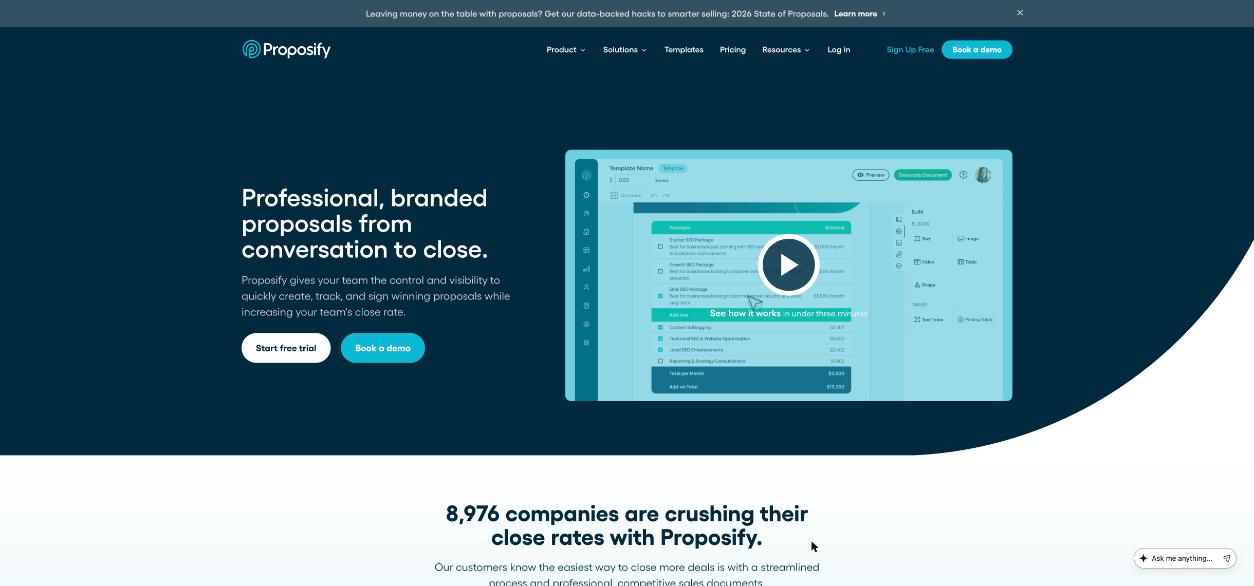
Proposify is proposal software. You build proposals, quotes and contracts from templates, send them as a web link, see when the client opens them and which sections they read, and collect a legally binding e-signature at the end. Its product overview describes six parts: proposal software, document tracking, quoting, contract management, e-signatures and document automation. Recent additions include an AI writing widget inside the editor and an MCP server that lets you connect Proposify to Claude to create and update documents.
The company sells mainly to sales teams, and the pricing page says so in its plan descriptions. That is worth keeping in mind: a solo freelancer can use it well, but you are buying a tool designed for a team that sends proposals all day.
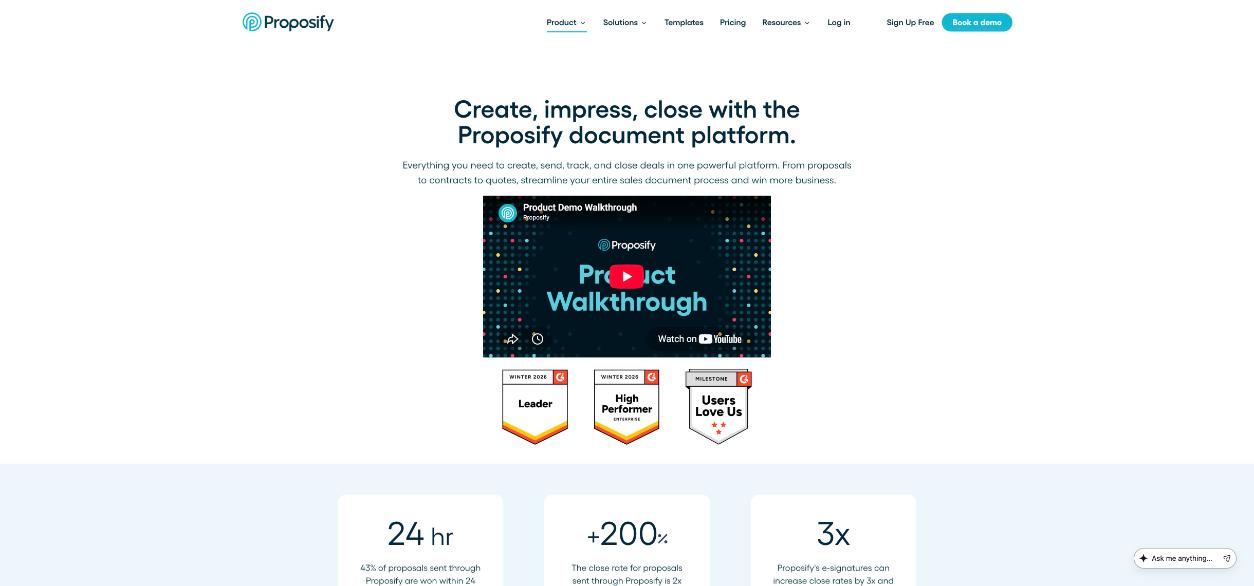
Proposify’s own product walkthrough is a good three-minute look at the editor before you sign up:
Proposify pricing for a solo freelancer
These are the plans on Proposify’s official pricing page today:
| Plan | Price | Who it is built for |
|---|---|---|
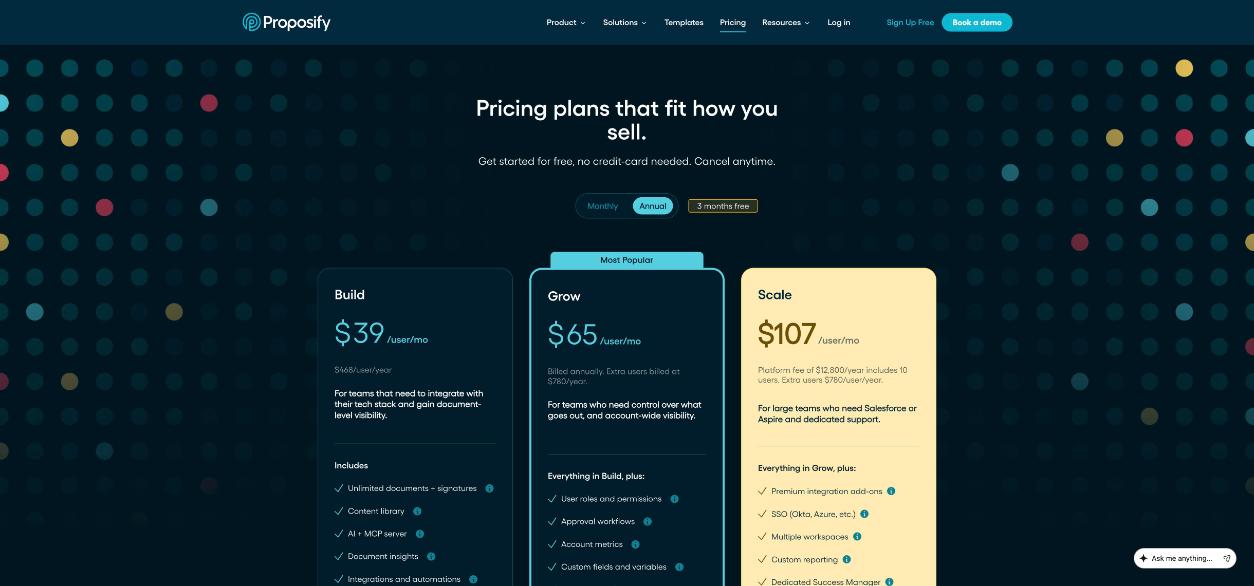
| Build | $49 per user per month on monthly billing, or $39 per user per month on annual billing ($468 per user per year) | Teams that need integrations and document-level visibility |
| Grow | $65 per user per month, billed annually ($780 per user per year) | Teams that need approvals, roles and account-wide metrics |
| Scale | Platform fee of $12,800 per year including 10 users | Large teams needing Salesforce or Aspire and dedicated support |
For a freelancer, Build is the realistic plan. It includes unlimited documents and signatures, the content library, AI and the MCP server, document insights, integrations and automations, and the product catalog. Grow adds things a one-person business rarely needs: user roles and permissions, approval workflows, account metrics, custom fields and variables, and API access.
Monthly versus annual, in yearly terms
- Build, monthly: $49 × 12 = $588 a year, but you can stop after any month.
- Build, annual: $468 a year, paid up front.
The annual plan saves $120 a year, but only if you keep using it for the full year. Proposify’s FAQ says you can cancel at any point to prevent renewal and keep access until the end of the period, and that it does not offer refunds once payment has been processed. For a freelancer trying a new tool, I would start monthly for the first two or three months and switch once the habit sticks.
The break-even math
Here is the simplest way to decide. Proposify on Build annual costs $468 a year. It needs to earn that back through one of two routes.
Route 1: one extra won project
Look at your average project fee and your profit margin on it. If your typical project is $2,000 and your margin after your own costs is 50%, one extra won project is worth $1,000, roughly double the yearly fee. If your projects are small (say $300 logo refreshes), you would need two or more extra wins a year just to break even.
Proposify publishes some strong claims about close rates on its product page, such as proposals sent through it closing at twice the industry average. Those are the vendor’s numbers about its own customer base, not a promise for your business. The honest way to test it is to track your own win rate for a few months before and after.
Route 2: time saved
If you write proposals from scratch in a document editor, a reusable content library (case studies, bios, process sections, pricing blocks) can cut each proposal down. Suppose you send six proposals a month and save 45 minutes on each. That is about 54 hours a year. At an hourly value of $50, that is $2,700 of time, far more than the subscription. If you send one proposal a month, the time saved will not cover the fee on its own.
A quick rule of thumb
Proposify tends to pay off for freelancers who send several proposals a month, quote projects in the low thousands or above, and lose some deals to slow follow-up. It is hard to justify for freelancers who mostly work on retainers with existing clients, or who send a proposal every few months.
Costs that are easy to miss
- Custom template design: $1,500. The pricing page lists this as an optional service on Build. You can build your own template from the gallery instead, which most freelancers should do.
- Launch kit: $2,000. Onboarding, a custom template and 30-day priority support, offered with Grow. A solo freelancer does not need it.
- No refunds after payment. Choose annual billing only after you are sure.
- Per-user pricing. If you bring in a subcontractor who needs to create and send proposals, they are another seat. Build includes one collaborator, a user who can edit or approve specific proposals but cannot create or send them, which covers a reviewer.
- Language. The FAQ says the interface can be translated into 15 languages for clients, but Proposify does not translate the content of your proposals or emails. If you sell to clients in several languages, you write each version yourself.
Features that matter most to freelancers
Templates and the content library
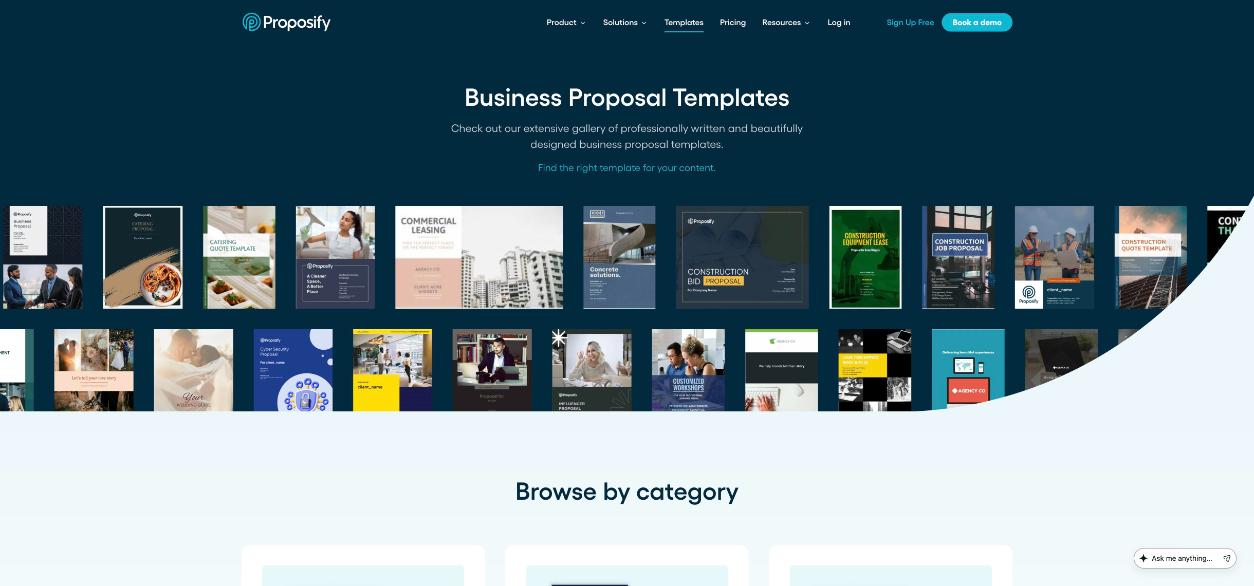
Proposify has a large public gallery of business proposal templates, sorted by category. Pick one close to your service, replace the copy and images, and save your own sections in the content library. After three or four proposals, building a new one becomes mostly picking blocks: your process, your case study, your terms, your pricing.
Document insights
Proposify shows when each recipient opens your document and how much time they spend in each section. For freelancers this is the most practical feature: if a client spent five minutes on the pricing page and ten seconds on the case study, your follow-up call should be about budget, not about your portfolio. It also tells you when a proposal has not been opened at all, which is a cue to resend or call.
Quotes with options
Proposify’s feature list includes interactive quoting, where buyers can choose optional fees or set their own quantities. For a freelancer this is a natural way to offer tiers (basic, standard, premium) or add-ons such as extra revision rounds. Check the plan comparison on the pricing page to confirm which plan includes it before you build your process around it.
E-signatures
Every plan includes signatures, and Build includes unlimited documents and signatures. That means you can send the contract inside the same tool instead of paying separately for an e-signature service.
Integrations and AI
Proposify connects with CRMs, invoicing, payment and project management tools, and has a workflow automation builder for rules between Proposify and other apps. The MCP server is new and interesting for freelancers who already use Claude: you can draft or update proposals from an AI conversation. Treat any AI-written proposal as a first draft; the details that win a project come from your discovery call.
How I would run the 14-day trial
The FAQ says the free trial gives you the features for 14 days, you can send real proposals to real clients, and those clients can still view and accept them after the trial ends. No credit card is needed. Use it on live work, not a demo:
- Days 1-2: pick a gallery template and rebuild your best past proposal in it. Save your process, about-me and terms as library blocks.
- Days 3-10: send every new proposal through Proposify. Note how long each one takes to build.
- Days 3-14: watch the insights. Write down one follow-up you made differently because of what you saw.
- Day 13: run the break-even math with your own numbers: proposals per month, average fee, time saved.
Good inputs make good proposals. If your discovery calls are messy, fix that first; I covered capturing the details that feed a proposal in Granola for freelancers on discovery calls, and screening leads before the call in a Fillout client intake form.
Verdict
Proposify is a polished, mature proposal platform with strong tracking, unlimited signatures on its entry plan and useful new AI connections. For freelancers, the decision is mostly arithmetic: at $468 a year on annual Build (or $588 if you pay monthly), it makes sense when you send proposals regularly and your project fees are high enough that one extra win or a few saved hours each month covers the bill. If you send a handful of small proposals a year, the price is hard to justify. Start the trial on real proposals, keep the paid add-ons off, and decide on your own win rate rather than the vendor’s.
FAQ
How much does Proposify cost for a freelancer?
The Build plan is $49 per user per month on monthly billing or $39 per user per month on annual billing, which is $468 per user per year.
Does Proposify have a free plan?
No free plan is listed. There is a 14-day free trial with no credit card required.
Can I cancel Proposify and get a refund?
You can cancel at any point to stop renewal and keep access until the end of your paid period. The FAQ says Proposify does not offer refunds once payment has been processed.
Does Proposify include e-signatures?
Yes. Every plan includes signatures, and Build includes unlimited documents and signatures.
Do I need the $1,500 custom template?
No. It is optional. Most freelancers can adapt a template from Proposify’s gallery and save their own sections in the content library.
Can clients still sign proposals I sent during the trial?
According to Proposify’s FAQ, clients can still view and accept proposals you sent during the trial after it ends.