
Most freelancers who try Airtable start the same way: one base, a table for clients, a table for projects, maybe a table for invoices. It feels free forever. Then, a few months later, a banner says the base is near its record limit, and the question becomes whether to pay $20 a month for a spreadsheet you built yourself.
This article answers that question before it shows up. I look at the Airtable Free plan from one angle only: how many months of real freelance work fit under its limits, which tables eat records fastest, and how to design your bases so you upgrade when it is worth it rather than when a banner forces you. All plan details come from Airtable’s pricing page and help centre as they read today.
What the Airtable Free plan includes
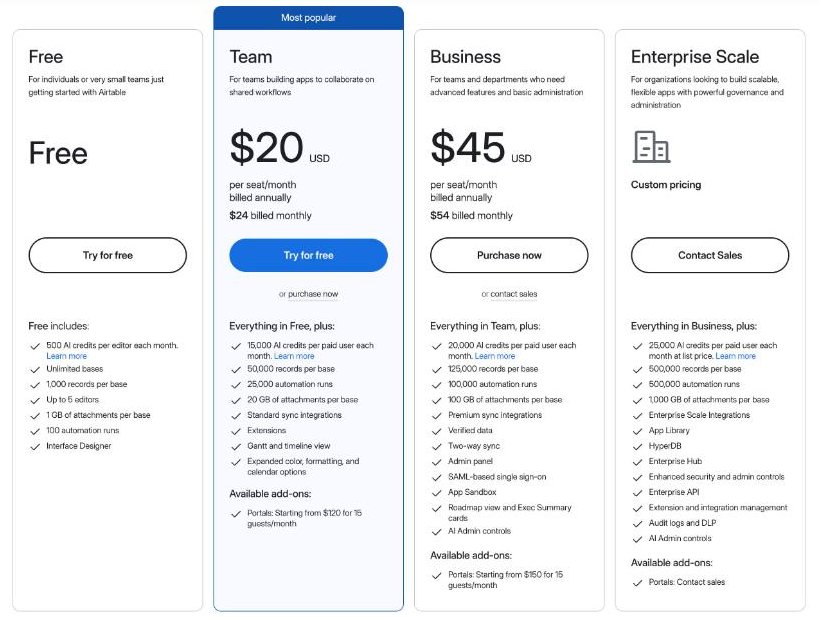
Airtable’s pricing page lists the Free plan as “for individuals or very small teams just getting started”. It includes:
- Unlimited bases
- 1,000 records per base
- Up to 5 editors
- 1 GB of attachments per base
- 100 automation runs
- Interface Designer
- 500 AI credits per editor each month
The paid plans, for comparison:
| Free | Team | Business | |
|---|---|---|---|
| Price per seat | $0 | $20/month billed annually, $24 monthly | $45/month billed annually, $54 monthly |
| Records per base | 1,000 | 50,000 | 125,000 |
| Automation runs | 100 | 25,000 | 100,000 |
| Attachments per base | 1 GB | 20 GB | 100 GB |
| AI credits | 500 per editor/month | 15,000 per paid user/month | 20,000 per paid user/month |
| Portals add-on | Not listed | From $120 for 15 guests/month | From $150 for 15 guests/month |
Team also adds standard sync integrations, extensions, Gantt and timeline views and expanded formatting options.
The limit that matters is per base, not per account
The most useful detail on that list is easy to read past: the record and attachment limits are per base, and bases are unlimited. A freelancer is not limited to 1,000 records in total. You are limited to 1,000 records in any one base.
That changes the question from “when will I hit the limit?” to “which base will hit it first, and does that base need everything that is in it?”
Counting records the way a freelance business creates them
Every row in every table counts as a record. Here is an illustrative month for a freelancer with four active projects. Your numbers will differ, so swap in your own:
| Table | New records per month | Notes |
|---|---|---|
| Leads | 15 | Every enquiry, including ones that go nowhere |
| Clients | 2 | Only leads that sign |
| Projects | 4 | One per engagement |
| Tasks | 40 | About ten per project |
| Invoices | 4 | One per project or milestone |
| Time entries | 60 | Roughly three per working day |
| Total | 125 |
Put all of that in one base and you reach 1,000 records in about eight months. Take time entries out and the same base grows by 65 records a month, which stretches it to more than fifteen months. Time entries and tasks are the two tables that decide how long the Free plan lasts.
Three base designs, and how long each lasts on Free
Design 1: everything in one base
Simplest to build, fastest to fill. Linked records work everywhere, rollups are easy, and one interface can show it all. With the example numbers above, expect roughly eight months before you hit the cap. This is the right design if you already expect to upgrade and simply want to start building today.
Design 2: a business base plus a work log base
Keep leads, clients, projects and invoices in one base. Move tasks and time entries to a second base. The business base grows slowly (about 25 records a month in the example) and can last years. The work log base fills fast, but you can start a new one each year and archive the old one.
The trade-off is links. Records in one base cannot link to records in another without syncing, and Airtable’s pricing page lists sync integrations from the Team plan. In practice you would type the project name into the time entry instead of linking it, and total hours by hand or with a simple export.
Design 3: one base per year
Duplicate the empty structure every January and start fresh. It works, but you lose year-over-year reporting inside Airtable, and recurring clients have to be re-entered. I would only use it if your work is mostly one-off projects.
Records are not the only Free plan limit
100 automation runs
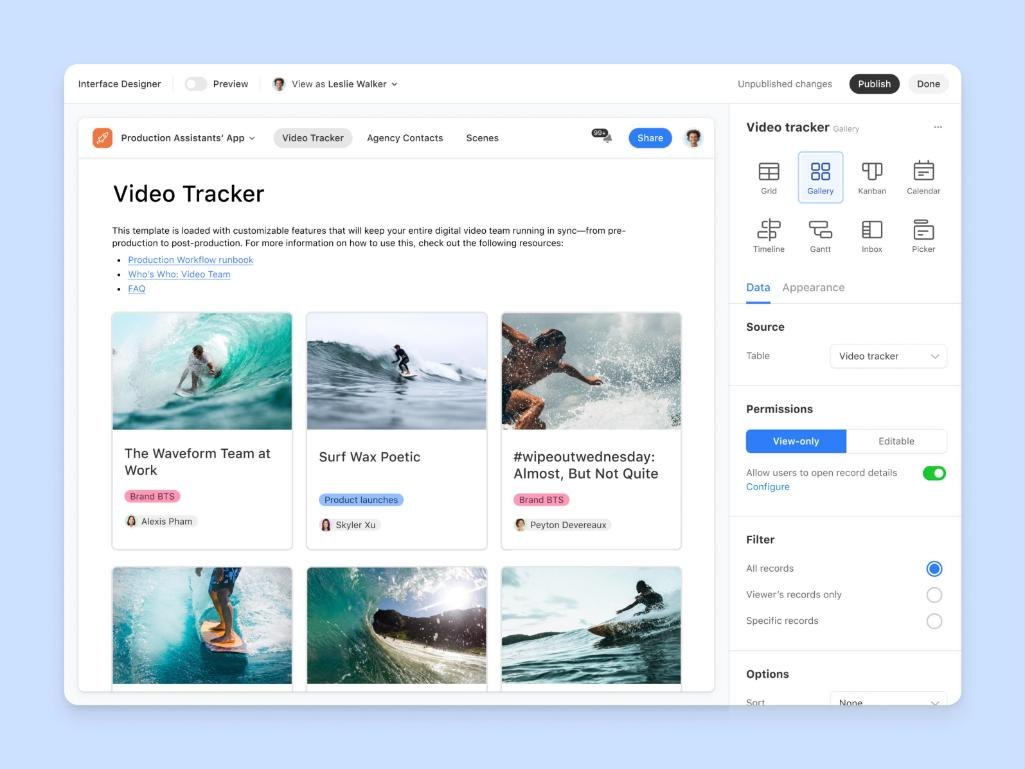
Automations are where Airtable starts to feel like a business tool: a new lead triggers a notification, a signed project creates its task list, a paid invoice updates the client status. The Free plan’s allowance of 100 automation runs disappears quickly if an automation fires on every new task. Keep Free-plan automations for low-volume events (new client, project status change) and leave high-volume tables alone.
If you already run automations elsewhere, you may not need Airtable’s at all. I covered a similar chain in Zapier client onboarding for a one-person business, and the same thinking applies: automate the steps that repeat, keep the personal ones manual.
1 GB of attachments per base
Designers, photographers and video editors will hit this before the record limit. Store deliverables in your file storage and paste a link into Airtable instead of uploading files. The base stays small, and your files stay where clients already download them.
500 AI credits per editor
Useful for summarising notes or drafting a status update, but not something to build a workflow on. If AI fields are central to your plan, Team’s 15,000 credits per paid user each month is a different scale.
Sharing with clients without adding cost
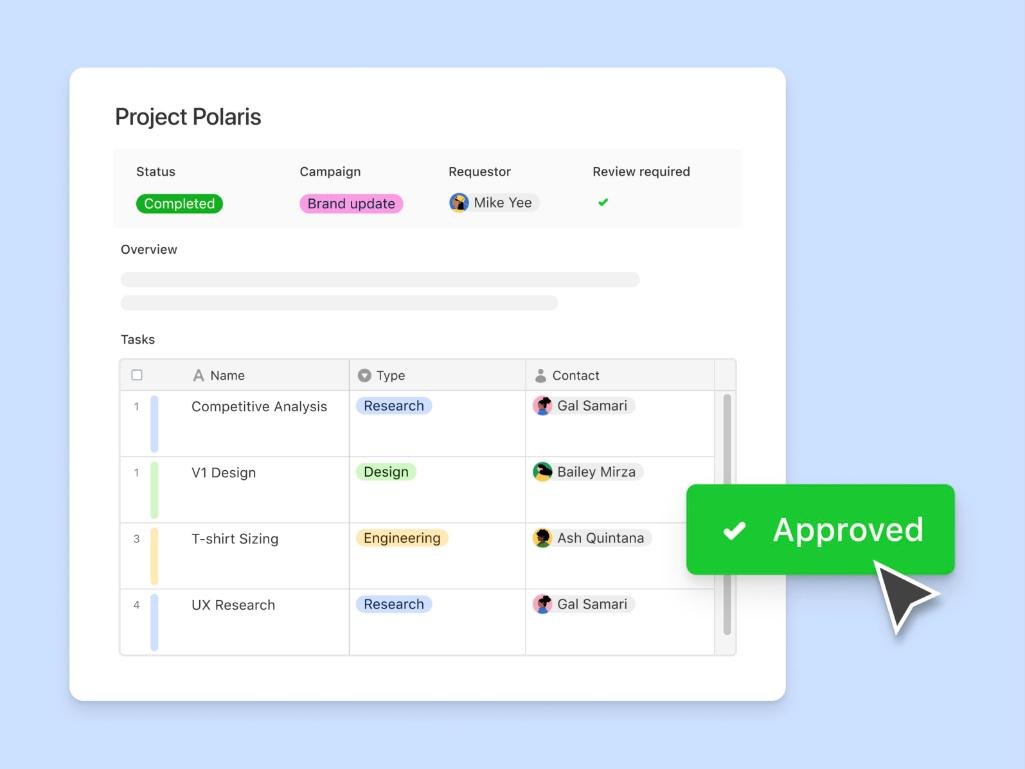
Freelancers often want clients to see project status. On Airtable, who you invite and with what permission decides whether it costs money.
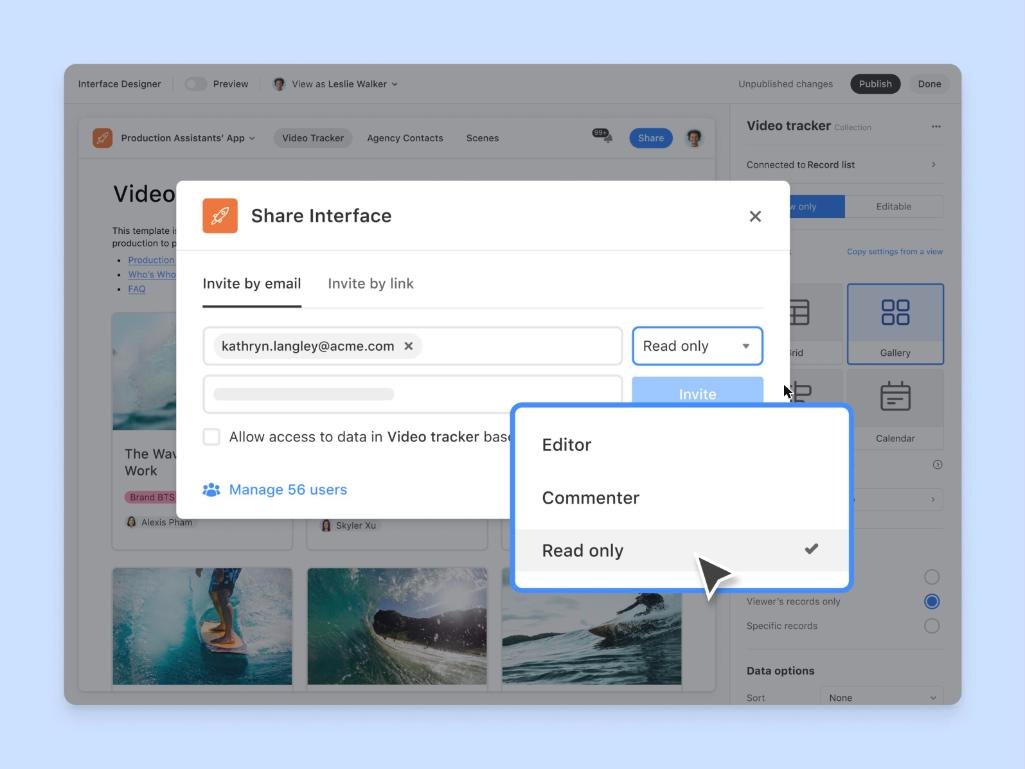
Airtable’s help centre defines billable collaborators as workspace, base or interface collaborators with Owner, Creator or Editor permissions. Read-only and commenter access are not on that list. So the free way to show a client their project is to share an interface with read-only or commenter access, not to add them as an editor.
Two practical points:
- Use view filters. Interfaces support showing only certain records, so each client sees only their own projects.
- Do not make clients editors “just so they can update a field”. On a paid plan, that turns them into a paid seat. Use a form for client input instead.
What about Airtable Portals?
Portals is Airtable’s branded way to give external users access to interfaces, with a custom sign-in page. It is an add-on for Team, Business and Enterprise Scale, starting from $120 for 15 guests a month on Team. One detail matters for solo freelancers: Airtable’s help centre says that to use Portals on the Team plan, the organisation owner must sign in with a work email address, and personal email providers like Gmail or Yahoo are not supported. If your Airtable account runs on a Gmail address, plan for that before you promise clients a portal.
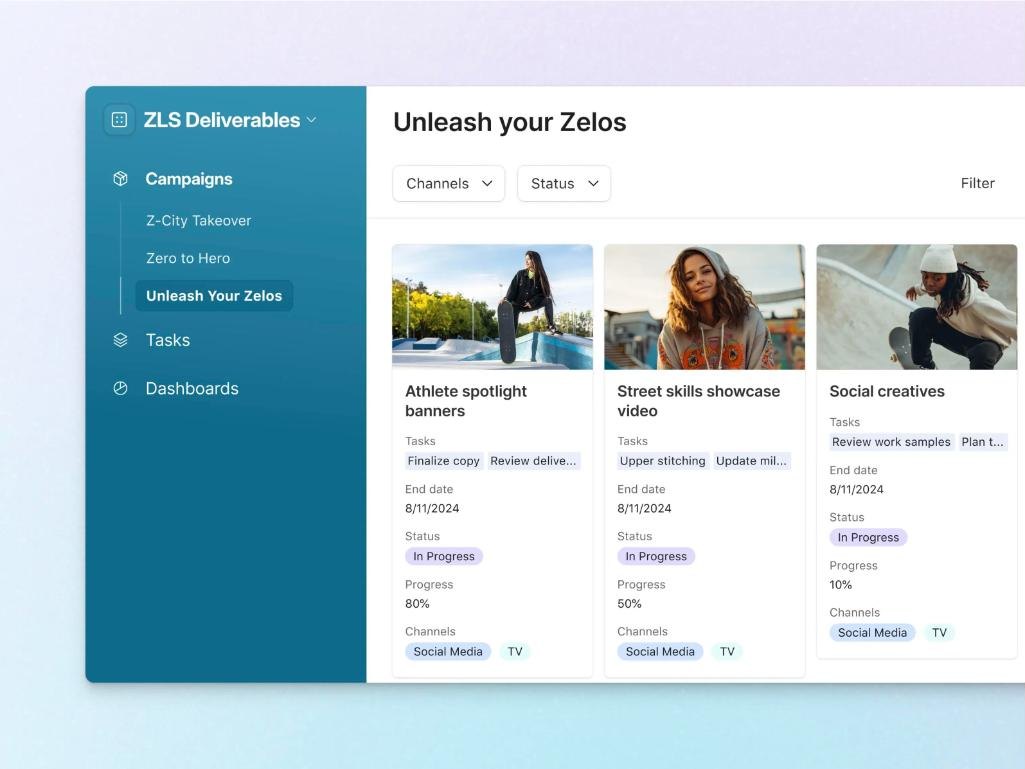
For most freelancers, a shared read-only interface does the job and costs nothing. A portal is worth it when clients need to log in to one branded place across several projects.
When upgrading to Team is worth it
Team costs $20 per seat per month billed annually, or $24 monthly. For a solo freelancer with no other billable collaborators, that is one seat. I would upgrade when one of these is true:
- You want linked time tracking. If hours must roll up to projects and invoices automatically, Design 1 on Team (50,000 records per base) is far simpler than any workaround.
- Automations save you real time. 25,000 runs removes the rationing.
- You keep large files in Airtable. 20 GB per base instead of 1 GB.
- You need timeline or Gantt views to plan overlapping projects.
A simple test: if splitting bases and rationing automations costs you more than about an hour a month, and your hourly rate is above $24, Team pays for itself.
If what you really need is shared project space with clients rather than a database, compare it with a project tool. I did the seat count for that in the Basecamp Freelancer plan, where clients count as users, which is the opposite of Airtable’s read-only rule.
A Free plan setup I would start with
- Base 1, “Business”: Leads, Clients, Projects, Invoices. Linked records between all four.
- Base 2, “Work log [year]”: Tasks and Time entries, with a plain text “Project” field.
- One interface per client in Base 1, shared read-only, filtered to that client’s projects.
- Two automations only: notify yourself on a new lead, and set the client to Active when a project starts.
- Files stay outside Airtable, linked by URL.
- A monthly check of each base’s record count, so the limit never surprises you.
With the example numbers, the Business base lasts for years and the Work log base needs a fresh start roughly once a year. When the workarounds start costing more than $24 a month in time, move the business to Team and merge the bases.
You can start on the Free plan at airtable.com and add Team later without rebuilding anything.
FAQ
How many records does the Airtable Free plan allow?
1,000 records per base, with unlimited bases. The limit applies to each base separately.
Do clients count as paid seats in Airtable?
Only if they have Owner, Creator or Editor permissions. Airtable’s help centre defines those as billable collaborators. Read-only and commenter access are not in that group.
How much is Airtable Team?
$20 per seat per month billed annually, or $24 billed monthly. It raises the limit to 50,000 records per base and 25,000 automation runs.
Can I use Airtable Portals on a Gmail account?
Not on the Team plan. Airtable says the organisation owner must sign in with a work email address to use Portals on Team, and personal providers like Gmail or Yahoo are not supported.
Is Interface Designer available on the Free plan?
Yes. Interface Designer is listed among the Free plan’s features.