Many freelancers have a small offer they could sell today without a sales call: a fixed-price website audit, a one-hour strategy session, a brand review, a copy teardown. What usually stops them is the admin around it. They need a page that explains the offer, a way to take payment, an automatic confirmation, and a follow-up email that books the work. Wiring four tools together for a $300 product rarely feels worth it.
Flodesk Checkout puts those pieces in one place. Flodesk started as an email platform for creators and now sells sales pages, payment pages and delivery flows inside the same account. In this article I look at Flodesk from one angle only: selling a single fixed-price service, which I will call a paid audit, to the people already on your email list. I cover which plan you actually need, what the plan page says and does not say, and how I would build the funnel step by step.
All prices and limits below are taken from Flodesk’s pricing page and Checkout page as they read today.
Why a paid audit is a good first offer
A paid audit sits between a free discovery call and a full project. The client pays a small, fixed amount, you deliver a short report or a recorded walkthrough, and both sides find out whether a bigger project makes sense. It works well for freelancers because:
- It filters leads. People who pay $250 for an audit are far more likely to hire you for the full job than people who book free calls.
- It has a clear scope, so it can be bought without a proposal.
- It is easy to sell by email. One announcement to your list and a short reminder sequence is often enough.
The catch is delivery. Someone pays at 11pm and expects to hear from you. That is where an email tool with built-in checkout helps.
What Flodesk Checkout can sell
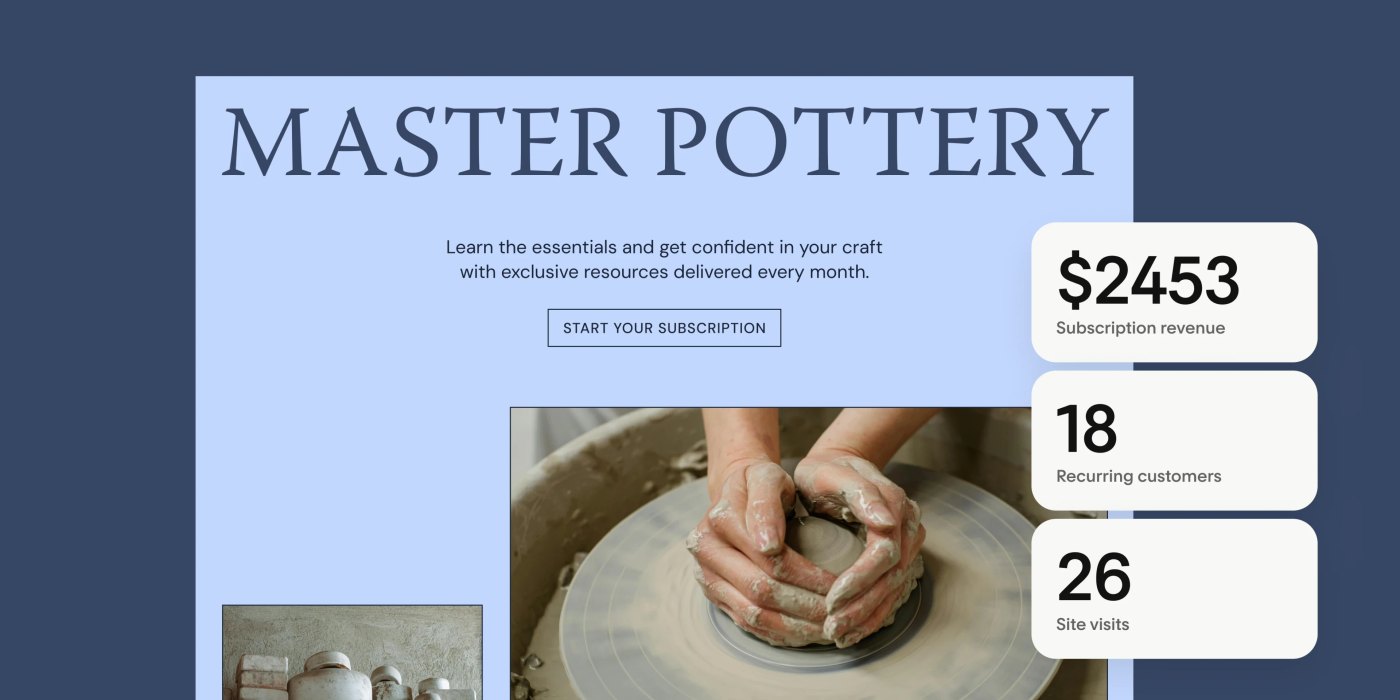
Flodesk’s Checkout page lists six kinds of things you can sell: a physical product, a digital product, a subscription, a course, a freebie and a quick invoice. For a freelancer, the digital product and quick invoice options are the interesting ones. A paid audit is effectively a digital product with a manual delivery, and a quick invoice covers one-off client payments outside a funnel.
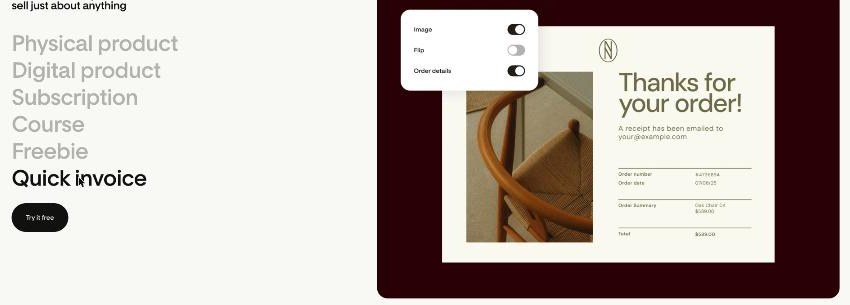
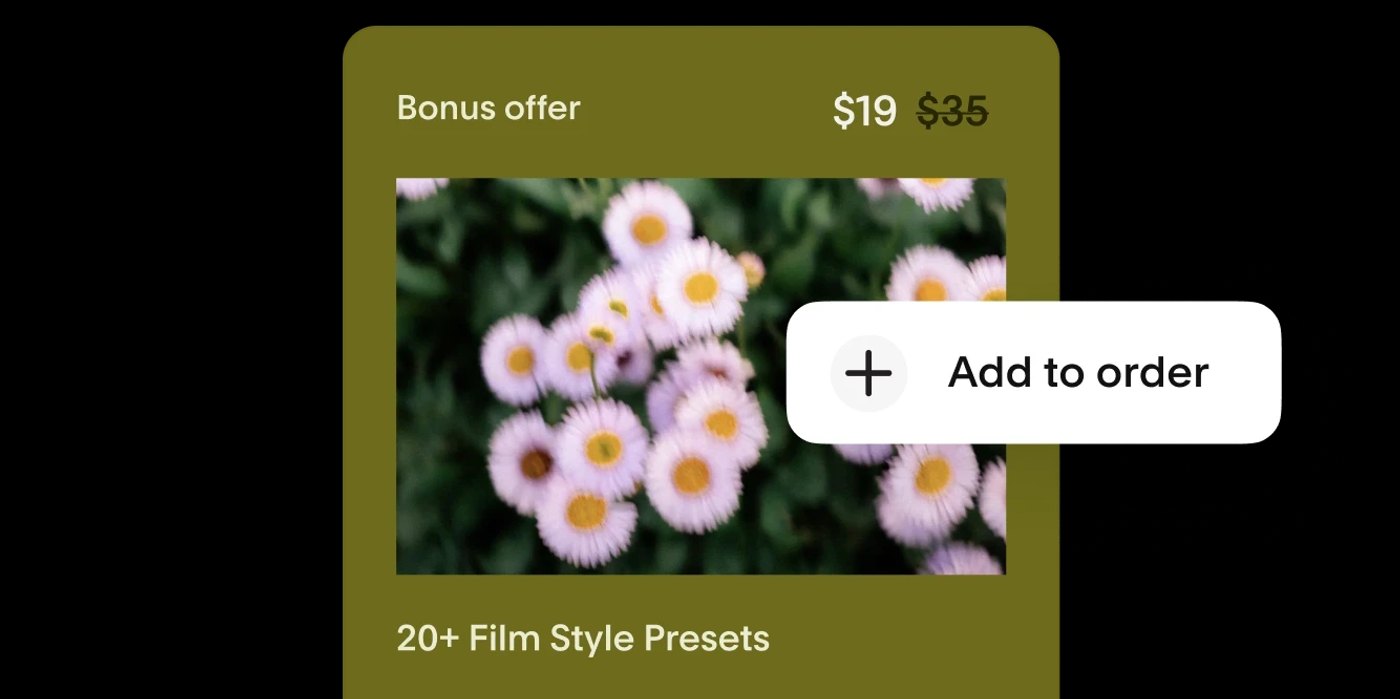
Flodesk describes setup in three steps: design a sales page, configure the payment page and any upsell, then set up automatic delivery. On top of that it lists upsells, subscription payments, buy now pay later, card, Apple Pay and Google Pay, revenue analytics, abandoned cart emails, discounts, limited-time deals, countdown timers, and the fact that new customers are added to your email list automatically.
On fees, Flodesk says it charges no platform fee on Checkout sales. You pay Stripe’s standard processing rate and nothing on top. That is a real difference from some course and digital product platforms that take a cut of each sale.
One limit freelancers outside the main markets should check first: Flodesk says Checkout is currently available to businesses based in the US, Canada, the UK, Australia, New Zealand and Euro Area countries. Email marketing works worldwide, but selling through Checkout depends on where your business is based.
Flodesk pricing for a freelancer’s list
Flodesk used to be known for one flat price with unlimited subscribers. That changed. Its pricing FAQ says the flat-rate unlimited plan was retired for new members on December 2, 2025, and pricing now scales with your number of active subscribers. Members who subscribed before that date keep their legacy plan as long as they stay subscribed.
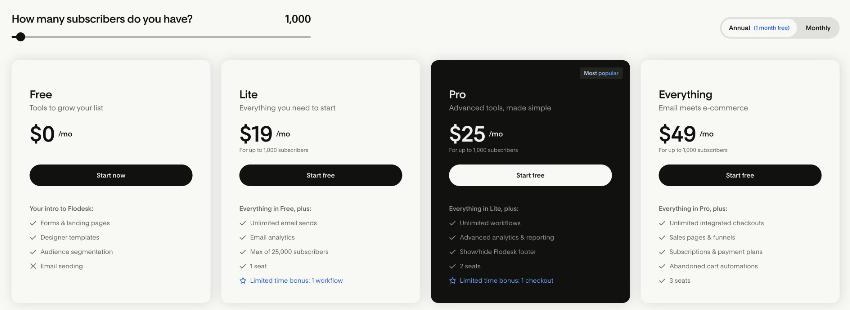
There are four plans. Prices below are for up to 1,000 and up to 2,500 active subscribers, which covers most freelancers’ lists:
| Plan | Up to 1,000 subscribers | Up to 2,500 subscribers | What it adds |
|---|---|---|---|
| Free | $0 | $0 | Forms, landing pages, link-in-bio pages. No email sending. |
| Lite | $25/mo monthly, $19/mo annual | $32/mo monthly, $29/mo annual | Unlimited email sends, analytics, 1 seat, max 25,000 subscribers, 1 workflow (limited-time bonus) |
| Pro | $28/mo monthly, $25/mo annual | $39/mo monthly, $35/mo annual | Unlimited workflows, advanced analytics, show or hide the Flodesk footer, 2 seats, 1 checkout (limited-time bonus) |
| Everything | $54/mo monthly, $49/mo annual | $87/mo monthly, $79/mo annual | Unlimited checkouts, sales pages and funnels, subscriptions and payment plans, abandoned cart automations, 3 seats |
Annual billing gives you one month free, so you pay for 11 months instead of 12. Only active subscribers count toward your tier: unsubscribed, bounced and cleaned contacts do not. If you go over your tier, Flodesk moves you up at your next billing date and keeps sending, with notices at 90%, 95% and 100% of your limit. There is a free trial of the paid features, and Flodesk says no credit card is needed to start it.
Which plan sells one paid audit?
This is the part that is easy to misread. On the plan cards, Pro includes “1 checkout”, but it is labelled as a limited-time bonus. Flodesk’s FAQ also says Checkout is included on Pro with one checkout and on Everything with unlimited checkouts. So today, a freelancer selling one offer can do it on Pro at $25 a month (annual, up to 1,000 subscribers).
Two things to weigh before you settle on Pro:
- The checkout on Pro is a promotion. If Flodesk ends that bonus later, it is not clear from the public page whether existing Pro members keep it. If your audit becomes a real income stream, ask support before you build your process around it.
- Some Checkout features sit on Everything. The plan comparison lists unlimited sales pages, upsells, subscriptions, discount codes, payment plans and abandoned cart automations under Everything. If you want to offer the audit with a “full project” upsell, or chase people who start paying and stop, you need Everything.
For one audit with a simple confirmation flow, Pro is enough. For a small product line, such as an audit, a strategy session and a monthly retainer, Everything is the realistic plan.
How I would build the paid audit funnel
1. Write the offer before you open Flodesk
One sentence on what the client gets, one on what they need to send you, one on when they will receive it, and the price. If you cannot write it in four sentences, the scope is too loose to sell without a call.
2. Build the sales page from a template
Flodesk’s strength has always been design, and its sales page templates follow that. Keep the page short: the problem, what the audit covers, a sample of the deliverable, the price, and the button. A testimonial from a past client helps more than a long feature list.
3. Set up payment and the thank-you step
Configure the payment page with your price. Flodesk supports card, Apple Pay and Google Pay. After purchase, use the delivery step to show clear next steps: a link to your intake form and the date they can expect the audit. If you already collect project details with a form tool, link it here. I covered one way to do that in a Fillout client intake form for freelancers.

4. Let the email workflow do the follow-up
Because Checkout is part of Flodesk, buyers land on your list automatically. On Pro you have unlimited workflows, so build a short sequence: a receipt-style thank-you with the intake link, a reminder after two days if the intake is missing, and an email after delivery inviting them to book a call about the full project.
5. Announce it to your list
Send one announcement, then one reminder to people who did not open it. Flodesk lists “resend to unopens” among its email features. A small list of warm past clients and referrals often sells a handful of audits in the first week, which is enough to test the offer.
What Flodesk does not do for this workflow
- It is not a client portal. There are no contracts, project files or client logins. If you need those, a tool like HoneyBook or Bonsai fits better.
- It is not an invoicing system for ongoing projects. Quick invoice covers one-off payments, but milestone billing and late-payment reminders are better handled elsewhere. My notes on Stripe Invoicing for freelancers go into that.
- Checkout is limited by country. As noted, only businesses in the listed regions can use it.
- The Free plan cannot send email. It is useful for building a list with forms and landing pages, but you need a paid plan to sell to that list.
Is Flodesk Checkout worth it for freelancers?
If you already use Flodesk for your newsletter, adding a paid audit through Checkout is one of the cheapest ways to test a productized offer, because you are not paying a platform fee on sales and you are not connecting extra tools. Start on Pro, use the one checkout for the audit, and only move to Everything if you add upsells or more products.
If you do not use Flodesk yet, compare it against what you have. If your current email tool already handles your welcome sequence well, as in my MailerLite welcome sequence build, a separate checkout tool may be simpler than switching platforms. Flodesk makes the most sense for freelancers who care about how their emails and pages look and want selling and emailing in one place.
Verdict
Flodesk Checkout turns a paid audit from a four-tool project into a single afternoon of setup. The pricing is now subscriber-based, so a small list stays affordable, and Pro at $25 a month on annual billing currently includes one checkout as a limited-time bonus. Watch the bonus label, check that Checkout supports your country, and keep upsells and payment plans in mind as the point where Everything becomes necessary.
FAQ
Does Flodesk charge a fee on Checkout sales?
Flodesk says it charges no platform fee. Payments are processed by Stripe at its standard rate, and Flodesk adds no transaction fees on top.
Which Flodesk plan includes Checkout?
Pro includes one checkout, labelled as a limited-time bonus, and Everything includes unlimited checkouts along with sales pages, upsells, subscriptions, discount codes and abandoned cart automations.
Does Flodesk still have unlimited pricing?
Not for new members. Flodesk retired its flat-rate unlimited plan on December 2, 2025. Pricing now scales with active subscribers, while existing members keep their legacy plan if they stay subscribed.
Can I use Flodesk Checkout outside the US?
Checkout is available to businesses based in the US, Canada, the UK, Australia, New Zealand and Euro Area countries. Flodesk’s email features are available worldwide.
Is there a free trial?
Yes. Flodesk offers a free trial of its paid features with no credit card required. When it ends, your account moves to the Free plan unless you choose a paid plan.