A lot of freelancers eventually start charging for the first call. A paid strategy session, a one-hour audit, a “pick my brain” consultation: it filters out tyre-kickers and turns your expertise into a small product. The obvious question is which booking tool to use, and the Setmore free plan keeps coming up because it already lets you accept payments at $0.
That is true, and it is more than many free schedulers offer. But “can take payment” is only one part of selling a consultation. You also need the booking to land on the right hours, a call link the client can find, a way to handle no-shows, and a reminder that actually gets read. This guide walks through those steps one by one and marks where Setmore’s free plan covers you and where the Pro plan takes over. All plan details come from Setmore’s official pricing page as I read it today.
Setmore free plan vs Pro at a glance
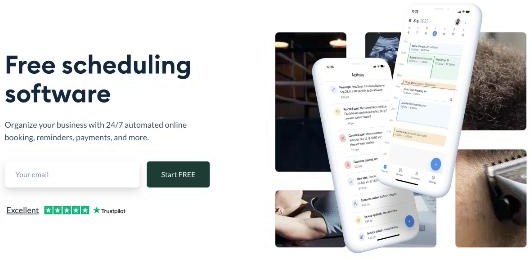
Setmore keeps its pricing simple: two self-serve plans and a contact-us option for larger organisations.
- Free, $0: up to 4 users, unlimited appointments, payments, a branded booking page, a branded mobile app, email reminders and confirmations, integrations and team tools.
- Pro, $5 per user per month on annual billing: unlimited users and everything in Free, plus SMS reminders, recurring appointments, 2-way calendar sync, removal of Setmore branding, customer blocking, Google review requests, custom notifications and priority support.
One detail is easy to miss. The $5 figure is the annual-billing price. When I switched the toggle to monthly billing, the Pro card showed $12 per user per month. For a solo freelancer that is $60 a year on annual billing against $144 a year paying monthly, so decide which you are comparing before you call Pro “cheap”.
Step 1: Taking the payment
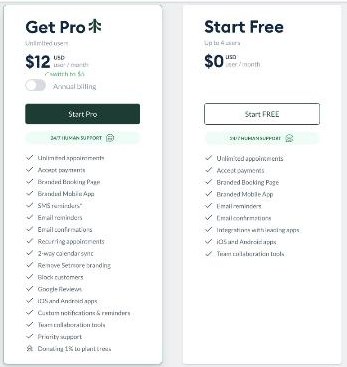
This is where the free plan is strongest. In Setmore’s comparison table, the payment rows are the same on Free and Pro for online payments, in-person payments, Tap to Pay, a cash register, payment reports and the payment connections themselves: Square, Stripe, PayPal and LawPay.
So a freelancer on the free plan can set up a “60-minute consultation” service, attach a price and collect it when the client books. For most people selling a single fixed-price call, that alone is the main reason to look at Setmore.
There is one payment row that does differ: deposits are Pro only. If you want to take a smaller amount upfront and the rest after the call, or hold a deposit against no-shows for a longer session, you need Pro. If you charge the full price at booking, the free plan is enough here.
Step 2: Making sure the booking lands on free time
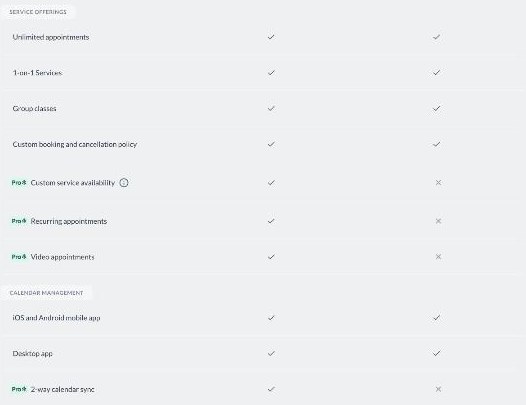
This is the row I would check most carefully. Setmore lists 2-way calendar sync as a Pro feature, marked with a cross on Free. For a freelancer whose real life lives in Google Calendar or Outlook (client meetings, deep-work blocks, school runs), two-way sync is what lets a booking tool see when you are already busy.
I have not found an official Setmore page that spells out exactly what calendar connection the free plan does have, so I will not guess. My advice is practical: during your first week on Free, add a test event in your main calendar and see whether that slot disappears from your Setmore booking page. If it does not, you will be blocking time in two places by hand, and the $5 annual Pro price is worth it just to avoid an awkward double booking with a paying client.
The same section of the table shows another Pro-only row that matters for consultations: custom service availability. On Pro you can offer your paid call only at certain times, for example Tuesday and Thursday afternoons, without restricting every other service. On Free, plan around your general availability instead.
Step 3: Getting both of you into the call
Video appointments are also marked Pro only. If your consultation happens on Zoom, Google Meet or similar, the free plan does not include Setmore’s built-in video appointment feature, so you will need to send the meeting link yourself.
That is manageable for a few calls a month: book, then send a short email with the link and any prep questions. It becomes a chore at volume, and it is one more manual step where a link can go missing. If paid calls are a weekly part of your business, video appointments are a real reason to upgrade.
Step 4: Reminders and no-shows
Both plans include email confirmations and email reminders. Pro adds SMS reminders (Setmore notes that SMS availability varies by country under its fair use policy), multiple reminders and custom notifications.
For a paid consultation, a single email reminder is usually enough, because the client has already paid and has a reason to show up. Where Pro helps is with international clients or busy founders who live in their phone’s messages rather than their inbox. Pro also lets you block customers, which is a quiet but useful option if someone repeatedly books and then disputes or skips.
Step 5: Your booking page and brand
Both plans give you a custom booking page, a custom URL, service links you can share, a custom booking and cancellation policy, a QR code and “Book Now” options for your website, Facebook and Instagram. Setmore also lists Reserve with Google on both plans, which is more relevant to local service businesses than to remote freelancers.
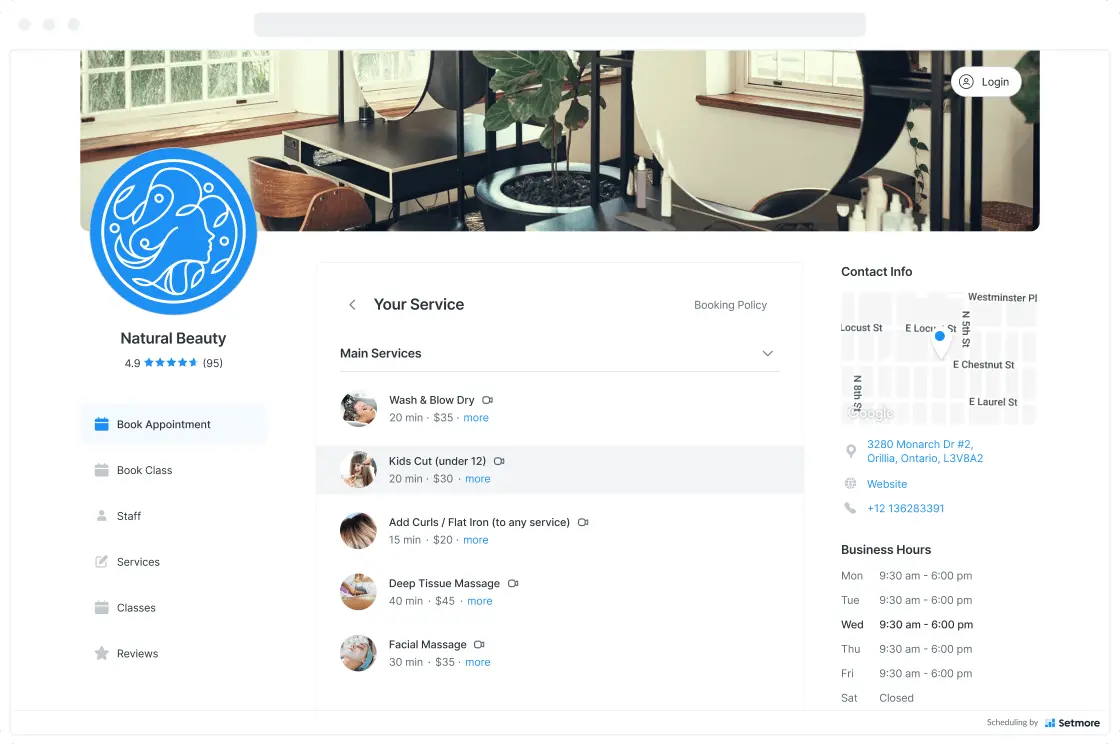
The difference is the badge: removing Setmore branding is Pro only. Whether that matters depends on how you position your consultation. For a $100 call sold to small businesses, a small “powered by” line is unlikely to cost you a booking. For a premium advisory offer, a fully branded page looks more polished.
On the website side, both plans include a booking widget for Wix, Weebly and WordPress, plus Google Analytics (GA4), Mailchimp, HubSpot and Zapier connections. API access is Pro only, which most solo freelancers will never need.
Step 6: The mobile side
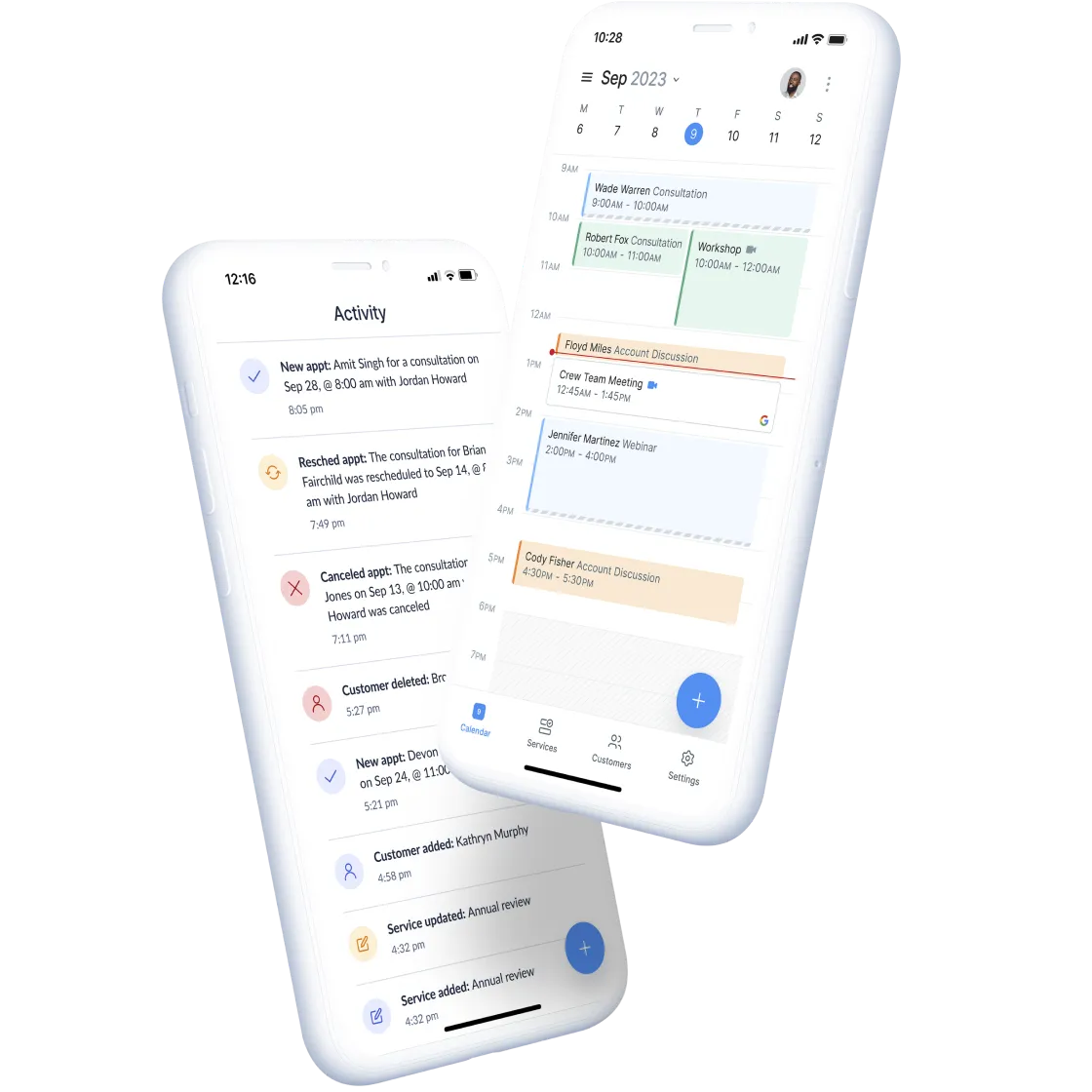
Both plans include the iOS and Android apps and a desktop app, so you can check today’s bookings or take an in-person payment from your phone on either plan.
A quick decision for freelancers
Here is how I would decide, based on the steps above.
- Stay on Free if you sell a fixed-price call a few times a month, charge the full amount at booking, and do not mind sending the meeting link yourself.
- Move to Pro on annual billing if your main calendar is busy and you need bookings to respect it, if you want deposits, or if you run video calls every week. At $5 a month billed annually, one avoided double booking pays for the year.
- Think twice about monthly Pro at $12 if you are only testing paid consultations. Run the test on Free first, then commit annually once you know the offer sells.
If you are still comparing schedulers, I looked at the client’s side of the link in SavvyCal for freelancers and at lifetime versus subscription pricing in TidyCal pricing, lifetime deal versus Pro. Setmore’s advantage over both is that payments are available on the free plan.
There is also a Live Receptionist add-on listed at $99 per month on both plans, where a real person answers calls for you. It is designed for phone-heavy local businesses, and I would not consider it for a typical freelance consultation offer.
My verdict
The Setmore free plan is one of the few free schedulers that lets a freelancer sell a paid consultation from day one: Stripe, PayPal and Square are all there at $0, along with a branded booking page and email reminders. Where it stops is the logistics around the call. Two-way calendar sync, video appointments, deposits, SMS reminders and custom service hours are all Pro features.
For an occasional paid call, Free is a sensible starting point. Once consultations become a regular income stream, Pro on annual billing is an easy upgrade to justify. You can compare both plans on Setmore’s website.
FAQ
Is the Setmore free plan really free?
Yes. Setmore lists the Free plan at $0 for up to 4 users with unlimited appointments, online payments, a branded booking page and email reminders.
Can I accept payments on Setmore’s free plan?
Yes. The comparison table shows online payments, in-person payments, Tap to Pay and Square, Stripe, PayPal and LawPay on both Free and Pro. Deposits are Pro only.
How much does Setmore Pro cost?
Setmore lists Pro at $5 per user per month with annual billing. With monthly billing selected, the pricing page showed $12 per user per month.
Does the Setmore free plan include 2-way calendar sync?
No. Setmore marks 2-way calendar sync as a Pro feature.
Does Setmore’s free plan support video appointments?
No. Video appointments are listed as Pro only, so on Free you would send your own meeting link.
Are SMS reminders included for free?
No. SMS reminders are a Pro feature, and Setmore notes that availability varies by country.