
Most CRM advice for freelancers assumes you sell projects: a lead comes in, you send a proposal, you win or lose, and the deal is closed. If most of your income comes from monthly retainers, that model leaves out the part that pays the bills. A retainer is won once, then renewed, expanded, paused or lost every few months. Pipedrive for freelancers is usually pitched as “a simple sales pipeline”, but its plans contain a few features that line up surprisingly well with recurring work, and a few that a solo retainer business does not need at all.
So instead of a feature tour, I mapped a typical retainer client’s life (inquiry, discovery, proposal, onboarding, monthly delivery, renewal) onto Pipedrive’s plans, to see which tier a one-person business actually has to pay for.
Pipedrive pricing for a one-seat business
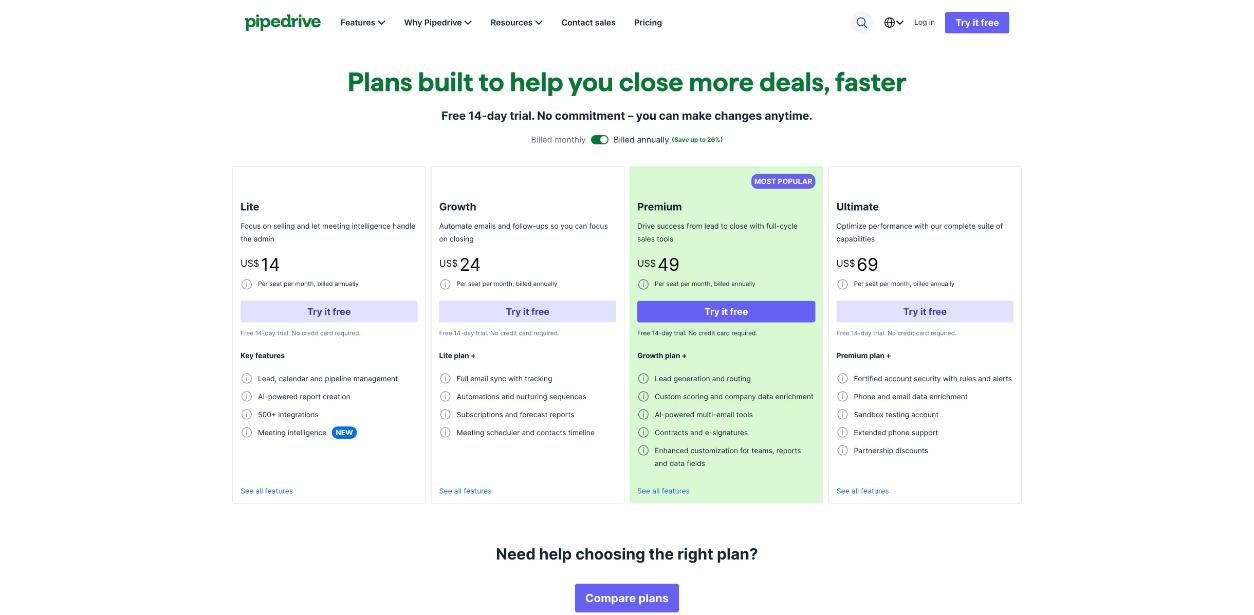
Pipedrive charges per seat, so as a solo freelancer you only ever pay for one. These are the current list prices from Pipedrive’s pricing page, in US dollars and excluding VAT:
| Plan | Billed monthly | Billed annually (per month) | One seat for a year (annual) |
|---|---|---|---|
| Lite | $19 | $14 | $168 |
| Growth | $34 | $24 | $288 |
| Premium | $64 | $49 | $588 |
| Ultimate | $89 | $69 | $828 |
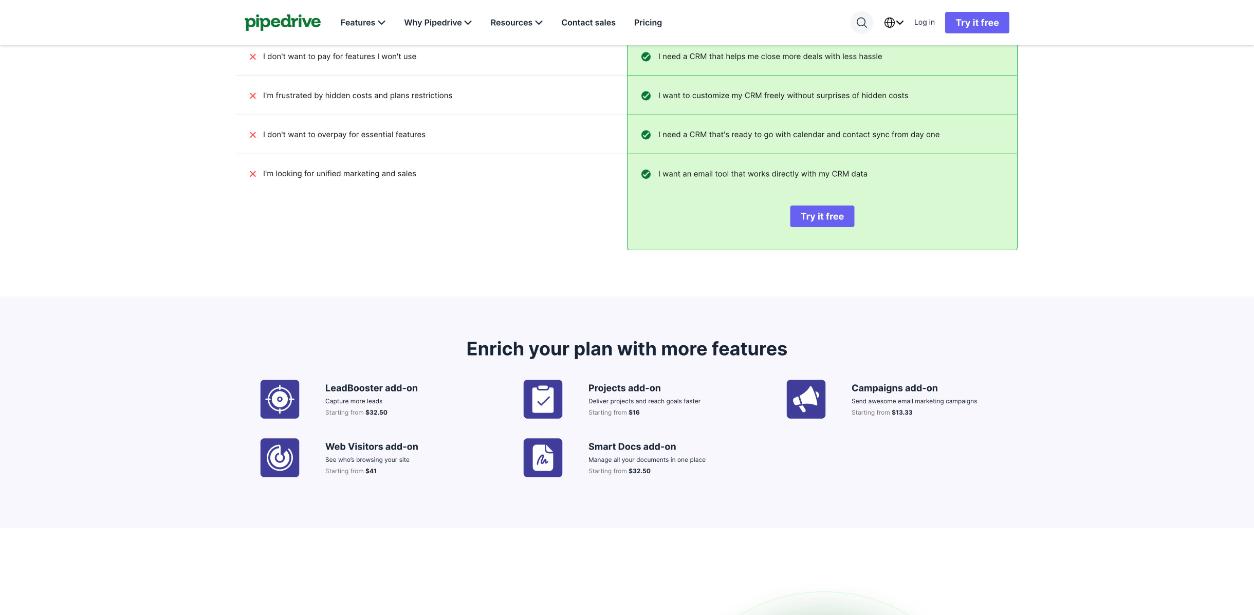
Every plan has a free 14-day trial with no credit card required. There is no free plan. Add-ons are sold separately on top of any plan, and two of them matter for retainer work: Projects (from $16) and Smart Docs (from $32.50).
Stage 1: Inquiry to discovery call (Lite covers it)
The first stages of a retainer sale look like any other freelance sale. A lead arrives by email, referral or your site, you qualify it, and you book a call. Pipedrive’s core is a visual Kanban pipeline where every deal is a card you drag from stage to stage, and you can create your own stages and custom fields. All plans include this.
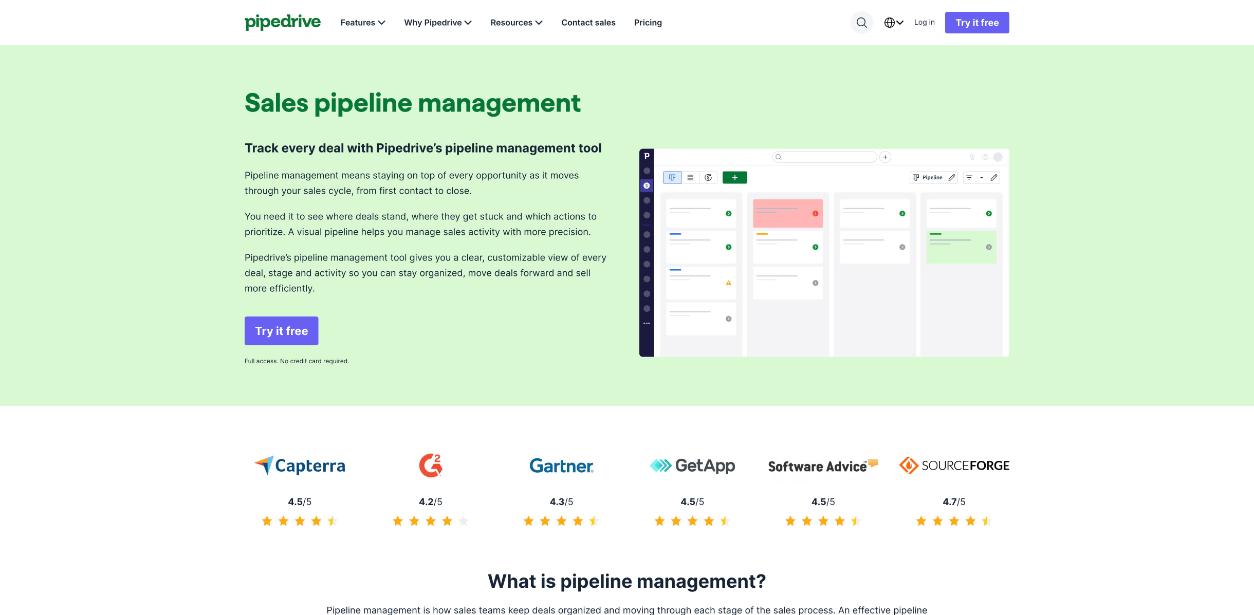
For a retainer business, I would set the stages up like this rather than using the default sales stages:
- Inquiry – someone asked, nothing qualified yet.
- Discovery booked – a call is on the calendar.
- Scope sent – you sent a proposal with a monthly fee.
- Verbal yes – waiting on contract or first invoice.
- Won – onboarding – the deal is closed and work starts.
Add one custom field that matters more than anything else for retainers: monthly value. The deal value Pipedrive shows on each card is a one-off number by default, and a $1,500-a-month client is not a $1,500 deal.
Lite also includes meeting intelligence, which Pipedrive calls Nova. According to the pricing page, it gives you a brief before each meeting, a transcript of each call, and suggested CRM updates you approve afterwards. For discovery calls, that last part is the useful one: notes land on the deal instead of in a notebook you never open again.
Stage 2: Proposal and follow-up (the reason to consider Growth)
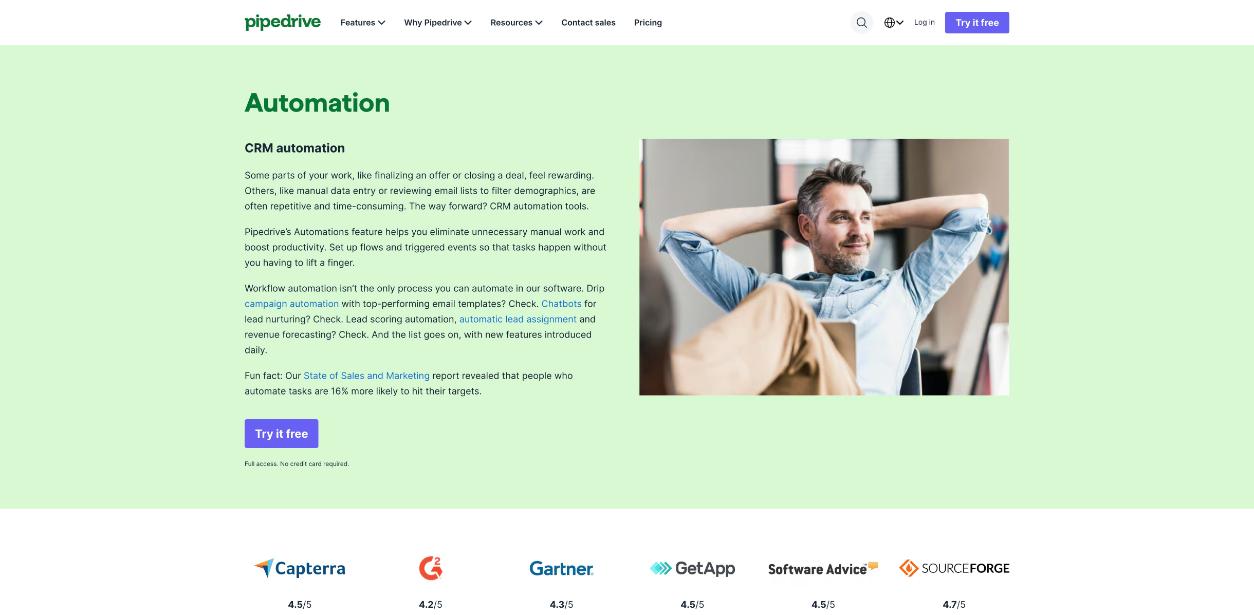
Lite stops being enough the moment you want your email inside the CRM. Growth adds full two-way email sync with Gmail, Outlook or your own email provider, plus open and link-click tracking. It also adds automations and nurturing sequences: emails and follow-ups that go out on a schedule while a deal sits in a stage.
For retainer proposals, a simple automation pays for itself. When a deal enters “Scope sent”, create a follow-up task for three days later. When it has sat in “Verbal yes” for a week, remind yourself to chase the contract. If you track proposals with a dedicated tool, my piece on reading Qwilr proposal analytics before you follow up covers that side, and Pipedrive’s link-click tracking gives you a lighter version of the same signal.
Stage 3: The retainer itself (Growth’s quiet advantage)
This is the feature most freelancer reviews of Pipedrive miss. Growth includes subscriptions and forecast reports: Pipedrive’s pricing page describes it as selling and tracking products billed as subscriptions or installments, and anticipating revenue with built-in forecasts.
For a retainer freelancer that changes what the CRM can tell you. Instead of a pile of closed deals, you can attach a recurring product (for example “SEO retainer – monthly”) to the deal and see expected revenue in future months. That is the closest thing in Pipedrive to a “monthly recurring revenue” view for a one-person business, and it is not on Lite.
Growth also adds a meeting scheduler and a contacts timeline. The scheduler lets clients pick a time from your availability, which covers monthly check-in calls. The timeline shows every interaction with a client in one place, which is exactly what you want open before a renewal conversation.
Stage 4: Delivery (an add-on, not a plan)
Once the retainer starts, the work moves from selling to delivering. Pipedrive’s answer is the Projects add-on, priced from $16. According to Pipedrive, when a deal closes it can generate an AI-assisted project brief from the deal’s emails, notes and files, which you review before delivery starts. Projects also has task dependencies, Gantt timelines and AI health summaries (both labelled beta), automations triggered when tasks change, and AI-generated project report PDFs you can share with clients (also beta).
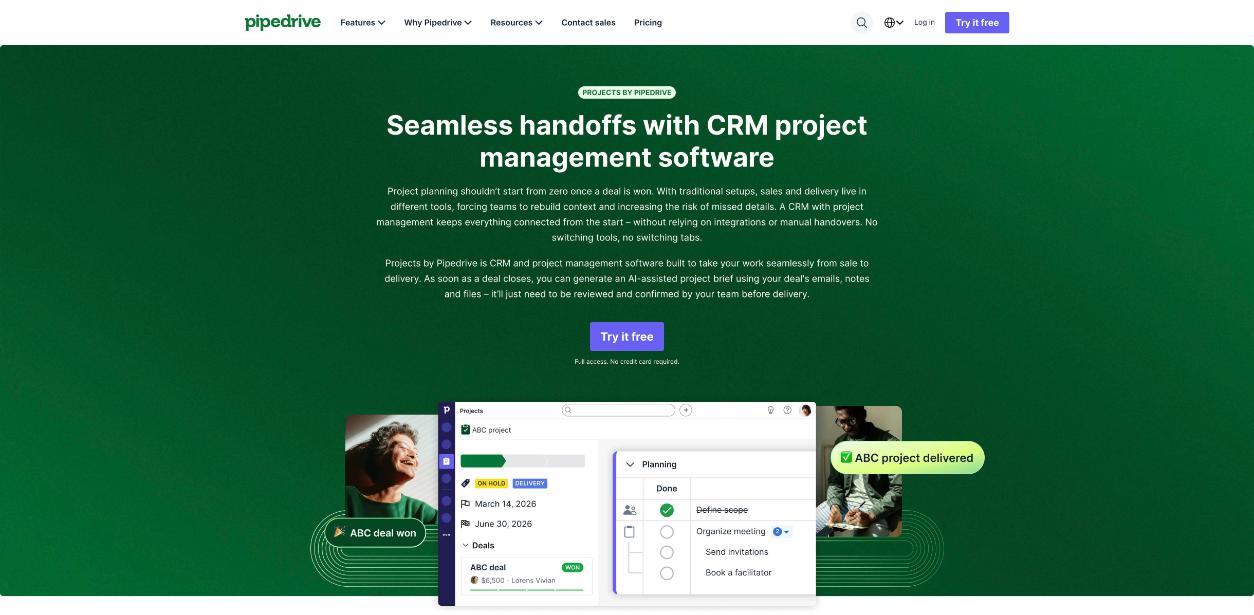
Whether this is worth it depends on where you deliver today. If your monthly work already lives in a project tool you like, keep it and connect it through one of Pipedrive’s 500+ integrations. If you are juggling client context across email and a separate task app, Projects keeps the sales history and the delivery checklist together. One practical note: Pipedrive says the Projects mobile app is on Android now, with iOS listed as coming soon.
Stage 5: Renewal and expansion
Retainers are renewed, not re-sold, and this is where a CRM earns its place. I would run renewals as a second pipeline rather than reopening old deals. Pipedrive supports multiple custom pipelines, so a “Renewals” pipeline with stages like Review due, Results report sent, Renewal agreed and Upsell proposed keeps recurring clients separate from new business.
The renewal moment is also where past clients quietly drop off. If you have a list of former clients you have not spoken to in a while, the approach in rebuilding a past-client list in folk CRM works just as well as a “Dormant clients” stage in Pipedrive.
Do you ever need Premium or Ultimate as a freelancer?
Premium ($49 a month annually, $64 monthly) adds LeadBooster lead capture and routing, custom lead scoring with company data enrichment, AI email tools with shared inboxes, contracts and e-signatures, and more detailed customisation and permissions. The feature that tempts freelancers is contracts and e-signatures, since it means a retainer agreement can be sent and signed inside the deal. If you already pay for an e-signature tool, it is hard to justify doubling your CRM bill for it.
Ultimate ($69 annually, $89 monthly) is aimed at teams: account security rules, a sandbox account, extended phone support, data enrichment and partner discounts. A solo freelancer can skip it.
The setup I would pay for
For a solo freelancer whose income is mostly retainers, the sweet spot is Growth on annual billing: $24 a month, or $288 for the year. It is the cheapest plan with email sync, follow-up automations and, most importantly, subscription tracking and forecasts. Add Projects only if you want delivery inside the CRM. Lite at $14 a month is enough if you mostly want a visual pipeline and meeting notes, and you are happy to track recurring revenue in a spreadsheet.
Who should skip Pipedrive
- Freelancers with a handful of long-term clients and almost no new leads. A CRM built around moving deals is overkill when nothing moves.
- Anyone who wants proposals, contracts, invoices and a client portal in one tool. Pipedrive is a sales CRM first; invoicing is not in the plans described above.
- People who need a free plan. Pipedrive offers a 14-day trial, not a free tier.
FAQ
Is Pipedrive good for freelancers?
It works well for freelancers who handle a steady flow of new leads and want a visual pipeline. For retainer-based freelancers, the Growth plan is the most useful because it adds email sync, automations and subscription tracking.
How much does Pipedrive cost for one person?
Pipedrive charges per seat. One seat costs $14 (Lite), $24 (Growth), $49 (Premium) or $69 (Ultimate) per month billed annually, or $19, $34, $64 and $89 billed monthly. Prices exclude VAT.
Does Pipedrive have a free plan?
No. Pipedrive offers a free 14-day trial on every plan, and no credit card is required to start it.
Can Pipedrive track monthly retainers?
The Growth plan and above include subscriptions and forecast reports, which let you sell and track products billed as subscriptions or installments and forecast revenue from them.
Do I need the Projects add-on?
Only if you want delivery work inside Pipedrive. It starts at $16 and turns won deals into projects with tasks, dependencies and AI-assisted briefs. If you already use a project tool, an integration may be enough.