Canva launched in 2013 with a bold promise: to make professional-quality graphic design accessible to everyone — no design degree required. A decade later, with over 170 million monthly active users and a valuation of $26 billion, it’s safe to say that promise was delivered. But in 2025, with more competition than ever and a rapidly expanding feature set, is Canva still the best tool for non-designers? This in-depth Canva review covers everything you need to know.
What Is Canva?
Canva is a browser-based (and mobile-friendly) graphic design platform that lets you create everything from social media posts and presentations to logos, videos, websites, and print materials. It’s built around a drag-and-drop editor stocked with millions of templates, stock photos, icons, fonts, and design elements.
Unlike Photoshop or Illustrator, Canva requires zero prior design knowledge. You pick a template, customize the text and colors, and you’re done — often in under five minutes. That simplicity is its superpower.
Who Is Canva For?
Canva is used across a surprisingly wide range of people:
- Content creators & social media managers — creating Instagram posts, YouTube thumbnails, TikTok graphics
- Small business owners — designing flyers, business cards, menus, and email headers
- Marketers & brand teams — maintaining brand kits, creating presentations, social campaigns
- Educators — building classroom materials, infographics, and lesson presentations
- Non-profits — Canva offers free Pro access for eligible organizations
- Students — Canva for Education is free and packed with academic templates
Key Features of Canva in 2025
1. Drag-and-Drop Editor
Canva’s editor is intuitive, fast, and available in the browser without any downloads. You can resize, recolor, and reposition any element with a simple click-and-drag. The editor has improved significantly over the years with smarter alignment guides, content-aware resizing, and a cleaner interface.
2. Massive Template Library
Canva offers over 1 million templates across hundreds of format types — from Instagram stories (1080×1920px) to A4 business reports to YouTube channel art. Templates are categorized by industry, style, and use case, making it easy to find something relevant fast. Many templates are free; premium ones require Canva Pro.
3. Canva AI Tools (Magic Studio)
In 2024–2025, Canva heavily invested in AI. The Magic Studio suite includes:
- Magic Write — AI text generator for headlines, captions, and blog intros
- Magic Design — auto-generates a full design based on a text prompt or uploaded photo
- Magic Edit — AI-powered image editing (remove backgrounds, replace objects)
- Magic Animate — one-click animation for static designs
- Magic Resize — instantly adapts one design to multiple formats (Pro feature)
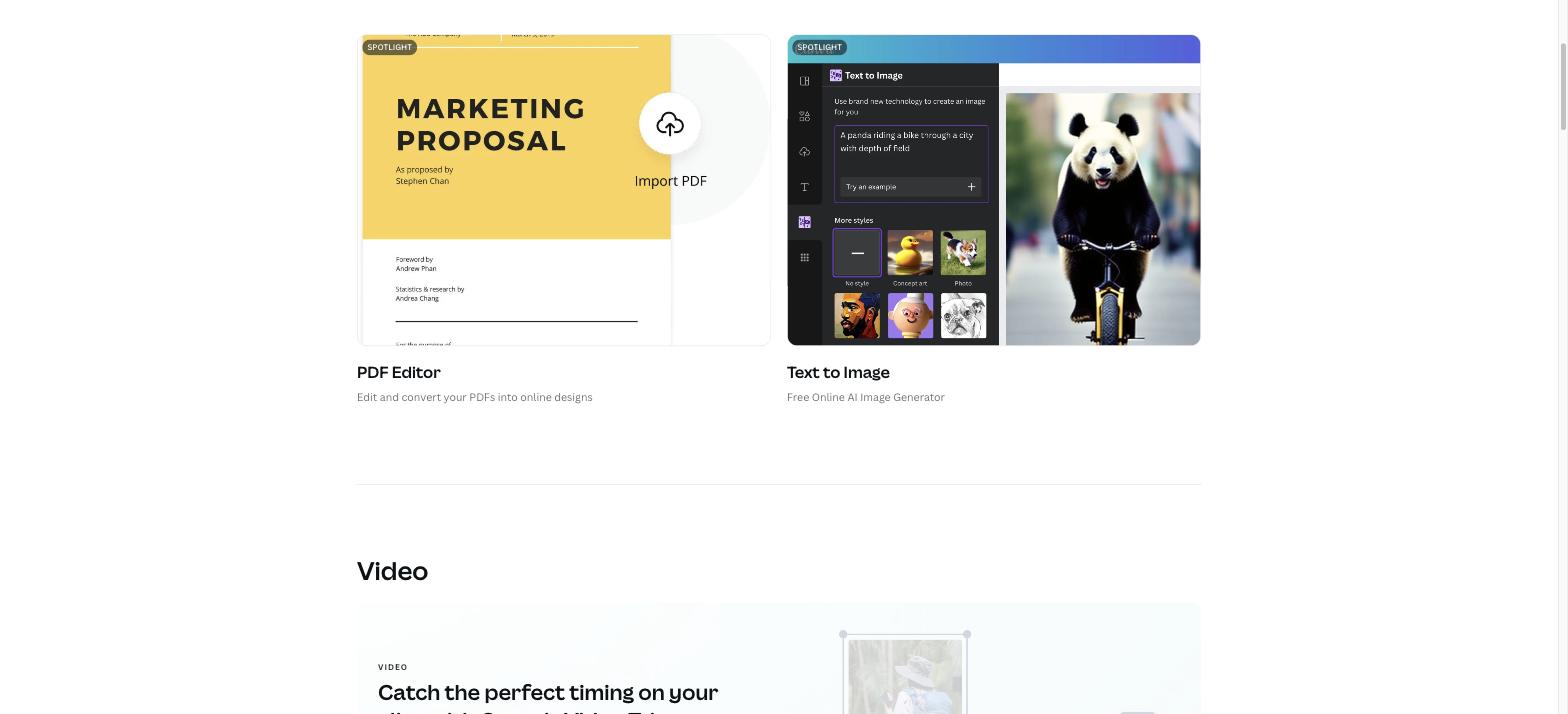
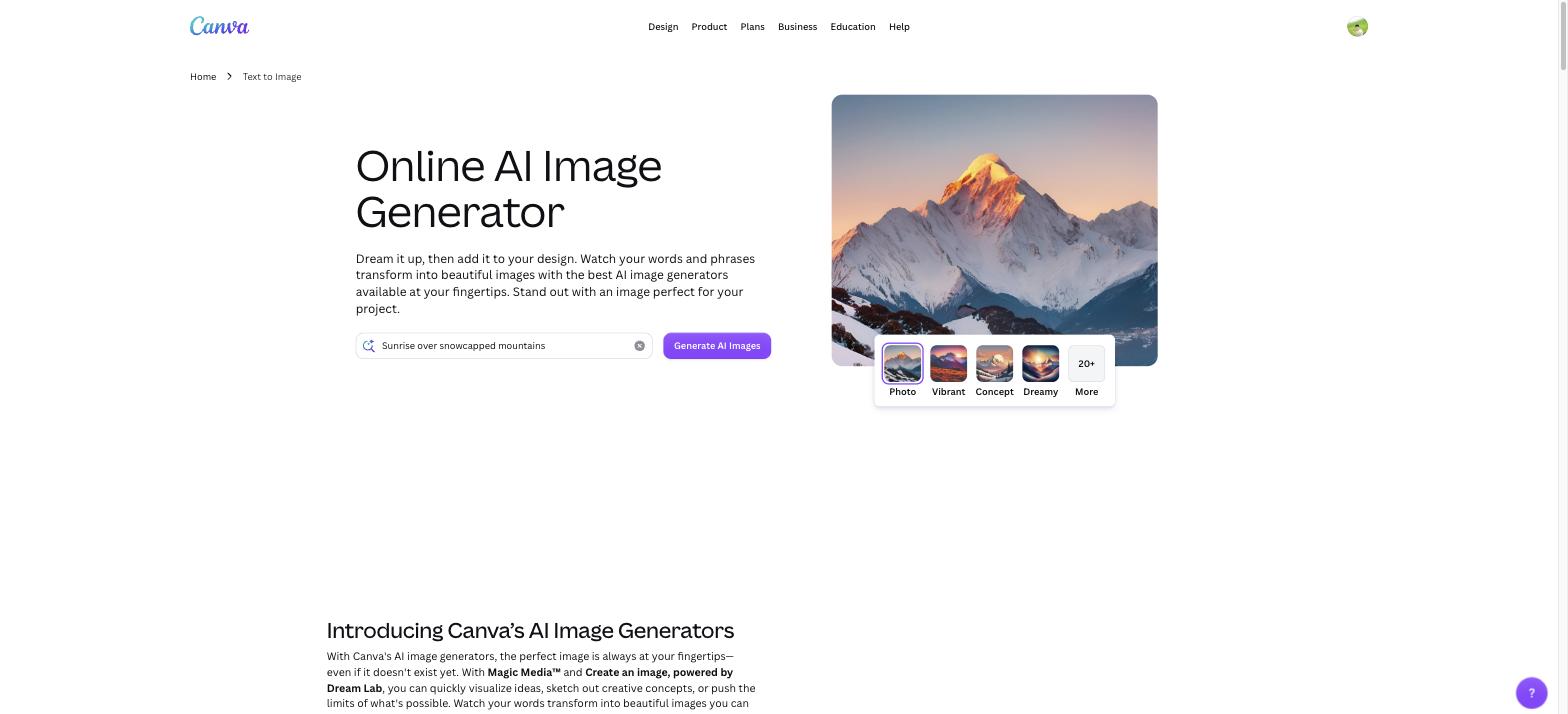
- Text to Image — generate custom AI art from a text prompt
These AI features are genuinely useful and have made Canva significantly more powerful for content production at scale.
4. Brand Kit
For businesses, the Brand Kit (Pro feature) lets you upload your logo, set brand colors, and choose brand fonts. These are then available across all your designs, ensuring visual consistency without having to manually set them each time. Teams can share brand kits across multiple users.
5. Canva Docs & Whiteboards
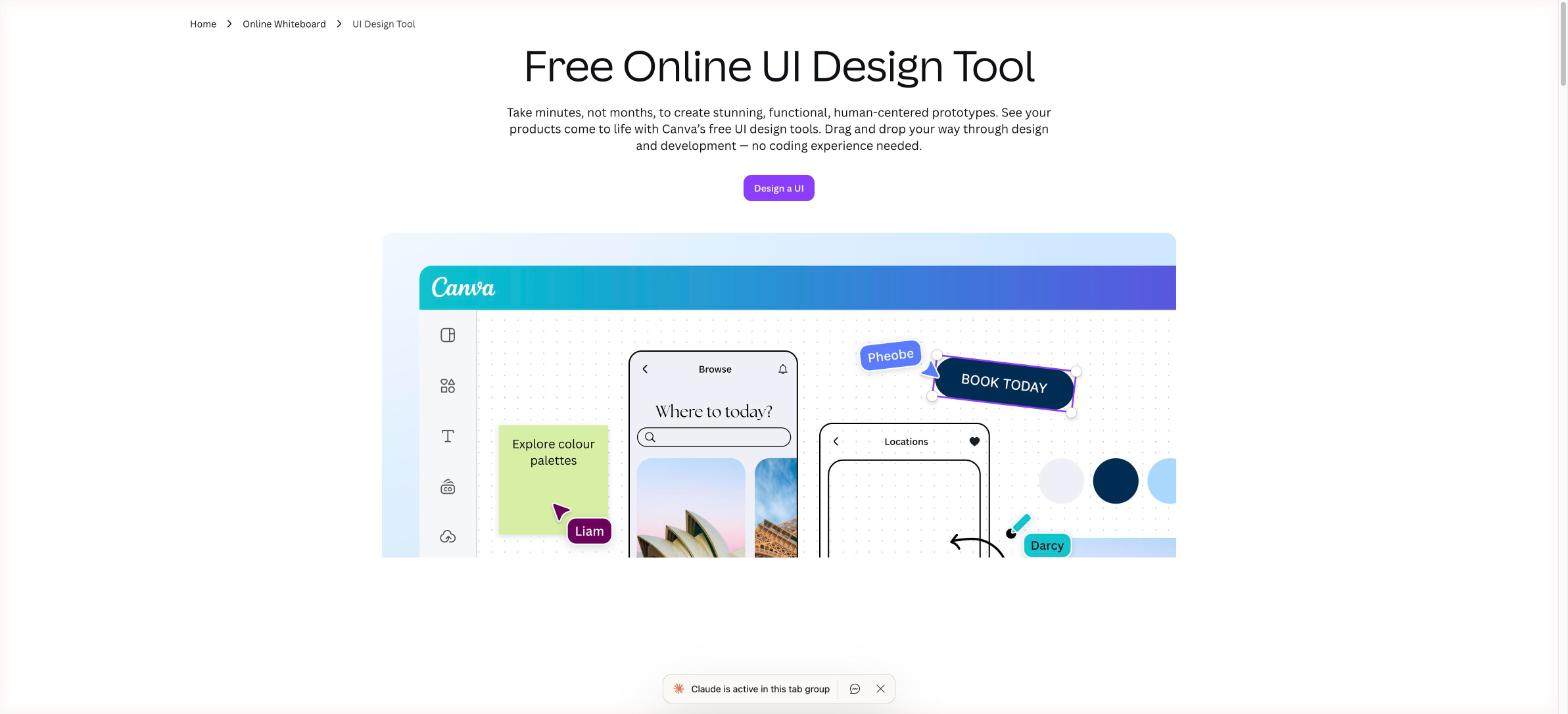
Canva has expanded beyond design into productivity. Canva Docs lets you create visually-rich documents with embedded design elements. Canva Whiteboards is a collaborative infinite canvas for brainstorming — similar to Miro but simpler. These additions make Canva increasingly competitive with tools like Notion and Google Workspace for visual-first teams.
6. Video & Presentation Editor
Canva’s video editor supports multi-track timelines, transitions, text overlays, music, and voiceovers. It’s not as powerful as DaVinci Resolve or Adobe Premiere, but for social media videos and short-form content, it’s more than capable. Canva Presentations include presenter view, interactive Q&A features, and one-click export to PowerPoint or PDF.
Canva Pricing Plans (2025)
Canva has a pricing structure that works well for individuals and scales to enterprise teams:
| Plan | Price | Best For | Key Features |
|---|---|---|---|
| Free | $0/month | Individuals & students | 250K+ templates, 5GB storage, basic AI tools |
| Pro | $15/month (1 user) | Freelancers & creators | Brand Kit, Magic Resize, 1TB storage, premium templates |
| Teams | $10/user/month (min 3) | Small-medium teams | Shared brand kits, team templates, approval workflows |
| Enterprise | Custom pricing | Large organizations | SSO, advanced admin controls, dedicated support |
| Education / Nonprofit | Free | Schools & NGOs | Full Pro access at no cost |
The free plan is exceptionally generous — you can do a tremendous amount without ever paying. The jump to Pro at $15/month is worth it if you need Brand Kit, Magic Resize, or the premium template/stock library.
Pros and Cons of Canva
✅ What We Love
- Incredibly easy to use: Anyone can create a professional-looking design in minutes. The learning curve is nearly zero.
- Generous free plan: Most of what non-professionals need is available for free.
- Huge template & asset library: Over 1 million templates and 100+ million stock photos, videos, and graphics.
- Strong AI features: Magic Studio genuinely speeds up content production.
- Real-time collaboration: Multiple team members can edit a design simultaneously.
- Cross-platform: Works seamlessly on web, iOS, and Android.
- Expanding beyond design: Docs, Whiteboards, and Video make Canva a more complete creative workspace.
❌ What Could Be Better
- Limited advanced design control: No pen tool, no vector editing, limited typography controls. Professional designers will quickly hit walls.
- Performance with large files: Complex multi-page designs or video files can be slow in the browser.
- Export quality limitations: Some file formats (e.g., SVG, CMYK PDF for print) are Pro-only or have quality constraints.
- Template overuse: Because Canva templates are used by millions, your designs may look similar to others in the same niche.
- Offline mode is very limited: Canva is fundamentally a cloud tool; it’s not reliable without internet.
Canva vs. Competitors in 2025
| Tool | Best For | Free Plan | Starting Price |
|---|---|---|---|
| Canva | Non-designers, social media | ✅ Very generous | $15/month (Pro) |
| Adobe Express | Adobe ecosystem users | ✅ Limited | $9.99/month |
| Figma | Professional UI/UX designers | ✅ Limited | $12/user/month |
| Visme | Infographics & data viz | ✅ Very limited | $12.25/month |
| Adobe Photoshop | Professional photo editing | ❌ No | $22.99/month |
For non-designers, Canva wins on ease-of-use and value. For professionals who need precise vector control or advanced photo manipulation, Adobe tools remain the standard.
Frequently Asked Questions (FAQ)
Is Canva completely free?
Yes, Canva has a genuinely useful free plan. It includes access to 250,000+ templates, basic AI tools, 5GB of cloud storage, and the ability to share and collaborate. The free plan has no time limit and no forced upgrade prompts. Premium elements (marked with a crown icon) require a Pro subscription.
Is Canva good for professional design work?
Canva is excellent for marketing materials, social media, and presentations. However, it is not a professional design tool in the same class as Adobe Illustrator or Figma. It lacks vector editing, advanced typography controls, and CMYK color support for high-end print. For branding agencies or product designers, Canva is a supplementary tool, not a primary one.
Can I use Canva designs commercially?
Yes. Designs you create in Canva using free elements or templates can be used for commercial purposes. However, if you use premium stock elements in your design, you need a Pro subscription for commercial use. Always check Canva’s content license terms for specific assets.
Does Canva work offline?
Canva has limited offline capabilities through its mobile app (iOS/Android), allowing you to view and make minor edits to cached designs. The full editor requires an internet connection. There is no desktop app for macOS or Windows at the time of writing.
Final Verdict: Is Canva Worth It in 2025?
After years of using Canva for social media content, presentations, and client pitch decks, the verdict is clear: Canva is the best tool in its class for non-designers. No other tool combines this level of ease-of-use, template depth, AI capability, and generous free access in one package.
If you’re a content creator, marketer, small business owner, or educator, Canva should be your first stop. The free plan covers 90% of use cases. If you need Brand Kit, Magic Resize, or the full premium library, Canva Pro at $15/month is excellent value.
Overall Rating: 4.7 / 5 ⭐
👉 Try Canva for free at canva.com — no credit card required.