Disclosure: some links in this guide are partner links. If you sign up through them, I may earn a commission at no extra cost to you. Add-on prices and feature details come from ManageWP’s pricing page and its Backup and Client Report feature pages as they read today.
ManageWP pricing works differently from most WordPress maintenance tools. There is no plan to pick. The dashboard is free for unlimited sites, and every paid feature is a separate add-on billed per website, per month, after you use it. For a freelancer that’s unusually convenient, because it lets you price each client’s care plan from the bottom up: you know exactly what each site costs you before you quote.
That’s what this guide does. I’ll build three care plan tiers, from a brochure site that needs almost nothing to a store that can’t go down, and add up the ManageWP cost of each one, add-on by add-on. What you charge on top is your call. The point is to know your cost floor before you name a price.
How ManageWP pricing actually works
Three rules from ManageWP’s pricing page shape everything below:
- Pay only for what you use. Pricing is per site, per add-on. A client site that only needs backups pays only for backups.
- Pay after you use it. Premium add-ons are billed on the 1st of the following month, based on actual usage. Nothing upfront.
- No contracts. Monthly billing, no setup fee, no termination penalties.
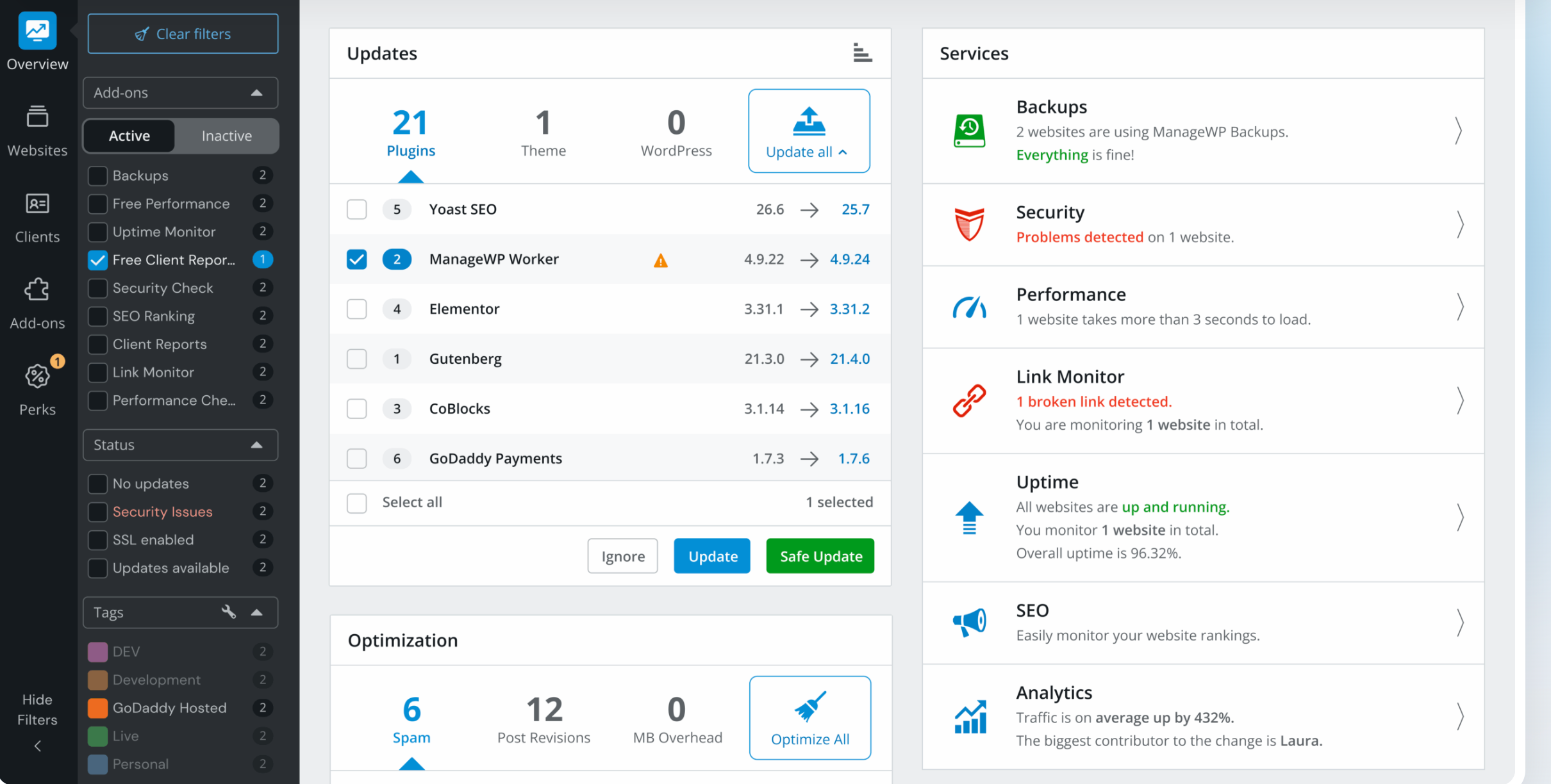
The “pay after” rule is more useful than it sounds. When a client cancels mid-month, you turn their add-ons off and the bill follows. You never prepay a year of monitoring for a site that leaves in March.
What the free ManageWP tier already covers
Before adding anything, it’s worth seeing how much the free tier does. ManageWP describes it as free on unlimited websites, forever, and the list is long:
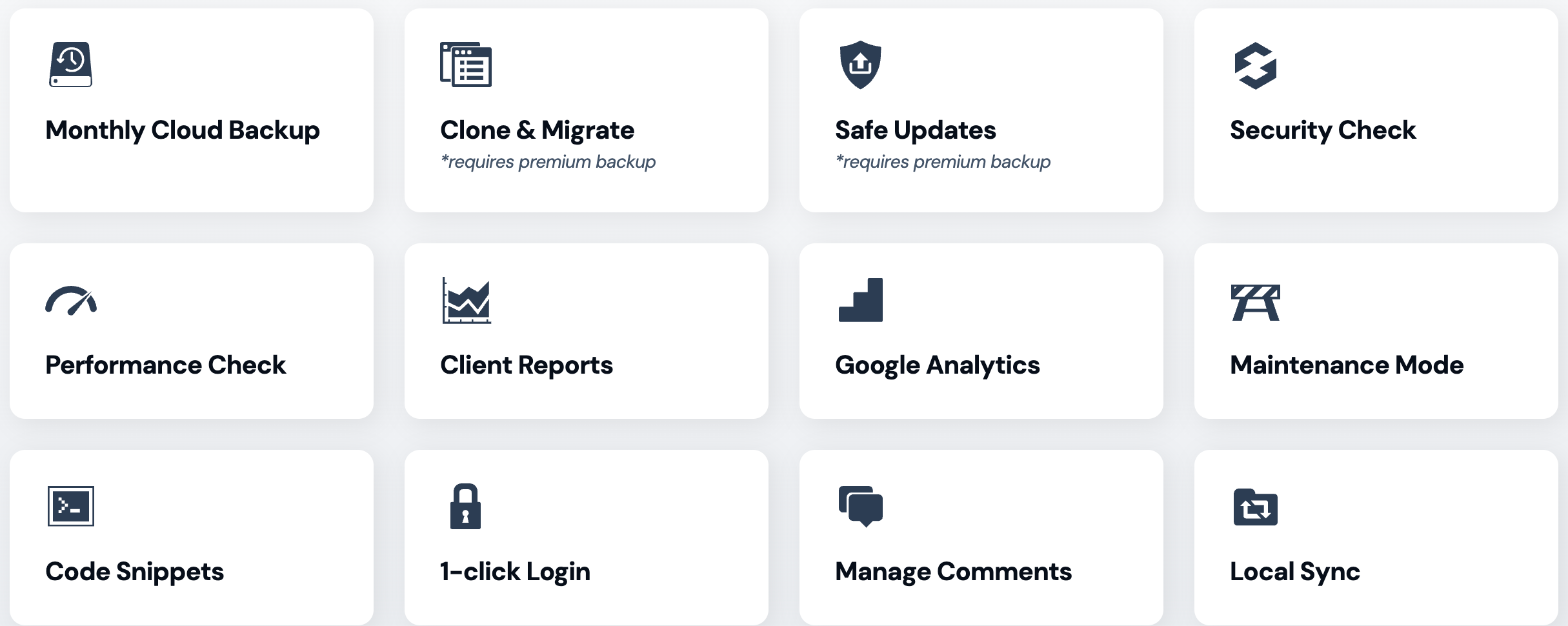
- Monthly cloud backup
- Security check and performance check (manual)
- Client reports
- Google Analytics, maintenance mode, code snippets
- 1-click login, comment management, local sync
- Managing updates, plugins and themes
- Collaboration with teams and clients, plus a template builder
Two items on that list have an asterisk: Clone & Migrate and Safe Updates both require premium backup. Keep that in mind. Safe Updates is the feature I’d least like to give up on an active site, which is why backups end up being the first paid add-on in almost every tier below.
The free backup itself is real but basic. According to ManageWP’s Backup page, it gives monthly scheduled backups, off-site storage with a choice of US or EU data centers, one-click restore, file and folder exclusions, notifications by email or Slack, and 90-day storage.
The premium add-ons and what each costs per site
Here is the full price list for premium add-ons, per website, per month:
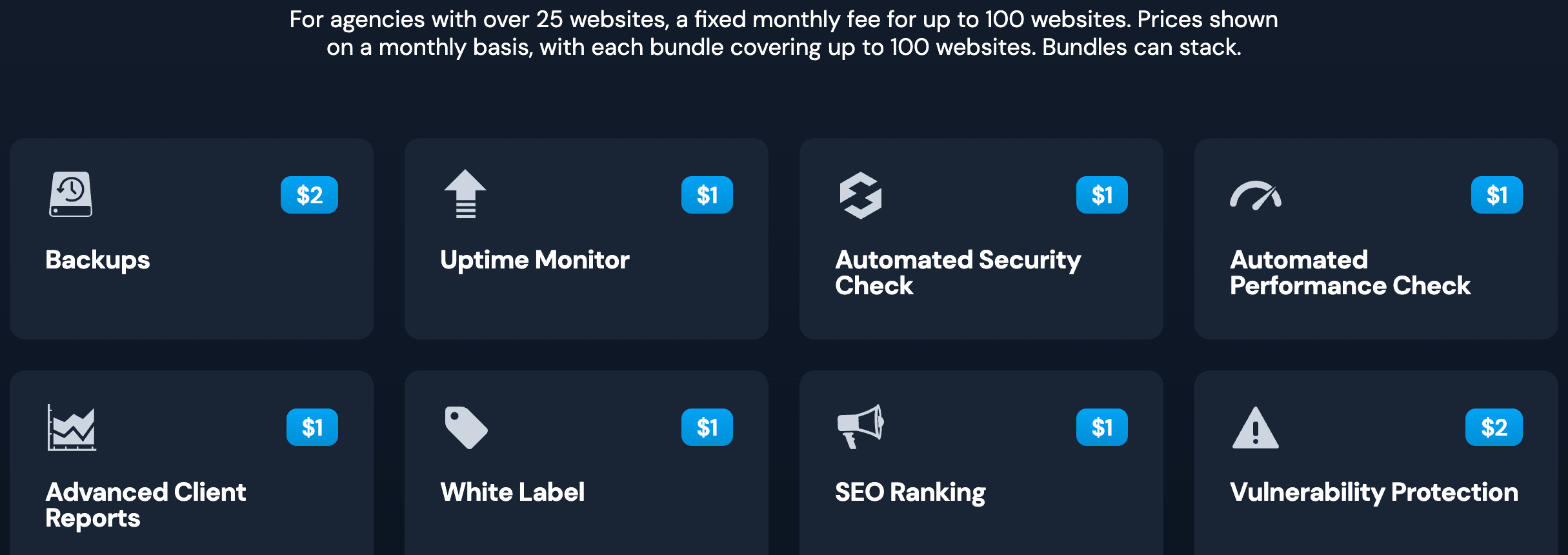
| Add-on | Per site / month | Bundle (up to 100 sites) / month |
|---|---|---|
| Backups | $2 | $75 |
| Uptime Monitor | $1 | $25 |
| Automated Security Check | $1 | $25 |
| Automated Performance Check | $1 | $25 |
| Advanced Client Reports | $1 | $25 |
| White Label | $1 | $25 |
| SEO Ranking | $1 | $25 |
| Vulnerability Protection | $2 | No bundle price listed |
| Link Monitor | $1 | $25 |
| All-in-one package (all bundles combined) | – | $150 |
ManageWP positions bundles for agencies with more than 25 websites. Bundles can stack, and each covers up to 100 sites. I’ll come back to when a bundle beats per-site pricing at the end.
Tier 1: the brochure site ($0 a month in ManageWP costs)
This is the five-page business site that changes twice a year. The client wants to know it’s backed up, updated and not broken. That’s it.
The free tier covers this site completely:
- Monthly cloud backup, kept for 90 days. For a site whose content barely changes, a monthly snapshot loses very little.
- Updates from the dashboard, one click across all your sites.
- Manual security and performance checks whenever you do your maintenance round.
- Free client report to show the work.
The free client report is better than I expected. ManageWP lists a customizable front page and intro message, your logo, results from every activated add-on, a custom work section, ready-made templates, PDF download, WooCommerce stats and localization in 25+ languages. The catch: the free report carries a ManageWP watermark and is sent from a ManageWP email address. For a small client on a low-cost plan, I’m fine with that. You can always download the PDF and send it yourself.
ManageWP cost: $0 per site per month. Everything you charge on this tier pays for your time.
Tier 2: the active site ($4 a month per site)
A blog, a service business that publishes weekly, a lead-generation site with forms. Content changes often, updates are frequent, and if the site goes down for a day, the client notices.
Three add-ons make the difference here:
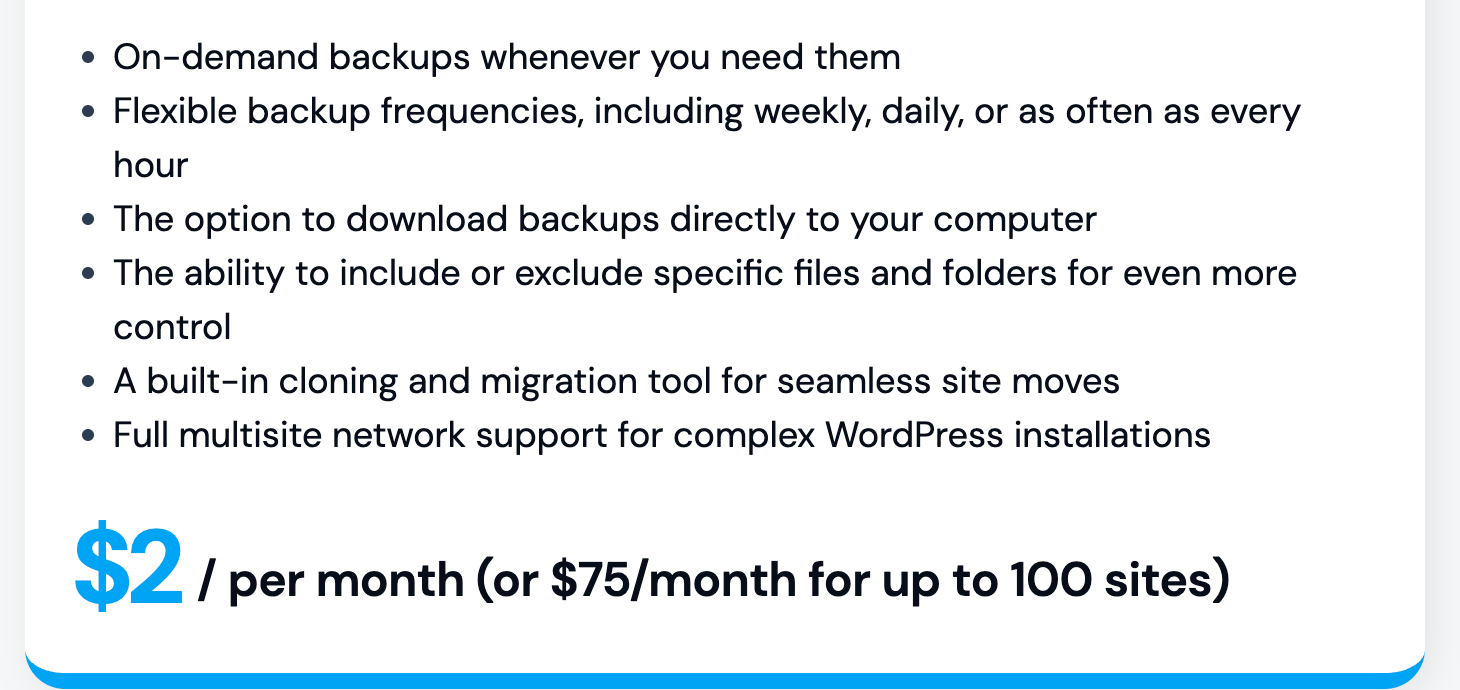
- Backups ($2). The premium version adds on-demand backups, weekly, daily or hourly schedules, downloading backups to your computer, include and exclude rules, the clone and migration tool, and multisite support. It also unlocks Safe Updates, which is the real reason I’d pay for it on an active site.
- Uptime Monitor ($1). You hear about downtime before the client does.
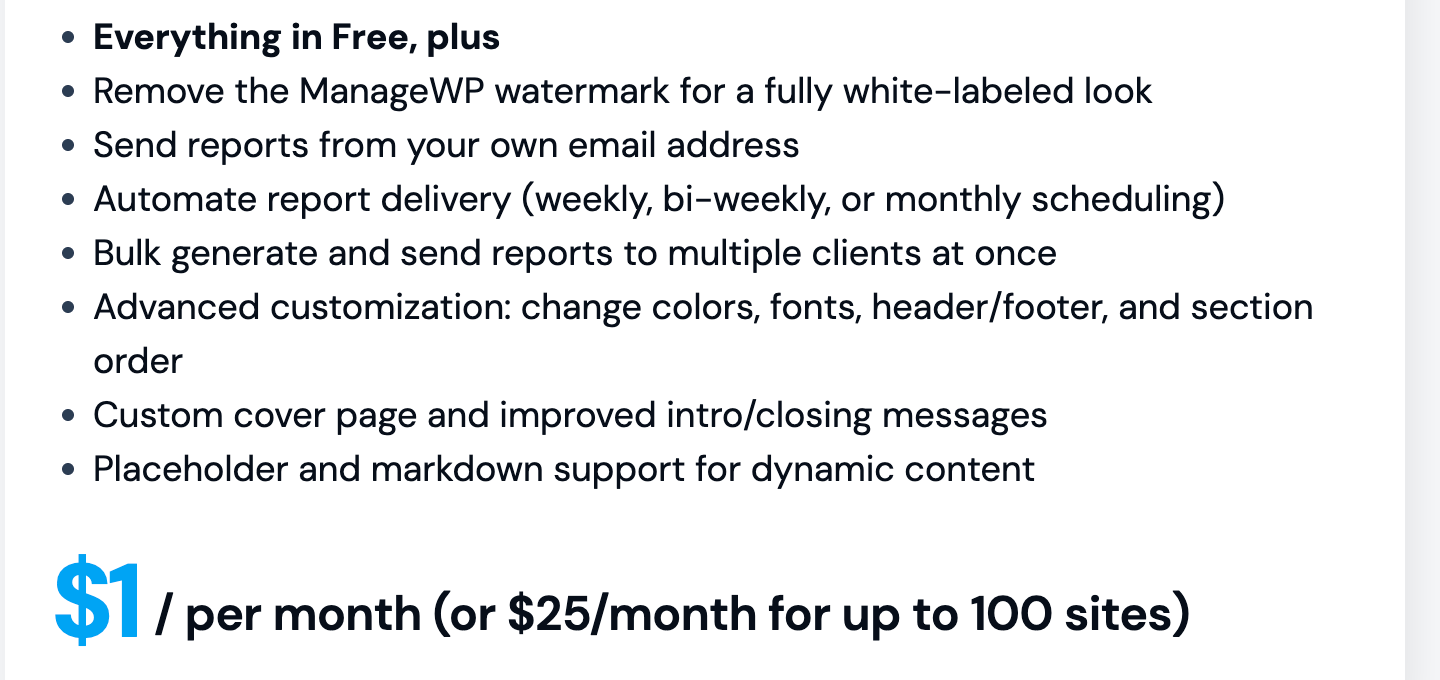
- Advanced Client Reports ($1). Reports go out on schedule and under your brand.
Here’s what the $1 reports upgrade includes, according to ManageWP: removing the watermark, sending reports from your own email address, automated delivery on a weekly, bi-weekly or monthly schedule, bulk generation for several clients at once, advanced customization of colors, fonts, header, footer and section order, a custom cover page, and placeholder and markdown support.
The scheduling alone pays for itself. If you have ten clients on this tier, a monthly report that sends itself saves you an afternoon a month.
ManageWP cost: $2 + $1 + $1 = $4 per site per month, or $48 a year.
Tier 3: the business-critical site ($11 a month per site)
A WooCommerce store, a membership site, anything where an hour of downtime or a hacked plugin costs the client real money. Here I’d turn on everything:
- Backups: $2 (scheduled as often as hourly)
- Vulnerability Protection: $2
- Uptime Monitor: $1
- Automated Security Check: $1
- Automated Performance Check: $1
- Advanced Client Reports: $1
- Link Monitor: $1
- SEO Ranking: $1
- White Label: $1
ManageWP cost: $11 per site per month, or $132 a year. For a store, that’s a small line in the budget, and every item on it is something you can point to in the monthly report.
You don’t have to take all nine. SEO Ranking only makes sense if you report on rankings, and White Label matters only if the client shouldn’t see ManageWP’s name. Drop those two and the tier costs $9.
The three tiers side by side
| Tier | Typical site | Paid add-ons | ManageWP cost / site / month |
|---|---|---|---|
| Essentials | Brochure site, rarely updated | None | $0 |
| Active | Blog or lead-gen site, weekly changes | Backups, Uptime, Client Reports | $4 |
| Business-critical | WooCommerce or membership | All nine add-ons | $11 ($9 without SEO and White Label) |
These are only your tool costs. Your care plan price has to cover your time for updates, fixes, reports and the inevitable “can you just change this one thing” requests. ManageWP makes the tooling cheap; it doesn’t make your time cheap.
When a bundle beats per-site pricing
Bundles cover up to 100 sites for a flat monthly fee. The break-even points follow directly from the price list:
- Backups: the $75 bundle beats $2 per site from about 38 sites.
- Any $1 add-on: the $25 bundle beats per-site pricing from 26 sites, which matches ManageWP’s own “over 25 websites” guidance.
- All-in-one package: $150 covers every bundle. If each site would run the full $11 Tier 3 stack, that breaks even at about 14 sites. In practice, with mixed tiers, it takes more sites to get there.
For most freelancers with fewer than 25 maintained sites, per-site pricing is the right choice. Mixed tiers make it even more so, because a bundle charges you for sites that wouldn’t use that add-on.
A few setup notes before you quote
- Decide who owns the hosting first. ManageWP manages the WordPress layer, not the server. If you’re also deciding where client sites live, see my notes on Hostinger agency hosting for freelancers and on handing a client site over with a Kinsta site transfer.
- Turn add-ons on per site, not globally. The whole point of this pricing model is that each site carries only its own tier.
- Use the free report on day one. Even on Tier 1, a monthly PDF makes the invisible work visible.
- Write the tier into the contract. List the add-ons each tier includes so the client understands why the store costs more than the brochure site.
Who ManageWP is not the best fit for
- Freelancers with one or two client sites. You might not need a central dashboard at all.
- Anyone who wants server-level management. ManageWP works at the WordPress level; hosting is a separate decision.
- Agencies that want one flat price for everything. The per-add-on model rewards mixed portfolios; a uniform portfolio may prefer the all-in-one bundle or a different tool.
My take
ManageWP pricing is the easiest maintenance cost structure I know of to turn into a care plan. The free tier carries a basic site entirely. A $4 stack turns an active site into a properly monitored one with Safe Updates and branded, scheduled reports. An $11 stack covers a store. Because billing is per site and after the fact, your tooling costs move exactly with your client list.
Work out your cost per tier first, then add your time. That’s a much more defensible quote than a round number picked because it sounded right.
ManageWP pricing FAQ
Is ManageWP free?
The core dashboard and its free add-ons are free on unlimited websites. Premium add-ons cost extra, per site, per month.
How is ManageWP billed?
Per website, per add-on, monthly. You’re billed at the end of the month based on actual usage, with no upfront payment, setup fee or termination penalty.
What does ManageWP Premium Backup cost?
$2 per site per month, or $75 a month for up to 100 sites. It adds on-demand and hourly, daily or weekly backups, downloads, cloning and migration, and Safe Updates.
Can I send ManageWP client reports under my own brand?
The free report includes your logo but carries a ManageWP watermark and comes from a ManageWP address. The $1 Advanced Client Reports add-on removes the watermark and sends from your own email.
When does a ManageWP bundle make sense?
From roughly 26 sites for a $1 add-on and 38 sites for backups. ManageWP aims bundles at agencies with more than 25 websites.