
Notion has become one of the most talked-about productivity tools of the decade — and for good reason. Whether you’re a solo freelancer trying to stay organized, a startup founder building your first internal wiki, or a marketing team managing a content calendar, Notion promises to do it all in one place. But does it actually deliver? In this in-depth Notion review for 2025, we’ll cover everything you need to know: features, pricing, pros and cons, real use cases, and how it compares to alternatives.
What Is Notion?
Notion is a cloud-based all-in-one workspace that combines note-taking, project management, databases, wikis, and collaborative documents into a single platform. Launched in 2016 by Ivan Zhao and Simon Last, the San Francisco-based startup has since grown to over 30 million users worldwide and raised funding at a $10 billion valuation.
The core idea behind Notion is simple: replace the fragmented stack of apps (Google Docs, Trello, Confluence, Airtable, Evernote) with one unified tool. Everything in Notion is built on “blocks” — modular content units that can be text, images, videos, embeds, databases, code snippets, and more.
Key Features of Notion in 2025
1. Block-Based Editing
Every piece of content in Notion is a block. You can drag and rearrange blocks freely, turn one block type into another (e.g., turn a bullet point into a heading), and nest blocks inside other blocks. This gives Notion a level of flexibility that few tools can match. Whether you’re writing a personal journal or designing a product specification document, the block editor adapts to your needs.
2. Powerful Relational Databases
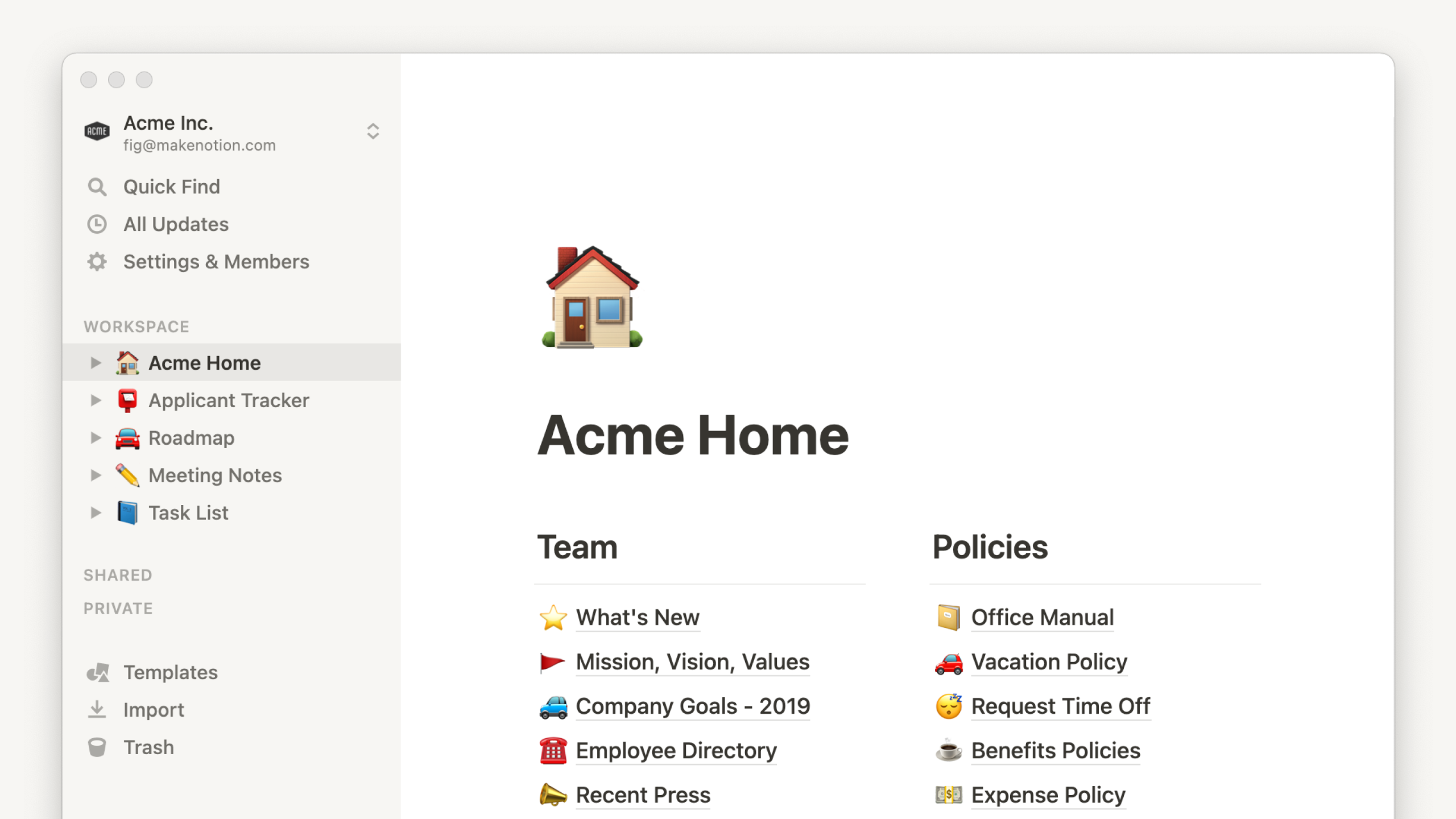
This is where Notion truly differentiates itself. Notion’s database system lets you create interconnected tables, similar to a lightweight Airtable. You can switch between six different views — Table, Board (Kanban), Calendar, Gallery, List, and Timeline — all from the same data source. You can filter, sort, group, and add custom properties like checkboxes, dates, select menus, formulas, and relation links to other databases.
3. Notion AI
Notion added a native AI assistant that’s deeply integrated into the editor. You can use it to:
- Draft blog posts, emails, or meeting agendas from scratch
- Summarize long documents or meeting notes instantly
- Translate content into other languages
- Extract action items from a wall of text
- Fix grammar and improve writing tone
Notion AI is available as an add-on ($10/member/month) or bundled with higher-tier plans. It’s one of the most natural AI integrations in any productivity tool — it doesn’t feel like a separate chatbot bolted on, but rather a writing assistant living inside your documents.
4. Team Wikis & Knowledge Bases
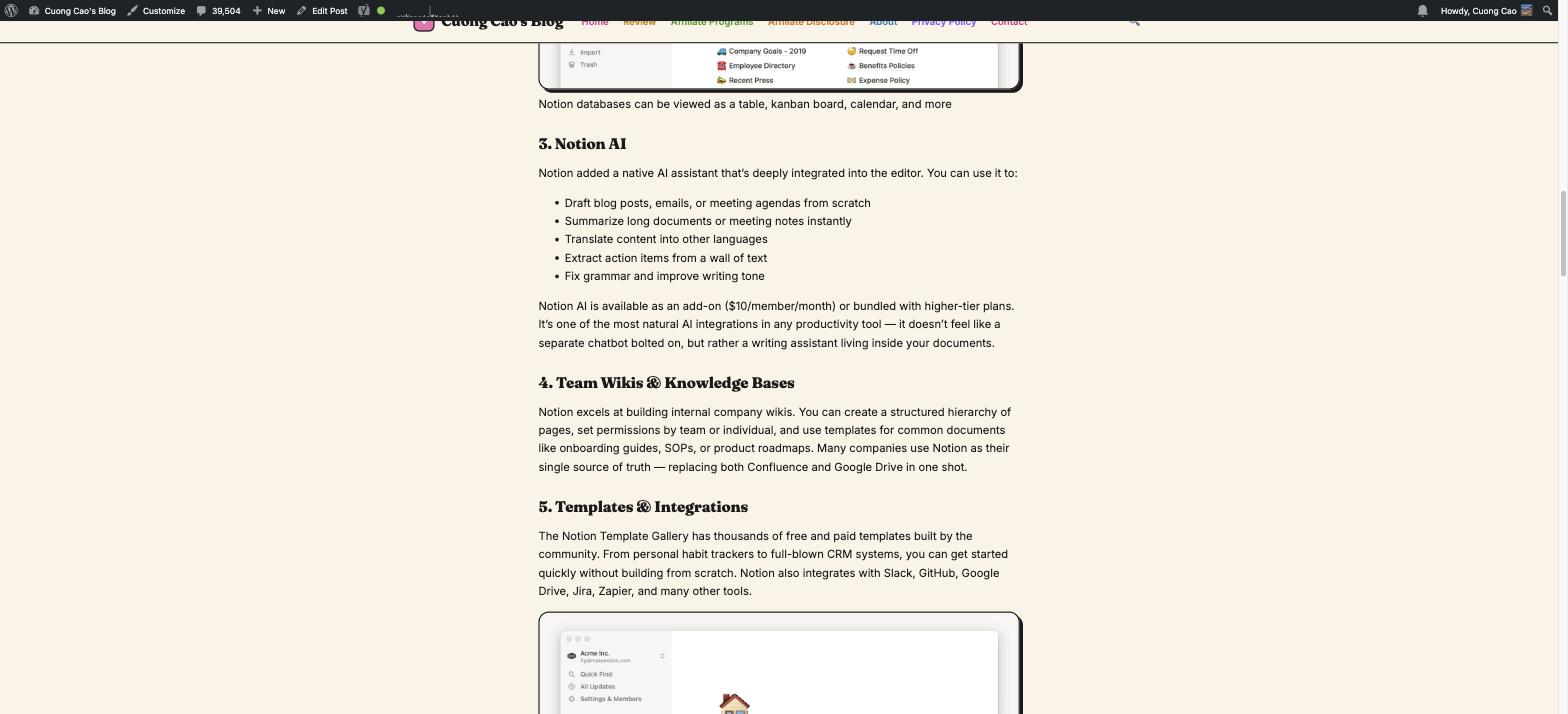
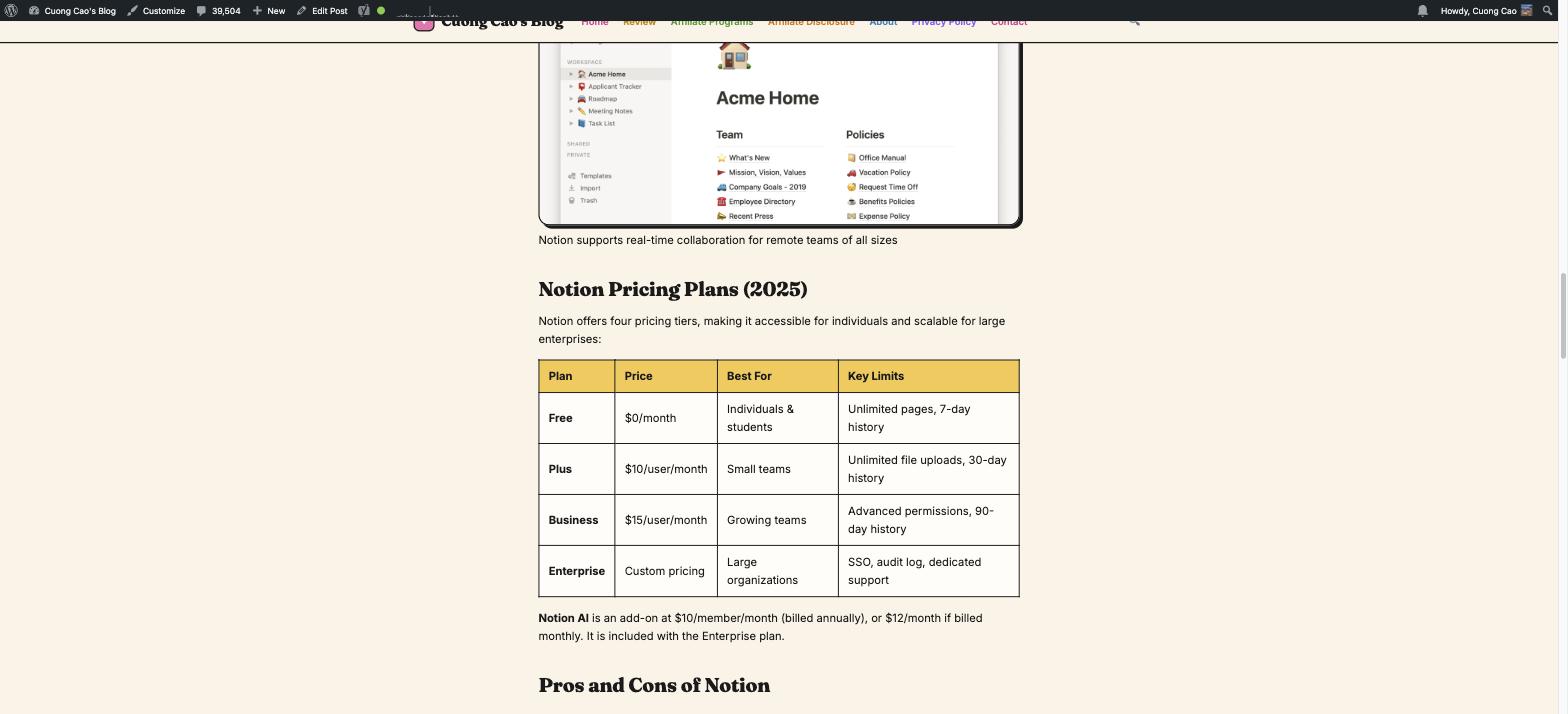
Notion excels at building internal company wikis. You can create a structured hierarchy of pages, set permissions by team or individual, and use templates for common documents like onboarding guides, SOPs, or product roadmaps. Many companies use Notion as their single source of truth — replacing both Confluence and Google Drive in one shot.
5. Templates & Integrations
The Notion Template Gallery has thousands of free and paid templates built by the community. From personal habit trackers to full-blown CRM systems, you can get started quickly without building from scratch. Notion also integrates with Slack, GitHub, Google Drive, Jira, Zapier, and many other tools.
Notion Pricing Plans (2025)
Notion offers four pricing tiers, making it accessible for individuals and scalable for large enterprises:
| Plan | Price | Best For | Key Limits |
|---|---|---|---|
| Free | $0/month | Individuals & students | Unlimited pages, 7-day history |
| Plus | $10/user/month | Small teams | Unlimited file uploads, 30-day history |
| Business | $15/user/month | Growing teams | Advanced permissions, 90-day history |
| Enterprise | Custom pricing | Large organizations | SSO, audit log, dedicated support |
Notion AI is an add-on at $10/member/month (billed annually), or $12/month if billed monthly. It is included with the Enterprise plan.
Pros and Cons of Notion
✅ What We Love
- Extreme flexibility: Build anything from a to-do list to a full CRM — the possibilities are nearly endless.
- Beautiful, clean UI: Notion’s design is arguably the most aesthetically pleasing of any productivity tool. It’s a joy to use daily.
- All-in-one consolidation: Replacing 4–5 apps with one tool saves significant money and reduces cognitive switching costs.
- Generous free plan: Unlimited pages and blocks on the free tier is genuinely useful for individuals.
- Active development: The Notion team ships features regularly and listens to user feedback closely.
- Strong community: Thousands of community-made templates, YouTube tutorials, and productivity blogs built around Notion.
❌ What Could Be Better
- Performance on large workspaces: Notion can feel sluggish when you have thousands of pages or very large databases.
- Limited offline mode: The offline experience is not as smooth as native desktop apps like Obsidian or Apple Notes.
- Learning curve: New users often feel overwhelmed by the blank canvas. Finding the right system takes time and experimentation.
- Not a true project management tool: For complex project timelines and resource management, Asana, Linear, or Monday.com are still stronger.
- Formulas can be complex: Notion’s formula language (now updated to Formula 2.0) is powerful but has a steep learning curve.
Who Should Use Notion?
Notion is an excellent fit for:
- Solopreneurs & freelancers who want one place for notes, client projects, and personal life
- Startups & small teams (under 50 people) who need a flexible workspace without the overhead of enterprise tools
- Content creators & bloggers managing editorial calendars and research notes
- Students organizing lecture notes, reading lists, and study plans
- Remote teams building async documentation and knowledge bases
Notion is less ideal for large enterprises needing robust compliance controls, or teams that require deep Gantt chart project management out of the box.
Notion vs. Alternatives
How does Notion stack up against its main competitors in 2025?
| Tool | Best For | Starting Price | Notion Advantage |
|---|---|---|---|
| Notion | All-in-one workspace | Free | Most flexible, best design |
| Obsidian | Personal knowledge mgmt | Free | Better offline, Notion wins on collab |
| Confluence | Enterprise wikis | $5.75/user | Notion is more modern & flexible |
| Coda | Docs with automation | Free | Notion has larger community |
| ClickUp | Project management | Free | Notion wins on simplicity |
Frequently Asked Questions (FAQ)
Is Notion free to use?
Yes. Notion’s free plan includes unlimited pages and blocks for individuals. It’s genuinely useful without any payment — you only need to upgrade if you want team collaboration features, longer version history, or Notion AI.
Is Notion good for project management?
Notion handles light-to-medium project management well, especially with its Kanban board and Timeline views. For complex resource planning or Gantt-heavy workflows, dedicated PM tools like Asana or Monday.com are stronger. Many teams combine Notion (for docs & wikis) with a dedicated PM tool.
How secure is Notion?
Notion is SOC 2 Type II certified and uses AES-256 encryption for data at rest. Enterprise customers get additional controls including SSO, SCIM provisioning, and audit logs. It’s secure enough for most business use cases, though highly regulated industries may need additional vetting.
Can Notion replace Google Docs?
For most use cases, yes. Notion’s document editor is highly capable and supports real-time collaboration. However, Google Docs still has an edge for pure document formatting (page layout, advanced print settings) and Google Workspace integrations.
Final Verdict: Is Notion Worth It in 2025?
After two years of daily use — managing a blog, client projects, and personal knowledge base — Notion remains one of the few tools I genuinely couldn’t work without. It’s not perfect (nothing is), but its combination of flexibility, design quality, and continuous improvement makes it exceptional value for money.
The free plan is more than enough to get started. If you’re managing a team or want Notion AI, the $10–$15/user/month investment pays for itself quickly in reduced app subscriptions alone.
Overall Rating: 4.5 / 5 ⭐
👉 Try Notion for free at notion.so — no credit card required.