Most freelancers I know who win work on LinkedIn did not get there with a clever tool. They got there by posting regularly, replying to people, and following up when someone showed interest. The tools only help if they make one of those three habits easier. That is the lens I use here for Taplio pricing: not “which plan has the most features”, but which plan matches the stage of the client pipeline you actually struggle with.
This is not a general Taplio review. I map each of the three plans (Starter, Growth and Pro) to a stage of a freelancer’s LinkedIn pipeline: being seen, starting conversations, and turning those into leads. All prices and limits below come from Taplio’s official pricing page as it stands today.
The three stages of a LinkedIn client pipeline
Before looking at plans, it helps to be honest about where your pipeline leaks. For a service freelancer on LinkedIn, I see three stages:
- Visibility. You post often enough that the right people remember what you do. Most freelancers fail here simply by going quiet for weeks during busy client work.
- Conversations. People comment, you reply, you comment on others’ posts. This is where trust is built, and it takes daily time.
- Leads. You move a warm contact into a direct conversation about work. This is the stage most automation tools want to sell you.
Taplio’s plans line up with these stages almost exactly, which makes the pricing decision easier than it first looks.
Taplio pricing at a glance
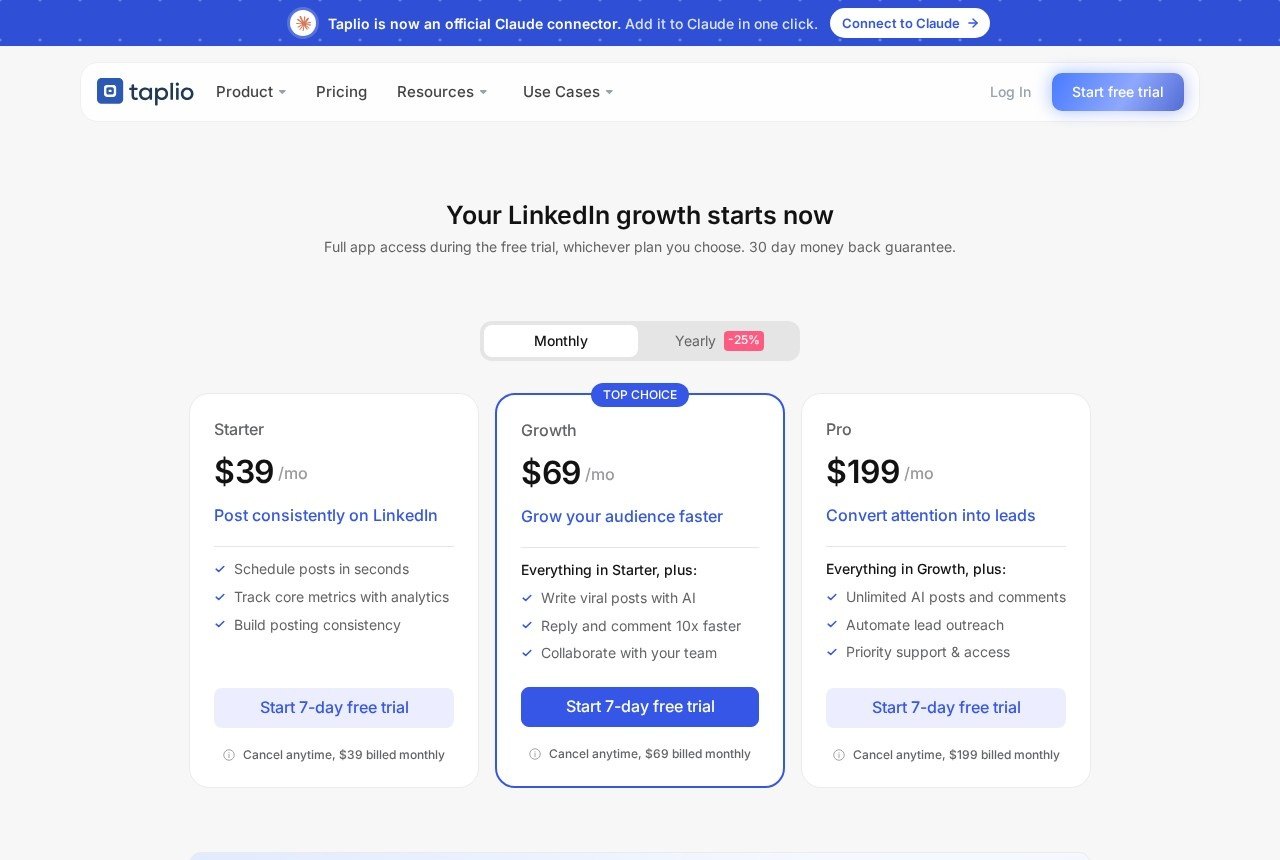
| Plan | Monthly price | Positioned for | Key limits |
|---|---|---|---|
| Starter | $39/month | Posting consistently: scheduling and core analytics | No AI credits listed |
| Growth | $69/month | Growing an audience: AI writing, faster replies and comments, team collaboration | 250 AI credits and 500 comment credits per month |
| Pro | $199/month | Converting attention into leads: lead outreach automation, priority support | Unlimited AI and comment credits |
Yearly billing is shown with a 25% discount. Every plan starts with a 7-day free trial that, according to the pricing page, gives you full Pro access before you switch to the plan you picked. Taplio also advertises a 30-day money-back guarantee, and its FAQ says that if you forget to cancel the trial you can ask for a refund within 30 days of the payment.
There is also a separate team and agency offer that mentions savings of up to 30% with multi-seat discounts, multiple account management, shared analytics and admin, writer and client roles. That is aimed at agencies, not solo freelancers, so I leave it aside here.
Stage 1, visibility: what Starter covers
Starter at $39 a month is described as the plan to “post consistently on LinkedIn”: scheduling, core analytics and building posting consistency. Looking at the comparison table, the scheduling side includes drafts in a kanban view, text formatting, snippets, polls, a media library, a posting schedule (daily and monthly) and the 5M+ library of inspiration and viral posts to browse for ideas.
For a freelancer, the honest question is whether you need to pay for scheduling at all. LinkedIn itself lets you schedule posts natively. What Starter adds is the planning layer around it: a queue, drafts you can move between stages, analytics in one place and ideas when you are stuck.
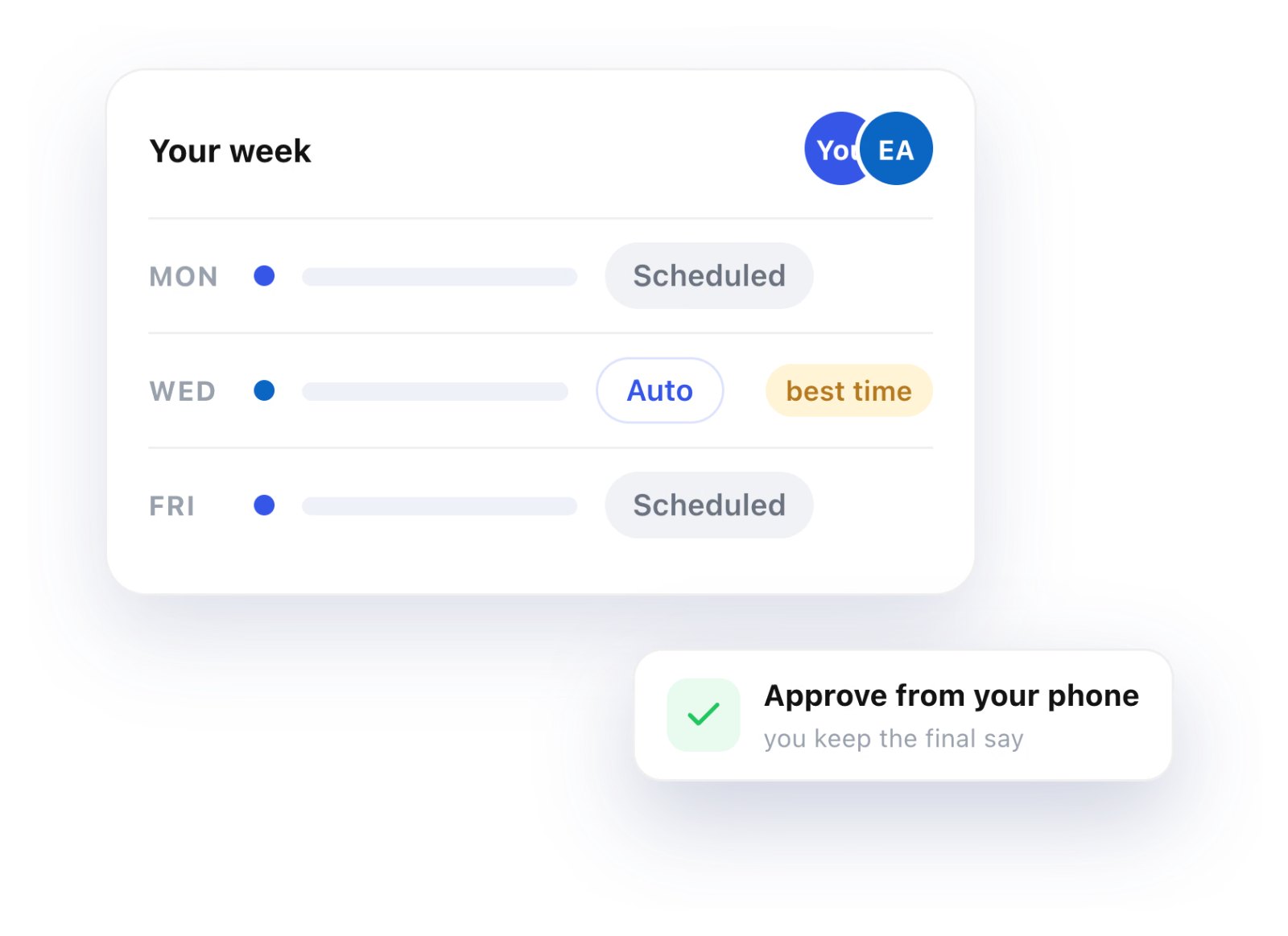
Starter makes sense if you write your own posts and your only problem is consistency: you have ideas, but they never get published during busy weeks. Batch-write on a quiet Friday, schedule them, and your visibility no longer depends on your workload.
Skip Starter if you already post regularly with LinkedIn’s own scheduler and do not look at analytics. The difference will not show up in your pipeline.
Stage 2, conversations: why Growth is the freelancer default
Growth at $69 a month adds AI writing and the engagement tools. On the comparison table, the AI features (help finding ideas, repurposing content, the post generator, “help me write a post”, draft improvement, image and carousel generation, and AI smart-replies) all draw from 250 AI credits per month. The engagement features (commenting on curated feeds and engaging with posts from your leads) draw from 500 comment credits per month.
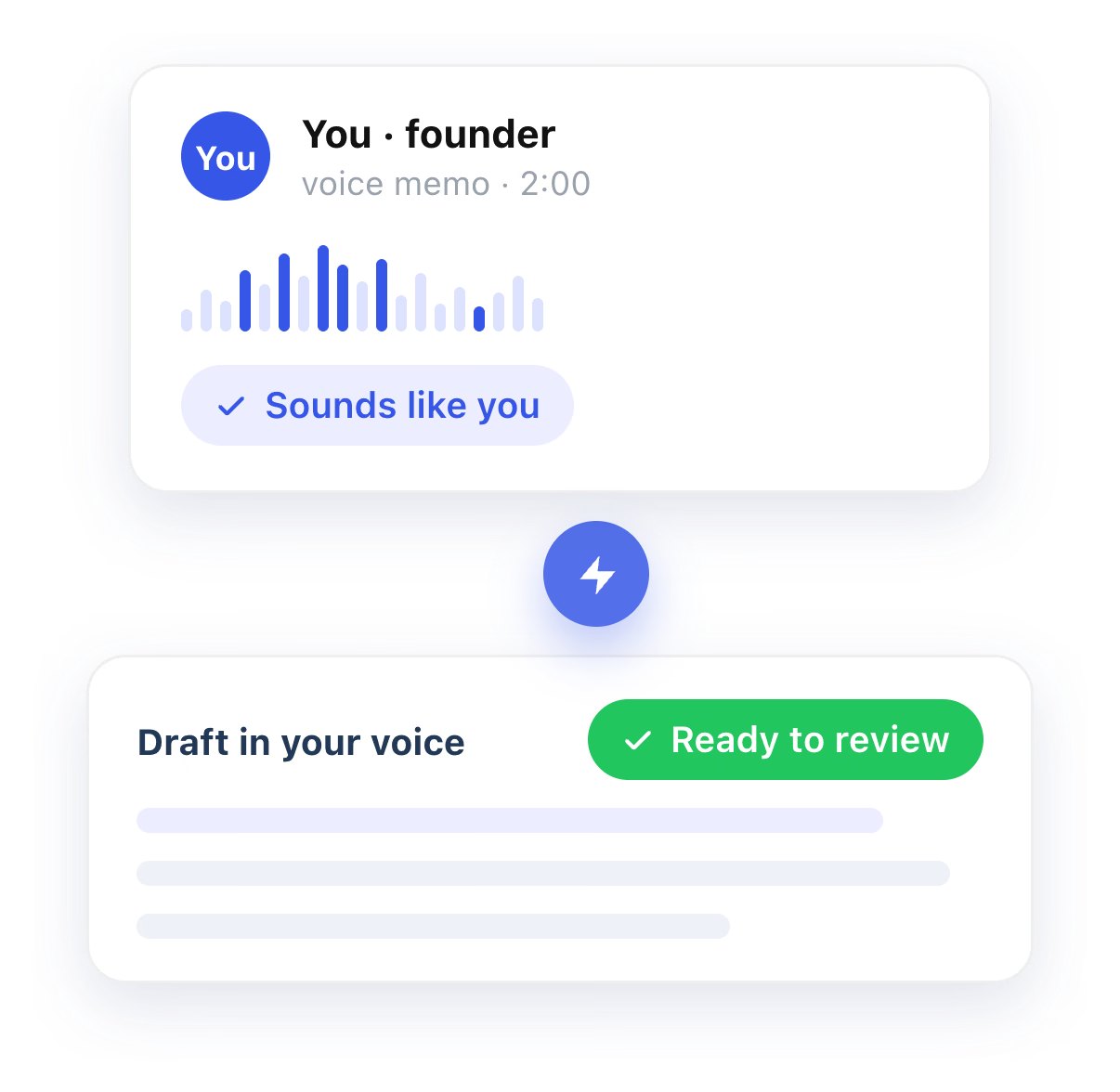
For freelancers, I think the engagement half matters more than the writing half. Your best clients rarely come from your own posts alone. They come from thoughtful comments on posts by people in your niche, which put your name in front of their audience. Curated feeds that collect posts from the people you want to be seen by remove the daily scrolling that eats your time.
Is 250 AI credits enough? It depends on how you use them. If you draft three posts a week with AI help and use smart-replies sparingly, it is probably plenty. If you lean on AI for every comment, you will feel the limit. My suggestion: during the trial, note how many AI actions you take in a normal week and multiply by four before choosing.
A word of caution on AI-written comments. Taplio’s free tools list includes an “AI Slop Detector”, which tells you the company knows the problem. Clients can spot generic AI comments quickly. I use AI for a first draft of a post, never for a reply to a potential client.
Growth makes sense if your posts get some attention but conversations do not follow, or if you spend more than half an hour a day finding posts worth commenting on.
Stage 3, leads: what Pro adds and why I am cautious
Pro at $199 a month is positioned to “convert attention into leads”. It adds unlimited AI posts and comments, priority support and access, and the outreach and networking features: a lead database, auto-DM, bulk DMs, auto-connection requests and bulk connection requests.
This is where I slow down. Taplio’s FAQ says it is safe because it behaves like a real LinkedIn user. At the same time, LinkedIn’s own User Agreement restricts automated tools for messaging and connecting. I am not a lawyer, and you should read both sources yourself, but as a freelancer your LinkedIn profile is your shop window. Risking it for bulk connection requests is a trade-off I would not make lightly.
There is also a pipeline argument against it. Bulk outreach works by volume. Freelance services sell on trust and specificity. Ten personal messages to people who commented on your posts usually beat a hundred automated ones. That is why, for most solo freelancers, $199 a month is paying for a stage of the pipeline you should do by hand.
Pro makes sense if you have a clear, narrow offer, a defined list of target companies, and you are confident about how you will use automation within LinkedIn’s rules. It can also make sense for one month: the unlimited credits help when you are relaunching your positioning and writing a lot of content in a short time.
How I would choose: a short decision path
- “I go quiet when I am busy.” Start with Starter at $39.
- “I post, but nobody talks to me.” Growth at $69 is the plan built for this.
- “People talk to me, but I never follow up.” This is a habit problem, not a tool problem. Before paying for Pro, try a simple CRM. I have written about rebuilding a past-client list in folk CRM, which covers the follow-up stage for much less.
- “I already have steady referrals.” You may not need Taplio at all. The free Chrome extension (which, according to the FAQ, works without a paid plan) gives you post stats and your best posts inside LinkedIn.
Getting the most from the 7-day trial
Because the trial gives you Pro access whichever plan you pick, it is easy to fall for features you will lose a week later. I would use it like this:
- Pick the plan you expect to keep, not Pro, so the switch at the end is not a surprise.
- Schedule two weeks of posts in the first two days. That tests the Starter value immediately.
- Use curated feeds daily for comments, and count how many AI and comment actions you use. That tells you if Growth’s 250 and 500 monthly credits are enough.
- Look at the outreach tools but do not switch them on unless you have already decided you want that stage automated.
- Decide on day 6, so you can cancel calmly if it is not right.
Connections worth knowing about
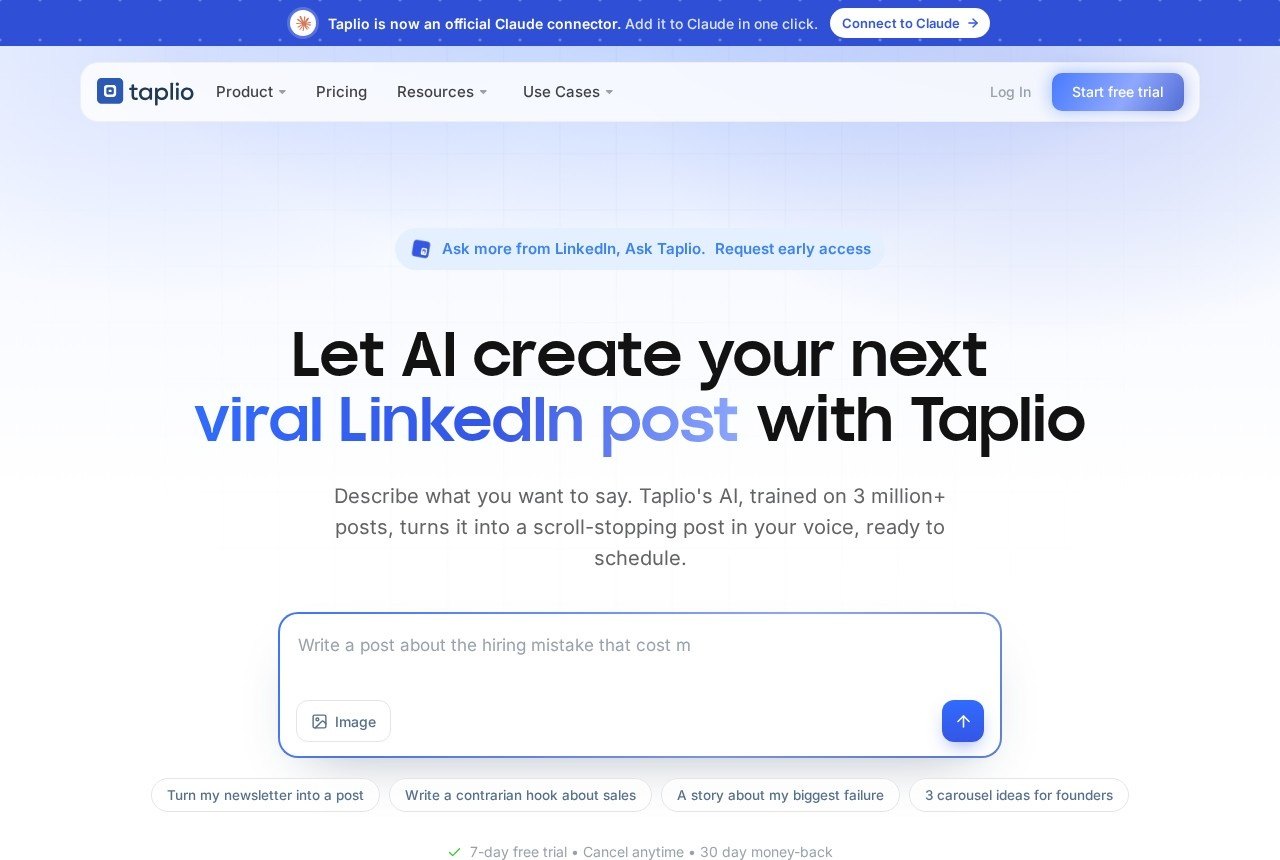
Two technical details may matter if you like to wire tools together. The comparison table lists a Zapier integration, which is useful if you already automate parts of client onboarding (I covered what to automate and what to keep personal in my Zapier client onboarding guide). Taplio also lists an API and a LinkedIn MCP, and its site announces an official connector for Claude, so you can work with your LinkedIn content from an AI assistant. For most freelancers these are nice extras, not reasons to buy.
My verdict
Taplio pricing makes sense once you stop comparing feature lists and look at your own pipeline. Starter at $39 fixes inconsistency. Growth at $69 is the plan most freelancers should try first, because it supports the conversations that actually bring clients. Pro at $199 automates the lead stage, which for a solo service business is usually the stage that should stay personal. Use the trial with a plan, count your credits, and keep your best client conversations human.
FAQ
How much does Taplio cost?
Taplio lists Starter at $39/month, Growth at $69/month and Pro at $199/month on monthly billing. Yearly billing is shown with a 25% discount.
Does Taplio have a free trial?
Yes. Each plan starts with a 7-day free trial with full Pro access, after which you move to the plan you chose. Taplio also advertises a 30-day money-back guarantee.
Which Taplio plan is best for freelancers?
For most freelancers, Growth. It adds AI writing and the engagement tools, with 250 AI credits and 500 comment credits per month. Starter suits freelancers who only need scheduling.
Is the Taplio Chrome extension free?
According to Taplio’s FAQ, the extension works without a paid plan and adds stats, your best posts and quick saves inside LinkedIn.
Is Taplio’s outreach automation safe for my LinkedIn account?
Taplio says its tools behave like a real user. LinkedIn’s User Agreement restricts automated messaging and connecting, so read both and decide carefully before switching outreach automation on.