Disclosure: some links on this page may be affiliate links. If you sign up through them I may earn a commission at no extra cost to you.
Proton Mail for freelancers usually comes down to one awkward choice. Proton sells a personal plan, Mail Plus, and a business plan, Mail Essentials, and both can put your own domain on your email. As a freelancer you are a person and a business at the same time, so which one is yours? The answer depends less on privacy, which is the same on every plan, and more on how many domains, addresses and people your work involves.
In this article I compare the two plans side by side for freelance work, show where the free plan stops being enough, and give a simple rule for choosing. All prices and limits come from Proton’s own pricing page as it read when I checked it.
Why freelancers look at Proton Mail
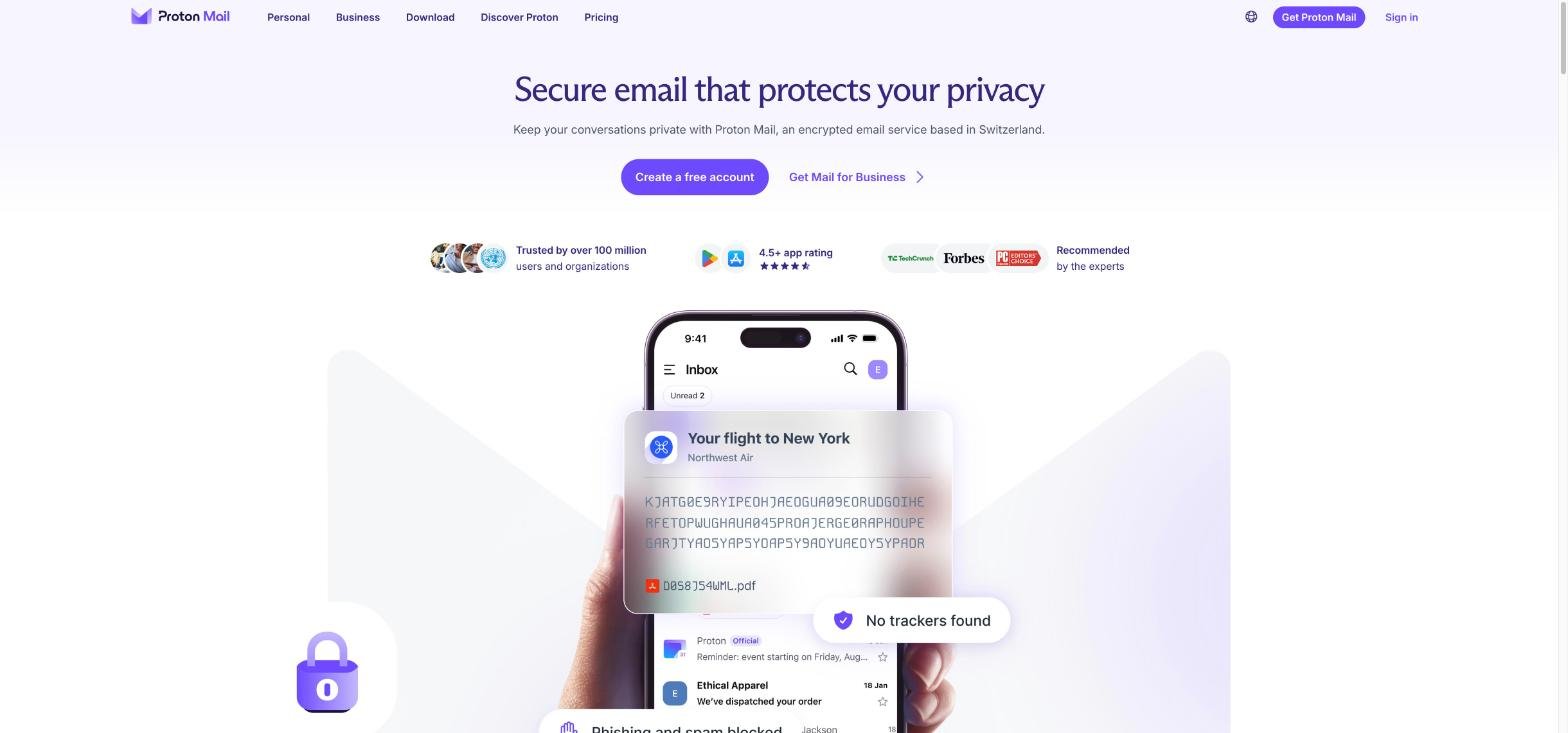
Proton Mail is an encrypted email service based in Switzerland. Proton says it protects your inbox with zero-access encryption and never has access to your data, on any plan. The service is funded by paying subscribers rather than ads.
For freelancers, that matters in a practical way. Your inbox holds contracts, invoices, client briefs, logins and sometimes client data you promised to keep private. A provider whose business model is your subscription, not your data, is an easy story to tell a client who asks how you handle their files.
Where the free plan stops working for client work
Proton Free is a real option for trying the service, but its limits show up quickly once clients are involved. According to the comparison table, Proton Free includes:
- Up to 1 GB of mail storage and 1 email address
- 150 messages per day
- 3 folders, 3 labels and 1 custom filter
- No custom email domain
- The desktop app only as a 14-day free trial
The missing custom domain is the dealbreaker for most freelancers. An address like [email protected] looks more established on a proposal than a free address, and it stays yours if you ever change provider. For that you need a paid plan.
Mail Plus: the personal plan with one domain
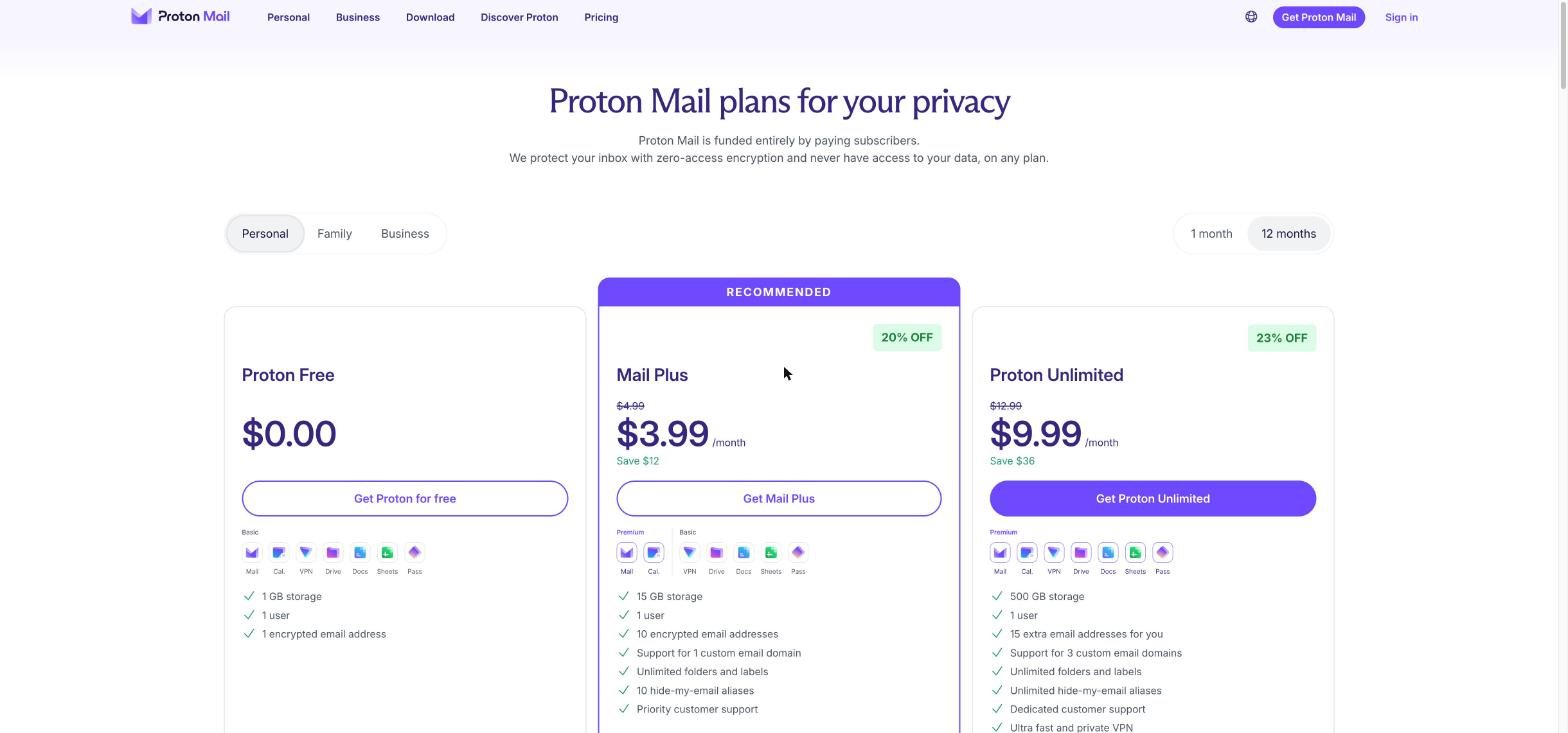
Mail Plus is Proton’s main personal plan. The pricing page lists it at $4.99 a month on monthly billing, or $3.99 a month on a 12-month plan billed at $47.88 for the first 12 months. When I checked, the 1-month option also showed a first-month price of $1.00.
What Mail Plus includes, from the pricing page and comparison table:
- 15 GB of storage for 1 user
- 10 email addresses
- Support for 1 custom email domain
- Unlimited folders, labels and filters, and unlimited messages per day
- 10 hide-my-email aliases
- Catch-all email, auto-reply, and email client support through IMAP/SMTP
- The desktop app
- Priority customer support
For a solo freelancer with one business name, that list covers most needs. One domain, a few addresses on it (for example hello@, invoices@ and your own name), and a catch-all so that a client who mistypes the address still reaches you.
Mail Essentials: the business plan with three domains
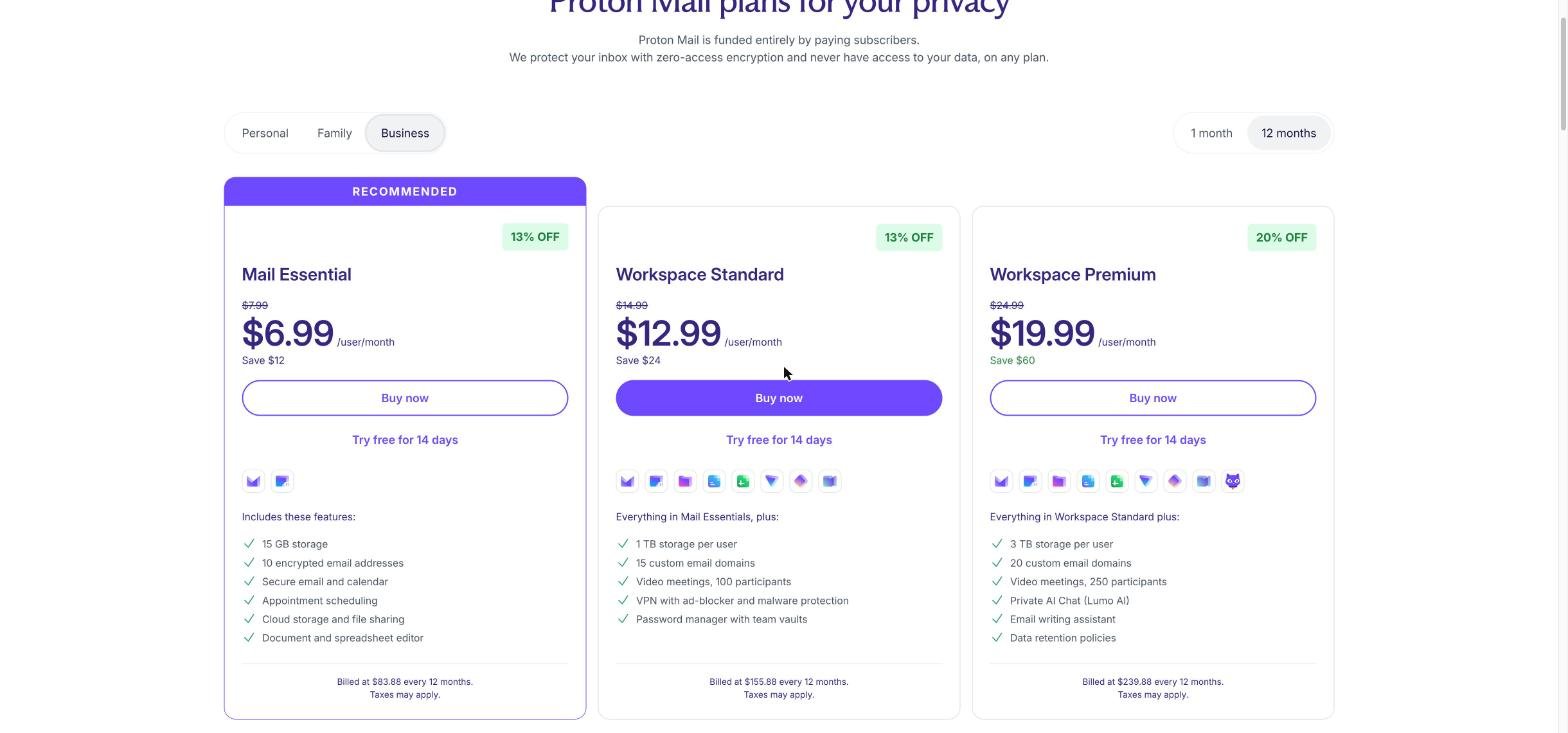
Mail Essentials sits on the Business tab. It is priced per user: $7.99 per user per month on monthly billing, or $6.99 per user per month on 12 months, billed at $83.88 a year. Unlike the personal plans, the business plans show a “Try free for 14 days” option.
For one user, Mail Essentials includes:
- 15 GB of storage per user
- 10 email addresses per user
- Support for 3 custom email domains
- Catch-all email address and automatic email forwarding
- Secure email and calendar, with 25 calendars per user
- Appointment scheduling with 1 booking page
- Cloud storage, file sharing, and the document and spreadsheet editor
Storage and the number of addresses are the same as Mail Plus. The main differences are three domains instead of one, per-user pricing that lets you add people, and the 14-day trial.
Mail Plus vs Mail Essentials for a solo freelancer
| Mail Plus | Mail Essentials | |
|---|---|---|
| Price, 12 months | $3.99/month ($47.88 first year) | $6.99/user/month ($83.88/year) |
| Price, monthly | $4.99/month | $7.99/user/month |
| Storage | 15 GB | 15 GB per user |
| Email addresses | 10 | 10 per user |
| Custom domains | 1 | 3 |
| Users | 1 | Per user, add as needed |
| Free trial | Not shown | 14 days |
On 12-month billing, the gap for one person is $36 a year ($83.88 minus $47.88). The question is whether you need what that $36 buys.
One thing to watch: Mail Plus says it is billed at $47.88 “for the first 12 months,” which tells me the first-year price is an introductory one. Check the renewal price at checkout before you compare the two plans over several years.
Which plan fits which kind of freelancer
Choose Mail Plus if you have one brand
Most freelancers work under one name: their own, or one studio name. If that is you, Mail Plus gives you one custom domain, ten addresses on it and everything else a solo inbox needs, at the lowest price. I would start here.
Choose Mail Essentials if you run more than one domain
Some freelancers run a personal portfolio domain plus a separate studio brand, or keep a domain for a side product. Mail Plus supports only one custom domain, while Mail Essentials supports three. If you need two or three domains in one inbox, Essentials is the cleaner fit. Proton Unlimited also supports 3 custom domains on the personal side, at $9.99 a month on 12 months, and adds the VPN, password manager and 500 GB of storage. If you would use those extras, it is worth comparing too.
Choose Mail Essentials if a helper might join
If you sometimes bring in a subcontractor or an assistant who needs their own address on your domain, a business plan priced per user is built for that. Mail Plus is a single-user plan.
Use the trial if you are unsure
Because the business plans include a 14-day free trial, Mail Essentials is the easier plan to test before you pay. You can set up your domain, move some mail over and see if the workflow suits you.
Moving your client email over
Switching email is the part freelancers dread, because a missed client message costs real money. Proton has two tools that make it less risky.
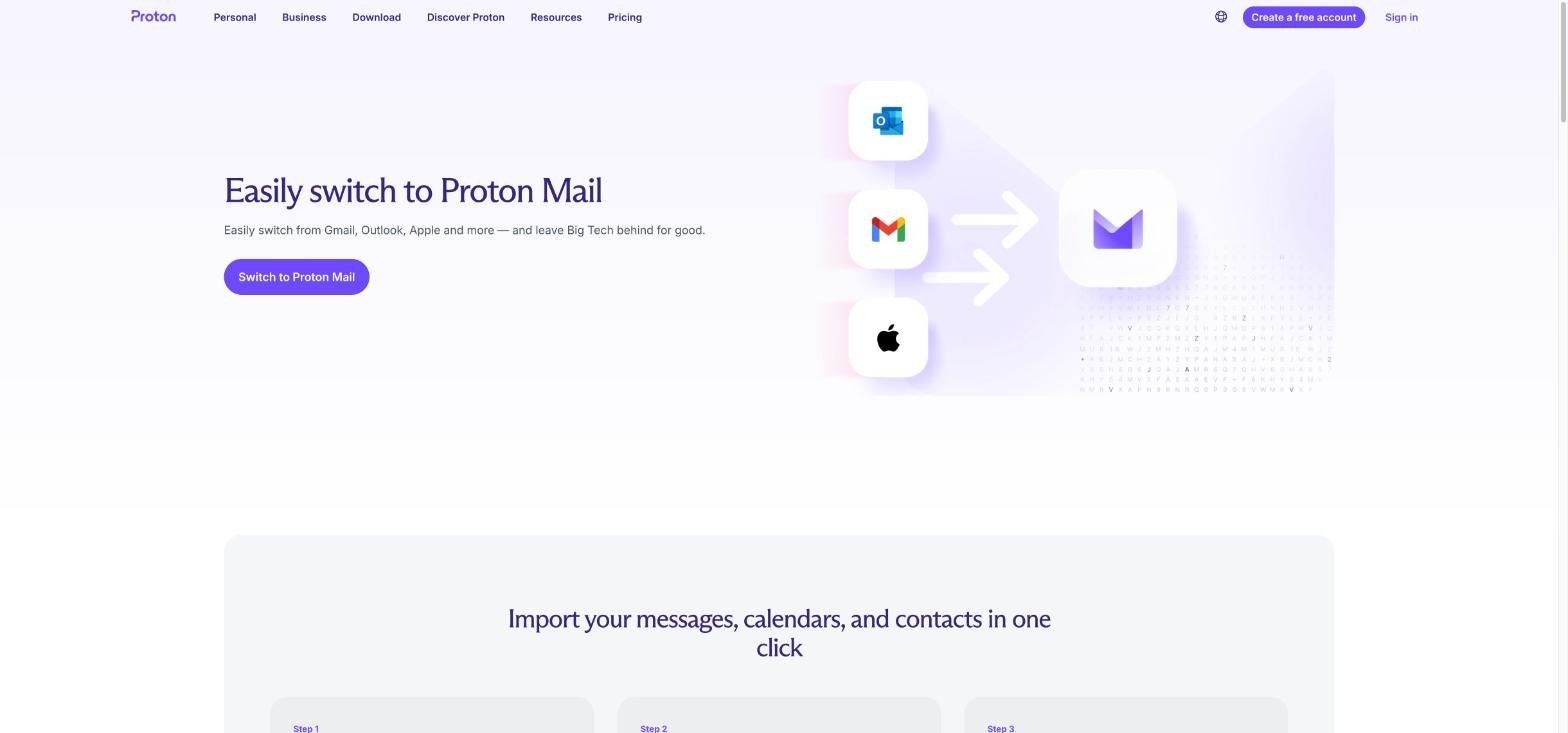
Easy Switch imports messages, calendars and contacts. Proton says you can connect a Gmail account for an automatic import and ongoing sync, or import your email history from Outlook, Yahoo, Apple and other providers. The ongoing sync from Gmail is useful during a transition, because messages that still arrive at your old address keep showing up while clients update their contacts.
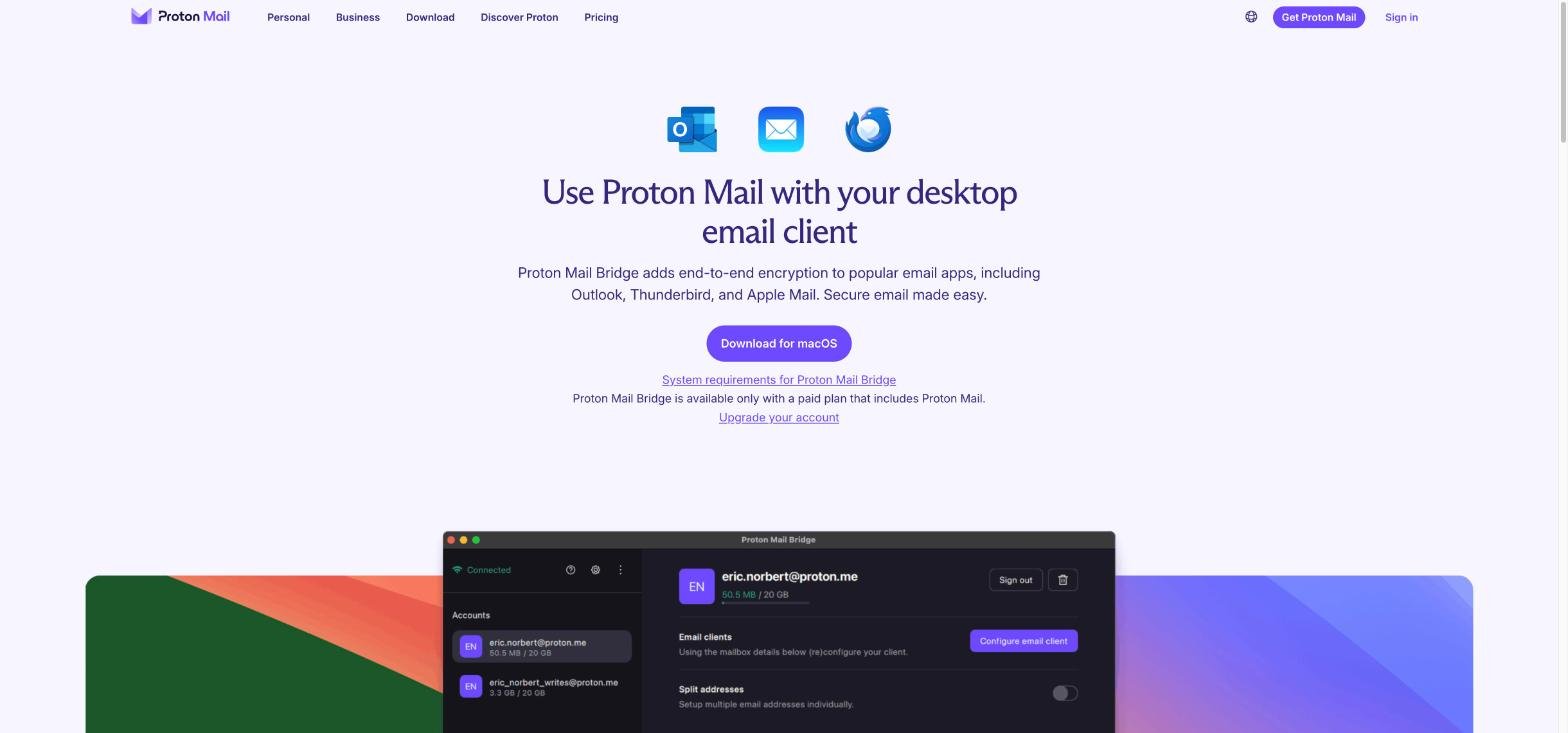
Proton Mail Bridge lets you keep using a desktop email app. It works with popular clients such as Microsoft Outlook, Apple Mail and Mozilla Thunderbird. Proton notes that Bridge is available only with a paid plan that includes Proton Mail, which is one more reason the free plan is not a long-term home for client work.
A simple order of work I would follow:
- Pick the plan and add your custom domain.
- Create the addresses you need, such as hello@ and invoices@, and turn on catch-all.
- Run Easy Switch to bring over your old messages, contacts and calendar.
- Set up Bridge if you prefer a desktop email app.
- Update your email signature, invoice template and website contact page with the new address.
- Keep the old account forwarding for a few months while clients catch up.
What Proton Mail does not replace
Proton Mail is an inbox, a calendar and some storage. It is not a full freelance back office. You will still want your own tools for proposals, invoicing and time tracking. And if your clients already live in Google tools, compare carefully before you switch; I wrote about Google Workspace for freelancers on one user with aliases, which is the most common alternative.
Attachments are capped at 25 MB on every plan in the comparison table. For large deliverables, send a share link from cloud storage instead. My guide to pCloud for freelancer file delivery covers one way to do that.
My verdict
For most freelancers, Mail Plus is the right starting plan: one custom domain, ten addresses, catch-all and Bridge support for $3.99 a month on 12-month billing. It covers a solo business under one name with room to spare.
Move to Mail Essentials when your work outgrows one domain or one person. Three domains and per-user pricing are what the extra $36 a year buys, along with a 14-day trial that makes it easy to test. Either way, the privacy is the same, so choose based on domains and people, not on security.
FAQ
Can I use my own domain with Proton Mail as a freelancer?
Yes, on a paid plan. Mail Plus supports 1 custom email domain, while Mail Essentials and Proton Unlimited each support 3. Proton Free does not support custom domains.
How much does Proton Mail Plus cost?
Proton’s pricing page lists Mail Plus at $4.99 per month on monthly billing, or $3.99 per month on a 12-month plan billed at $47.88 for the first year.
Is there a free trial of Proton Mail for business?
Yes. The business plans, including Mail Essentials, show a 14-day free trial on the pricing page.
Can I keep using Outlook or Apple Mail with Proton?
Yes, through Proton Mail Bridge, which works with clients such as Outlook, Apple Mail and Thunderbird. Bridge requires a paid plan that includes Proton Mail.
Can I move my Gmail to Proton Mail?
Yes. Easy Switch can import your messages, calendars and contacts, and for Gmail it offers an automatic import with ongoing sync.