If you freelance for more than one client, you probably live in more than one calendar. One client invites you into their Google Workspace, another books you through Outlook, and your own calendar holds the dentist, the school run and the work nobody else sees. Each calendar looks half empty on its own, so each client books into the gaps, and your deep-work hours disappear without anyone doing anything wrong. That is the problem I wanted to test Reclaim.ai against. Not “is this a good AI calendar”, but a narrower question: can it make three separate client calendars behave like one schedule, and defend the focused hours that billable work actually needs?
All plan details, prices and features below come from Reclaim’s own pricing and feature pages as they appear today. Reclaim is now part of Dropbox (the acquisition was announced in August 2024), and the site is branded Dropbox Reclaim, but the product and the reclaim.ai address remain.
The multi-calendar problem, stated plainly
Freelancers who work inside client organisations often get an account on the client’s own system. That is good for collaboration and bad for scheduling. Client A sees your calendar in their domain and nothing else. Client B sees theirs. Neither can see the four hours you promised Client C on Wednesday, so both are happy to book a “quick sync” right in the middle of it.
Most freelancers patch this by hand: copying events between calendars, adding fake “busy” blocks, or asking clients to check before booking. It works until a busy week, and then something gets double-booked. What I want from a tool is three things:
- Busy time from every calendar shows up as busy in every other calendar, without exposing private details.
- Focus time is protected on all calendars at once, not only on mine.
- When a meeting moves, the protected time moves with it instead of vanishing.
How Reclaim.ai handles it: Calendar Sync first
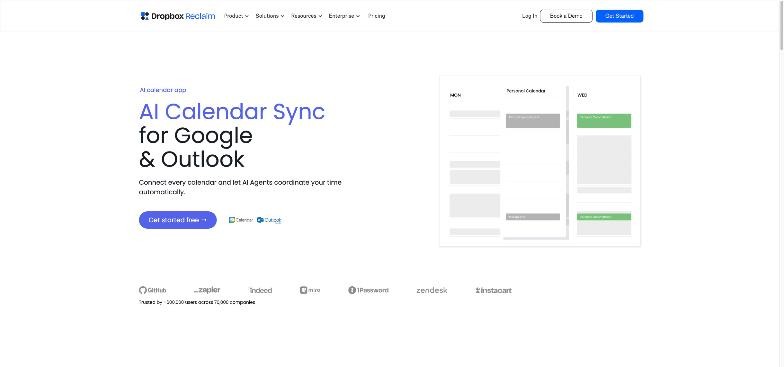
Reclaim’s Calendar Sync page describes the feature as bi-directional syncing between Google Calendar and Outlook Calendar, with control over how synced events appear, so you can block busy time and prevent double-booking across accounts. It also mentions personal event privacy controls and discreet visibility settings, which matter a lot when the calendar you are syncing into belongs to a client.
In practice, this is the foundation for everything else. Once Client A’s meetings appear as anonymous busy blocks in Client B’s calendar, the most common double-booking simply stops happening. The client sees “busy”, not “Strategy call with competitor’s marketing team”.
How I would set it up for three clients
- Pick one home calendar. Usually your own Google or Outlook account. This is where Reclaim plans your week.
- Sync each client calendar into the home calendar so you see everything in one place.
- Sync your home calendar back out to each client calendar as busy-only blocks, with titles hidden.
- Check each client’s policy before connecting their account to a third-party tool. Some organisations restrict calendar apps, and it is better to ask than to explain later.
The plan limit that decides the setup
This is the detail most reviews skip. On Reclaim’s pricing page, the free Lite plan includes one calendar sync, while Starter includes three calendar syncs and Business includes unlimited syncs. The feature comparison table also lists two connected calendars on Lite and unlimited connected calendars on the paid plans. For a freelancer with three client calendars plus a personal one, Lite will not cover the full setup. Starter is the realistic minimum, and if you regularly juggle four or more client calendars, look closely at Business.
Reclaim.ai pricing for a one-person business
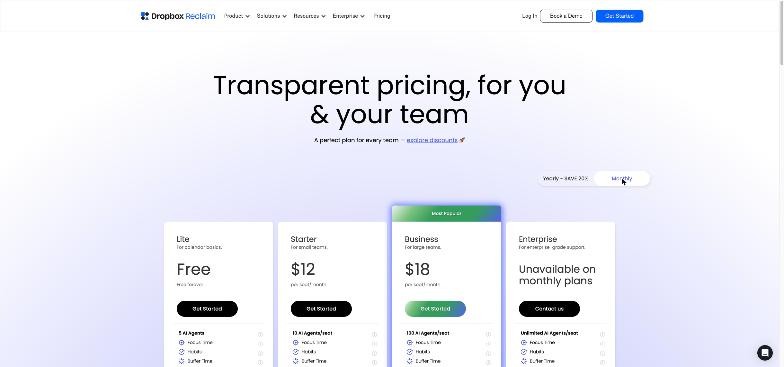
| Plan | Annual billing | Monthly billing | Key limits for freelancers |
|---|---|---|---|
| Lite | Free | Free | 5 AI agents, 1 user, 1-week scheduling range, 1 calendar sync, 1 scheduling link, limited integrations |
| Starter | $10 per seat/month | $12 per seat/month | 10 AI agents per seat, 8-week range, 3 calendar syncs, 3 scheduling links, unlimited integrations |
| Business | $15 per seat/month | $18 per seat/month | 100 AI agents per seat, 12-week range, unlimited syncs and links, webhooks |
| Enterprise | $22 per seat/month | Not offered monthly | For organisations over 100 seats |
Every plan, including Lite, lists Focus Time, Habits, Buffer Time, Smart Meetings and Meeting Quality. The differences that matter for a solo freelancer are the number of calendar syncs, the number of scheduling links and how far ahead Reclaim can plan. A one-week scheduling range on Lite is tight if you plan sprints or retainers two weeks out.
Because you pay per seat, a solo freelancer pays for one seat. On Starter, that is $120 a year on annual billing or $144 a year paying monthly. Compare that to the billable value of the hours it protects, not to the price of a calendar app.
Defending deep work across every client
Syncing stops double-booking. It does not, on its own, create time for actual work. That is the job of Focus Time.
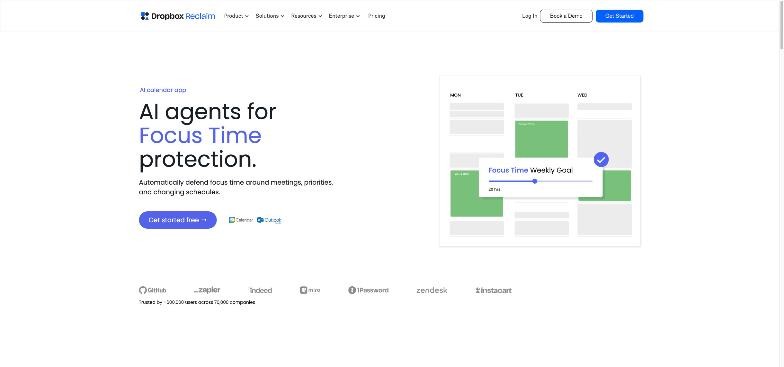
Reclaim’s Focus Time page says you tell it how much focus time you need each week, and its AI agent protects that time on your calendar. It lists proactive and reactive scheduling modes, automatic rescheduling when conflicts appear (PTO, meetings and so on), ideal session ranges, and an optional setting to auto-decline meetings during Focus Time.
The multi-client angle is where this becomes useful. When your focus blocks are synced out to every client calendar as busy time, all three clients see the same protected hours. You no longer have to defend Wednesday morning three times.
Proactive versus reactive for freelancers
Reclaim describes two modes. Proactive mode books focus time ahead, which suits freelancers whose clients schedule into any open slot. Reactive mode is gentler and suits weeks when client meetings drive everything. I would start proactive with a modest weekly goal, such as 10 to 12 hours, and adjust once you see how often clients push back.
Be careful with auto-decline
Auto-declining meetings during Focus Time is optional, and for freelancers I would leave it off at first. An automatic decline from your account lands in a client’s inbox, and not every client reads that as professional. Let the busy blocks do the work, and decline by hand when you need to.
Habits for the admin nobody pays for
Every freelancer has unbilled work that still has to happen: invoicing, proposals, bookkeeping, inbox zero, portfolio updates. Reclaim’s Habits are recurring blocks that it schedules flexibly inside windows you define and reschedules when conflicts appear. Its Habits page mentions more than 130 free habit templates, priority levels and custom rules.
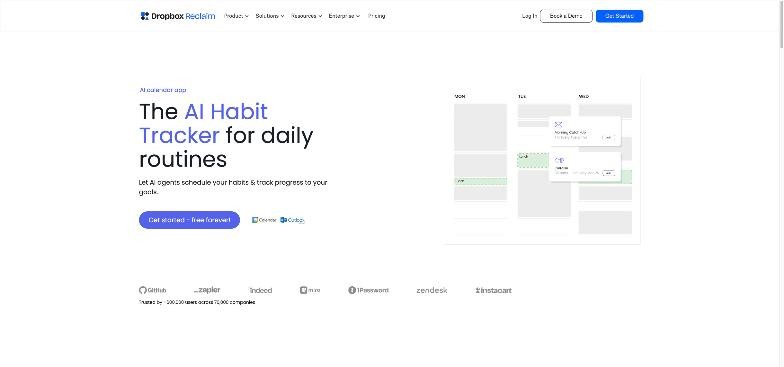
My suggested set for a freelancer: a weekly invoicing habit, a daily 30-minute inbox habit, and a weekly “pipeline” habit for proposals and follow-ups. Because these are flexible, they move around client meetings instead of being deleted the first time a client books over them. If you also track hours, a dedicated time tracker still helps; I compared one approach in my review of the Timing app for freelancers who never remember to start a timer.
Scheduling links that respect the protected time
The last piece is how clients and prospects book you. Reclaim’s Scheduling Links page lists high-priority links, one-off personalised links, flexible meeting lengths, custom rules and questions, target calendar support, and redirects, reminders and branding options. The key difference from a basic booking page is that Reclaim treats your focus blocks and habits as flexible priorities rather than fixed events, so it can offer availability without throwing away your planned work.
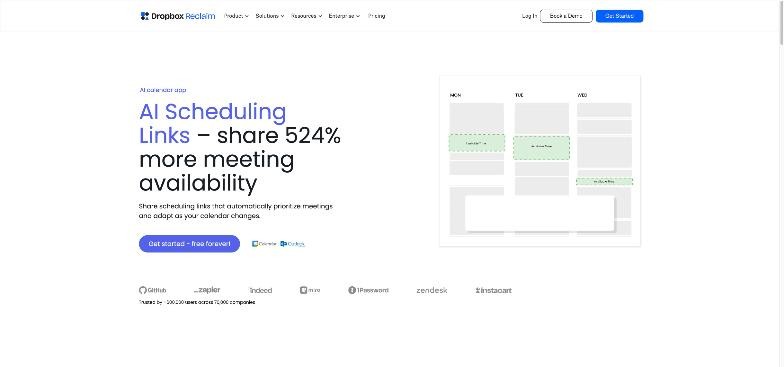
For freelancers, I would use one link per purpose rather than per client: a high-priority link for active clients, a standard link for discovery calls, and a one-off link for the occasional urgent request. Remember that Lite includes only one scheduling link and Starter three. If client-facing booking experience matters most to you, my reviews of SavvyCal from the client’s side of the link and Fantastical Openings for client calls cover booking tools that focus on that part of the job.
Where Reclaim.ai falls short for freelancers
- Client policies can block the setup. If a client does not allow third-party apps on their calendar, you cannot sync that account. You are back to manual busy blocks for that client.
- The free plan is too small for multi-client work. One calendar sync and a one-week horizon are fine for trying the product, not for running three clients.
- It plans time; it does not bill it. Reclaim lists task time tracking and timers, but it is not an invoicing or client-reporting tool. You will still need a time tracker or invoicing app for billable hours.
- Automation can feel opaque. Blocks move when conflicts appear. That is the point, but it takes a week or two to trust where your focus time will land.
- Calendar support is Google and Outlook. If a client runs another calendar system, check compatibility first.
Who should use Reclaim.ai, and who should not
A good fit: freelancers and consultants embedded in two or more client organisations, each with its own Google or Outlook calendar, who lose focus hours to meetings that clients book into apparent gaps. The Starter plan covers three calendar syncs, which matches a typical three-client setup.
Probably not a fit: freelancers who work from a single calendar and mostly book through one public link. In that case, a simpler booking tool plus manual focus blocks may be enough, and Reclaim’s main advantage, syncing busy time across calendars, goes unused.
Verdict
Reclaim.ai is strongest exactly where multi-client freelancers struggle: making separate calendars agree with each other and defending focus time across all of them. Calendar Sync stops the double-booking, Focus Time and Habits give your real work a place on the calendar, and Scheduling Links let clients book without trampling that plan. The free Lite plan is a fair trial, but the one-sync limit means most multi-client freelancers will need Starter at $10 per month billed annually, or $12 monthly. Check each client’s calendar policy before you connect anything, keep auto-decline off at first, and give the system two weeks before judging where your focus time lands.
FAQ
Is Reclaim.ai free?
Yes, there is a free Lite plan. It includes Focus Time, Habits, Buffer Time, Smart Meetings and Meeting Quality, but only one calendar sync, one scheduling link and a one-week scheduling range.
Can Reclaim.ai sync Google Calendar and Outlook?
Yes. Reclaim describes its Calendar Sync as bi-directional between Google Calendar and Outlook Calendar, with visibility and privacy controls for synced events.
How many calendars can I sync on each Reclaim plan?
According to the pricing page, Lite includes 1 calendar sync, Starter includes 3, and Business and Enterprise include unlimited syncs.
How much does Reclaim.ai cost for one freelancer?
Starter is $10 per seat per month billed annually or $12 billed monthly, and Business is $15 or $18. A solo freelancer pays for one seat.
Will clients see my other clients’ meetings?
Not if you set it up that way. Reclaim offers privacy and visibility controls so synced events can appear as busy time without their details.
Who owns Reclaim.ai?
Reclaim was acquired by Dropbox, announced in August 2024. The product is now branded Dropbox Reclaim and remains available at reclaim.ai.