Disclosure: some links on this page may be affiliate links. If you sign up through them I may earn a commission at no extra cost to you.
Most freelancers I know pay for a calendar app and, separately, for a booking tool. The calendar is where the week actually lives; the booking tool sits on top of it and hands clients a link. If you already use Fantastical, there is a question worth asking before your next booking-tool renewal: can Fantastical Openings, the booking-link feature built into the calendar, cover your client calls on its own? This guide looks at exactly that, using what Flexibits lists on its own pricing and Scheduling pages today.
I am not comparing every calendar app. The goal is narrower: map the client-call jobs a freelancer has (discovery calls, check-ins, group workshops, finding a time with a client’s team) to what Fantastical Scheduling offers, and decide where it is enough and where a dedicated scheduler still earns its fee.
What Fantastical Scheduling Includes
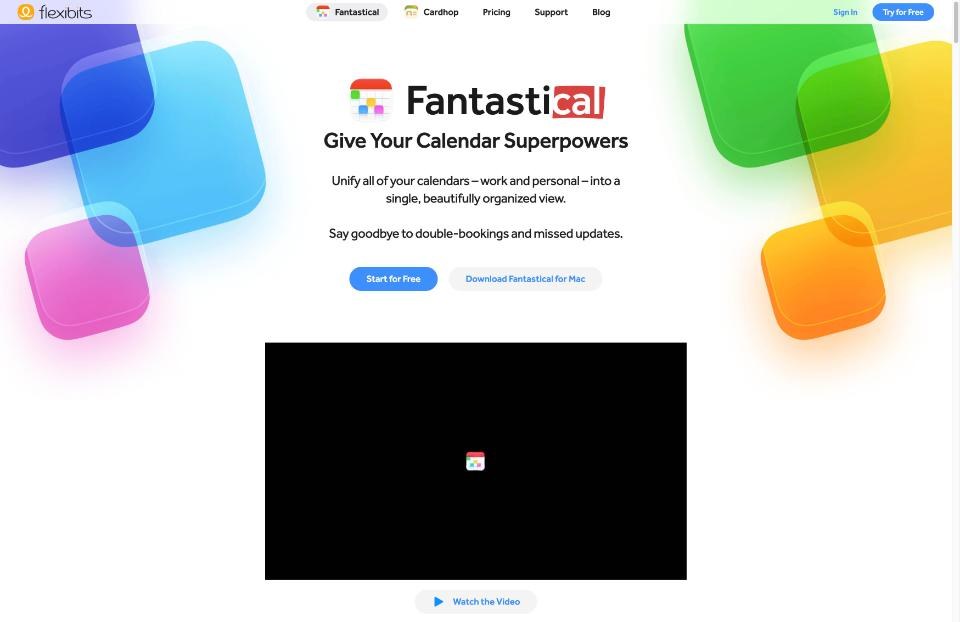
Flexibits groups its meeting features under the name Fantastical Scheduling. The Scheduling page lists three parts:
- RSVP – invite people to an event with yes, no and maybe responses, a limit on the number of participants, and registration deadlines.
- Openings – set the times you are available and share a link. The other person picks a date and time, and Openings automatically blocks out slots based on your existing calendar events.
- Proposals – when scheduling with several invitees, see their availability and send a proposal with multiple dates and times to choose from.
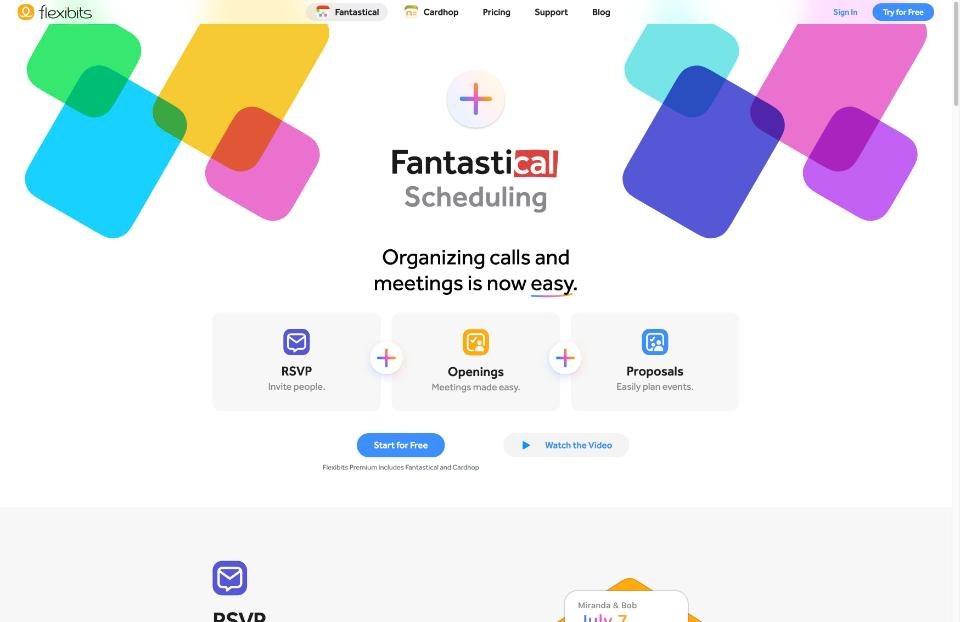
The key detail for freelancers is on the pricing page: Fantastical Scheduling is part of Flexibits Premium, not the free tier. The free version gives you Fantastical and Cardhop with a simple calendar that works with your existing calendars. Openings is a paid feature.
Flexibits Premium Pricing, Checked Today
| Plan | Billed annually | Billed monthly | Notes |
|---|---|---|---|
| Free | $0 | $0 | Fantastical and Cardhop, simple calendar, works with existing calendars |
| Individual | $4.75/month | $6.99/month | All Premium features, Fantastical Scheduling, priority support |
| Family | $7.50/month | $10.49/month | Up to 5 members |
| Team | $4.75/user/month | $6.99/user/month | Single Sign-On, Openings with multiple hosts |
Each paid plan lists a 14-day free trial. On annual billing, Individual works out to $57 a year; on monthly billing it is $83.88 a year.
Note that one subscription also unlocks Premium in Cardhop, Flexibits’ contacts app, across your devices. If you already pay for Fantastical Premium for the calendar itself, Openings costs you nothing extra. That is the real starting point for this decision.
Mapping Freelance Call Types to Fantastical Features
Here is how the common client situations line up:
| Situation | Fantastical feature | Fit |
|---|---|---|
| Discovery call with a new lead | Openings link | Good |
| Regular check-in with an existing client | Openings link or a direct invite | Good |
| Finding a time with three people on the client’s team | Proposals | Good |
| Small workshop or webinar with a seat limit | RSVP with participant limit and deadline | Good |
| Paid consultation booked and paid in one step | Not listed on the Scheduling page | Use a dedicated tool |
| Intake form with screening questions before the call | Not listed on the Scheduling page | Use a dedicated tool |
The last two rows are the honest dividing line. If your booking flow is “pick a time, get a video link,” Openings covers it. If your booking flow is a mini sales funnel with questions, payment or routing, a dedicated scheduler is still the better tool. I wrote about that heavier setup in Calendly for freelancers and client intake.
Setting Up Openings for Client Calls
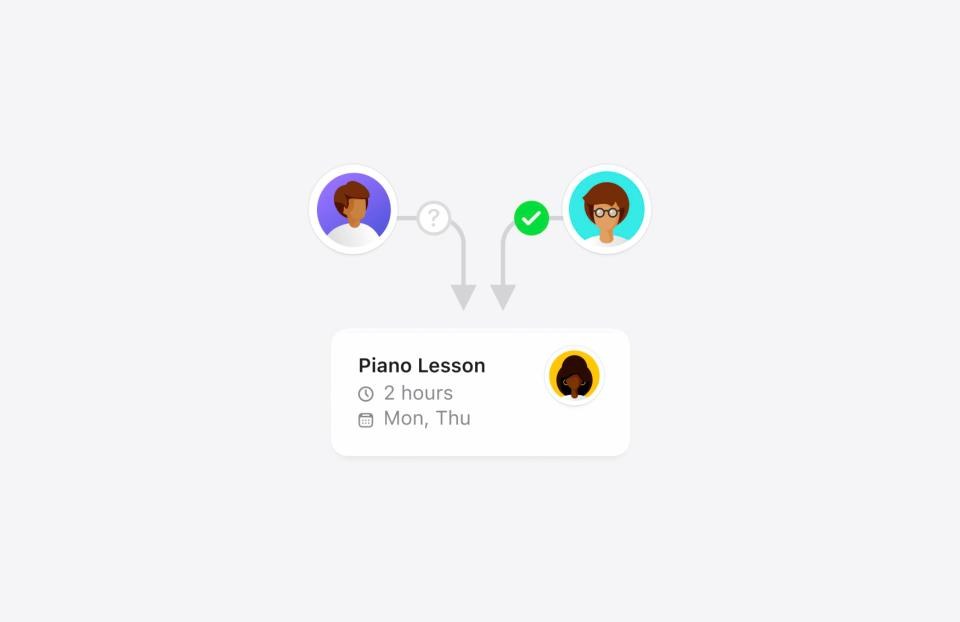
The Openings flow is simple by design: define when you are free, share the link, and the client picks a time.
Here is the setup I would use as a freelancer.
1. One Opening per call type
Create separate Openings for a 20-minute discovery call and a 45-minute client check-in. Different lengths need different rules, and separate links let you share the right one in each email.
2. Add break time and lead time
Flexibits lists two buffers. Break Time adds a breather before or after the meeting. Lead Time makes sure you have enough time before a meeting to prepare. For discovery calls I would use a generous lead time, so a stranger cannot book a call twenty minutes from now while you are deep in client work.

3. Limit how far ahead people can book
Openings can restrict availability to a set number of days in the future or to a specific date range. That is useful before a holiday, or when you only want new leads booking during a quiet stretch between projects.
4. Let Fantastical add the video link
According to the Scheduling page, Fantastical can automatically add a Google Meet, Zoom, Microsoft Teams or Webex call to events booked through Openings. You choose the service when you create the meeting template. If a client always uses Teams, make a separate template for that client.
5. Make the link easy to share
Flexibits lists an Openings keyboard for sharing your links quickly in Messages, Mail or any other app. For freelancers who reply to leads from a phone, that removes the “let me find my booking link” step.
Proposals for Client Teams
Openings is one-to-one. Client work often is not: a kickoff call with the founder, the marketing lead and their designer is where back-and-forth emails pile up. Proposals handles this case. When you schedule an event with invitees, Fantastical shows their availability and lets you send several date and time options in one proposal.
My rule of thumb: Openings for people outside your calendar world (new leads), Proposals for groups you are already working with. If two of you need to host a call together, the Team plan lists Openings with multiple hosts.
RSVP for Small Workshops
Some freelancers run occasional group sessions: a client team training, an onboarding workshop, an office-hours call. RSVP lets you set response types, cap the number of participants and set a registration deadline. It is not a webinar platform, but for a 10-person session with a client team it can replace a sign-up form.
Where Openings Falls Short
Being clear about this saves you from cancelling a tool you still need:
- Payments. If clients pay to book a session, I would keep a booking tool that handles payment in the same flow; I did not see it listed on Fantastical’s Scheduling page.
- Intake questions and routing. Screening leads with questions, or sending them to different calendars based on answers, is dedicated-scheduler territory.
- It is a Premium feature. If you were only going to use the free version of Fantastical, adding Premium just for Openings is a booking-tool purchase, and you should compare it like one. For a free option, see my notes on the Cal.com free plan for freelancer booking links.
The Cost Logic for Freelancers
The decision comes down to what you already pay for:
- Already on Flexibits Premium: try Openings for your simple call types before your booking tool renews. If it covers them, you can drop a subscription.
- On the free Fantastical tier and paying for a booking tool: Individual Premium at $57 a year on annual billing gets you Openings plus the full Premium calendar. Compare that against what your booking tool costs and what features you would lose.
- Getting apps through a bundle: check what your bundle already includes before adding another subscription. I went through that kind of audit in auditing a one-person Mac business against Setapp.
Beyond scheduling, Premium also adds things a busy freelancer will notice: full task support including iCloud Reminders and Todoist, forwarding emails into Fantastical, push sync, and a 10-day weather forecast instead of 3 days. Fantastical Scheduling is listed as working across Mac, iPhone, iPad, Apple Vision Pro, Windows PC and any web browser.
Privacy Notes
Flexibits describes Fantastical as privacy-first, keeping as much private data on your device as possible. It says your account password is stored securely in the Keychain on your device and never leaves it. For freelancers who handle client calendars under NDA, that approach is worth knowing about, but read the full privacy policy and Trust Center before you connect client accounts.
Pros and Cons
Pros
- Booking links live inside the calendar you already use; no separate dashboard.
- Openings blocks slots automatically from your existing events.
- Break Time, Lead Time and booking windows protect your focus time.
- Auto-adds Google Meet, Zoom, Teams or Webex links.
- Proposals and RSVP cover group calls and small workshops.
- One subscription also unlocks Cardhop Premium.
Cons
- Scheduling requires Flexibits Premium; it is not in the free tier.
- Payments and intake forms are not listed on the Scheduling page.
- Multi-host Openings needs the Team plan.
- Monthly billing costs noticeably more than annual.
Verdict
If you already pay for Fantastical Premium, Fantastical Openings is good enough for the simple half of client scheduling: discovery calls, check-ins, and finding a time with a client’s team. Set up one Opening per call type, add lead time, and let Fantastical attach the video link. Keep a dedicated booking tool only if you take payments or need intake questions. If you are on the free tier, treat Premium as a booking-tool purchase and compare it on that basis; at $57 a year on annual billing it is competitive for freelancers whose booking needs are simple.
Try Fantastical with the 14-day Premium trial
FAQ
Is Fantastical Openings free?
No. Fantastical Scheduling, which includes Openings, is part of Flexibits Premium. The free tier includes a simple calendar that works with your existing calendars.
How much does Flexibits Premium cost?
Flexibits lists Individual at $4.75 per month billed annually or $6.99 billed monthly, Family at $7.50 per month annually or $10.49 monthly for up to 5 members, and Team at $4.75 per user per month annually or $6.99 monthly.
Does Openings add a video call link automatically?
Yes. Flexibits says Fantastical can add a Google Meet, Zoom, Microsoft Teams or Webex call to events booked through Openings, based on the meeting template.
Can two people host the same Opening?
Openings with multiple hosts is listed as a Team plan feature.
Is there a free trial?
Each paid Flexibits Premium plan lists a 14-day free trial.
Does Fantastical work on Windows?
Flexibits lists Fantastical Scheduling as working on Mac, iPhone, iPad, Apple Vision Pro, Windows PC and in any web browser.