Disclosure: some links on this page may be affiliate links. If you buy through them I may earn a commission at no extra cost to you. Prices below were checked on Indy’s official pricing page today.
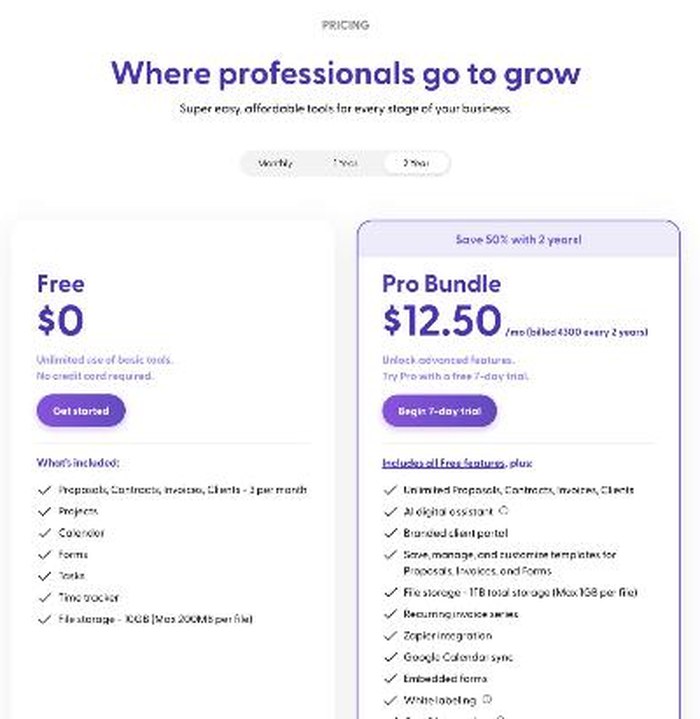
Indy sells one paid plan, Indy Pro, but it sells it on three billing terms: monthly, one year upfront, or two years upfront at half the monthly rate. The two-year price is the one Indy promotes, and it looks like an easy win. There is a catch that matters more for freelancers than for most software buyers: Indy gives you a 7-day free trial, and once the paid subscription begins, its pricing FAQ says the charges are non-refundable.
So the real question is not whether Indy Pro is good value. It is how long you are confident you will keep using it, and what you need to prove during one trial week before you commit to a term. This article does the break-even math for each term, shows which kinds of freelancers outgrow the free plan in the first place, and gives you a checklist for the trial week.
What Indy Is, Briefly
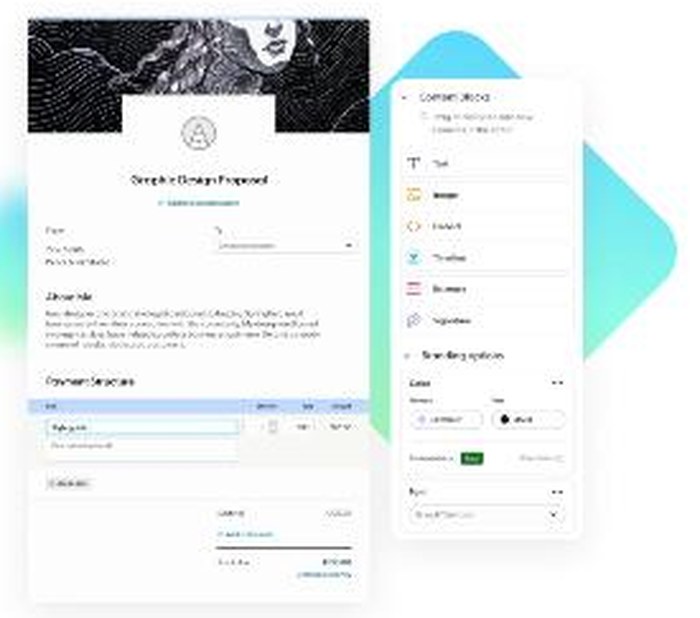
Indy is an all-in-one workspace for freelancers and independent businesses. The product menu lists proposals, contracts, invoices, project portals, forms, files, tasks, a calendar and a time tracker. The idea is that one client relationship can live in one place: you send a proposal, get a contract signed, invoice for a deposit, track your hours and bill the final amount without copying details between apps.
A few connections between the tools are what make Indy more than a bundle of separate apps:
- An estimate inside a proposal can convert into an invoice automatically when the client accepts it.
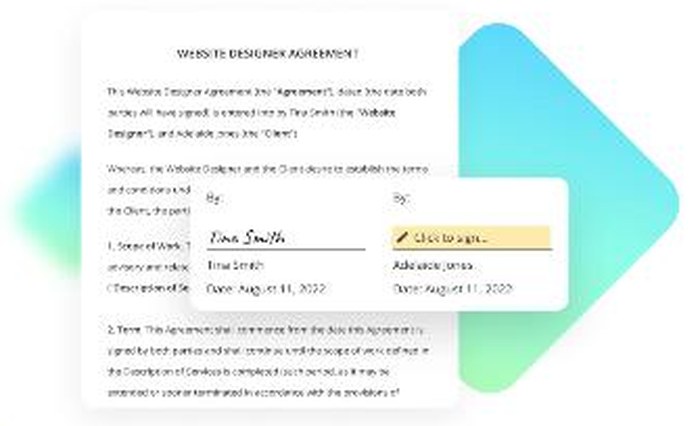
- Contracts include e-signatures, and your client does not need an Indy account to sign.
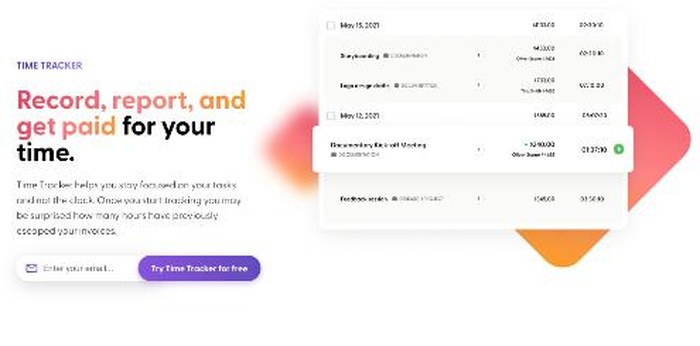
- Hours recorded in the time tracker can be added to invoices as line items.
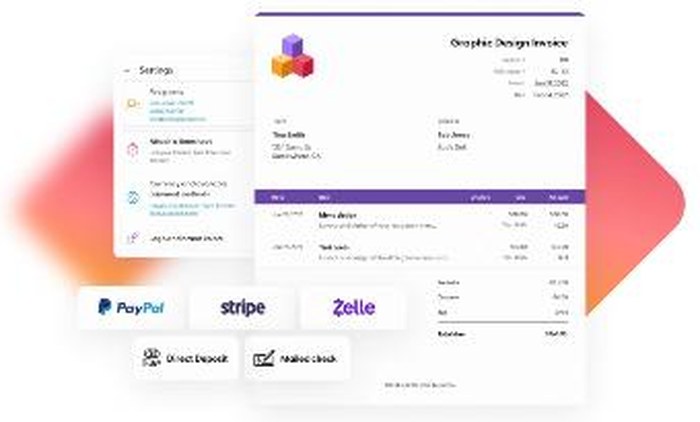
- Invoices can be paid online through Stripe or PayPal, with Zelle, wire transfer, direct deposit and mailed checks available as offline options.
If you are comparing Indy with other all-in-one freelancer apps, I have looked at two of them from different angles: Moxie as a freelancer’s front desk and an app-by-app audit of Plutio.
Indy Pro Pricing, Checked Today
| Plan and term | Price shown | What you pay upfront |
|---|---|---|
| Free | $0 | Nothing, no card required |
| Indy Pro, monthly | $25.00/month | $25 each month |
| Indy Pro, 1 year | $18.75/month | $225 every year (save 25%) |
| Indy Pro, 2 years | $12.50/month | $300 every 2 years (save 50%) |
The Free plan includes proposals, contracts, invoices and clients with a limit of 3 per month, plus projects, calendar, forms, tasks, the time tracker and 10GB of file storage with a 200MB per-file cap. Indy’s FAQ adds that the free CRM holds up to 3 clients and that the monthly limits do not roll over.
Indy Pro removes those limits and adds the AI digital assistant for writing contracts and proposals, a branded client portal, saved templates for proposals, invoices and forms, 1TB of storage with a 1GB per-file cap, recurring invoice series, a Zapier integration, Google Calendar sync, embedded forms, white labeling, a Gmail integration and live chat support.
Who Actually Needs Indy Pro
The 3-per-month limit sounds generous until you count documents rather than clients. Two common freelance setups cross it quickly.
Project work with deposits
Indy’s own proposal page suggests that after a proposal is approved you create a project, send the contract and send an invoice for the deposit. If you work that way, every new project generates one proposal, one contract and at least two invoices: the deposit and the final balance. Two new projects in a month means four invoices, which is already over the free limit. Even one project with a deposit, a milestone and a final invoice uses all three.
Retainers billed monthly
If you bill four retainer clients every month, you need four invoices a month on the free plan, which is over the limit, and the 3-client cap in the free CRM gets in the way too. Recurring invoice series, the feature that sends those invoices automatically, is listed as a Pro feature.
If you take one small project at a time and send a single invoice at the end, the free plan can carry you for a while. For most working freelancers, though, Pro is the realistic plan, and the billing term becomes the real decision.
The Break-Even Math for Each Billing Term
Here is the arithmetic, using only the three prices above. The question is how many months you will actually keep paying for Indy Pro.
Monthly versus one year
One year costs $225. At $25 a month, that is the same as 9 months of monthly billing ($225 ÷ $25 = 9). If you expect to use Indy Pro for 9 months or more of the next 12, the annual term is cheaper. If there is a real chance you will switch tools within 8 months, monthly is the safer choice.
Monthly versus two years
Two years costs $300, the same as 12 months of monthly billing. If you will use Pro for more than a year, the two-year term beats paying monthly.
One year versus two years
This is the comparison most people get wrong. Two consecutive annual terms cost $450 for 24 months, so the two-year term saves $150 if you use the full two years. But compare it against one annual term plus monthly billing afterwards:
- 12 months: annual $225 versus two-year $300. Annual is cheaper by $75.
- 15 months: annual plus 3 months of monthly = $225 + $75 = $300. Equal.
- 18 months: $225 + $150 = $375 versus $300. Two-year is cheaper by $75.
- 24 months: $225 + $300 = $525, or two annual terms at $450, versus $300.
The rule of thumb: the two-year prepay only pays off if you are confident you will still be using Indy in month 16. If you cannot say that today, take the one-year term.
| How long you keep Indy Pro | Cheapest term | Cost |
|---|---|---|
| Up to 8 months | Monthly | $25 × months used |
| 9 to 12 months | 1 year | $225 |
| 13 to 14 months | 1 year, then monthly | $250 to $275 |
| 15 months | Tie | $300 |
| 16 to 24 months | 2 years | $300 |
Payment Fees Are Separate From the Subscription
Indy’s help center says Indy does not charge any processing fees on invoices. Fees for online payments are taken by the payment processor, Stripe or PayPal, not by Indy. Offline options such as Zelle, wire transfers and mailed checks are not integrated: your client gets your payment details and pays through their own bank, and you mark the invoice as paid.
That matters for the break-even math only in one way: whatever term you choose, your payment costs depend on your processor, not on Indy. Do not let a fee comparison push you toward a longer prepay.
What to Prove in the 7-Day Trial Before You Prepay
Because charges are non-refundable once the paid subscription starts, the trial week is your only safety net. I would use it to run one real client through Indy, not to click around the demo. Here is the checklist I would follow.
Day 1: Rebuild your proposal
Recreate your usual proposal in the drag-and-drop builder with your logo, brand color and font, and add an estimate. Check that the estimate is set to convert to an invoice on acceptance, since that automation is a big part of the time saving.
Day 2: Load your own contract
Indy lets you paste your existing contract into the editor, and it adds an e-signature section automatically. If a lawyer wrote your contract, test that path rather than relying on a template. Send it to yourself at a second email address to see what the client sees when signing without an account.
Day 3: Connect payments and send a test invoice
Connect Stripe or PayPal and send an invoice to yourself with a deposit request, a tax line and a late fee. Pay it and confirm the invoice updates automatically as paid.
Day 4: Track time and bill it
Run the time tracker on a real task and add those hours to an invoice as line items. If you bill hourly, this is the feature that decides whether Indy can replace a separate time tracker.
Day 5: Test the Pro-only pieces you are paying for
Set up a recurring invoice series if you have retainers, turn on white labeling, and try the branded client portal. If you would not use any of the Pro features beyond unlimited documents, keep that in mind when choosing a term.
Days 6 and 7: Run a real client through it
Send one real proposal or contract to a client who is happy to try something new. The client’s experience is the part you cannot fully test on your own.
Where Indy Is Not the Right Fit
- You need accounting, not invoicing. Indy covers invoices and payments, but it is not presented as bookkeeping or tax software. You will still need an accounting tool or an accountant.
- Your clients insist on their own systems. If clients send you their contracts and pay through their procurement portals, much of Indy’s value disappears.
- You are unsure about the next year. A non-refundable prepay is a poor fit if you might go back to full-time employment or change how you work. Pay monthly until you know.
Pros and Cons
Pros
- Proposals, contracts, invoices, time tracking and projects in one app
- Estimates can turn into invoices automatically on acceptance
- Clients sign contracts without creating an account
- No Indy processing fees on invoice payments
- Pro is inexpensive on the two-year term at $12.50 a month
Cons
- Free plan limited to 3 proposals, contracts, invoices and clients per month
- Only a 7-day trial, and paid charges are non-refundable
- The cheapest rate requires $300 upfront for two years
- Recurring invoices, white labeling and Zapier are Pro-only
Verdict
Indy Pro is good value for freelancers who send proposals, contracts and invoices every month, and most working freelancers will outgrow the free plan quickly once deposit invoices are counted. The billing term is where you can save or waste money. Pay monthly if you might leave within 8 months, take the one-year term if you are confident for a year, and only prepay two years if you expect to still be using Indy in month 16. Use the 7-day trial to prove the full client workflow first, because after that there are no refunds.
Start Indy’s 7-day Pro trial on the official site
FAQ
How much does Indy Pro cost?
Indy Pro costs $25 a month on monthly billing, $18.75 a month billed $225 a year, or $12.50 a month billed $300 every two years, according to Indy’s pricing page.
Is Indy free?
Yes. Indy’s Free plan costs $0 and includes proposals, contracts, invoices and clients with a limit of 3 per month, plus projects, calendar, forms, tasks, the time tracker and 10GB of storage.
Does Indy offer refunds?
Indy offers a 7-day free trial of Pro. Its pricing FAQ says that once the paid subscription begins, subscription charges are non-refundable.
Does Indy take a fee when clients pay invoices?
No. Indy says it does not charge processing fees. Stripe or PayPal fees still apply when clients pay online.
Is the two-year Indy Pro plan worth it?
Only if you will keep using Indy for more than about 15 months. Below that, one annual term followed by monthly billing costs the same or less.